Desktop Icons Blink and Refresh Constantly
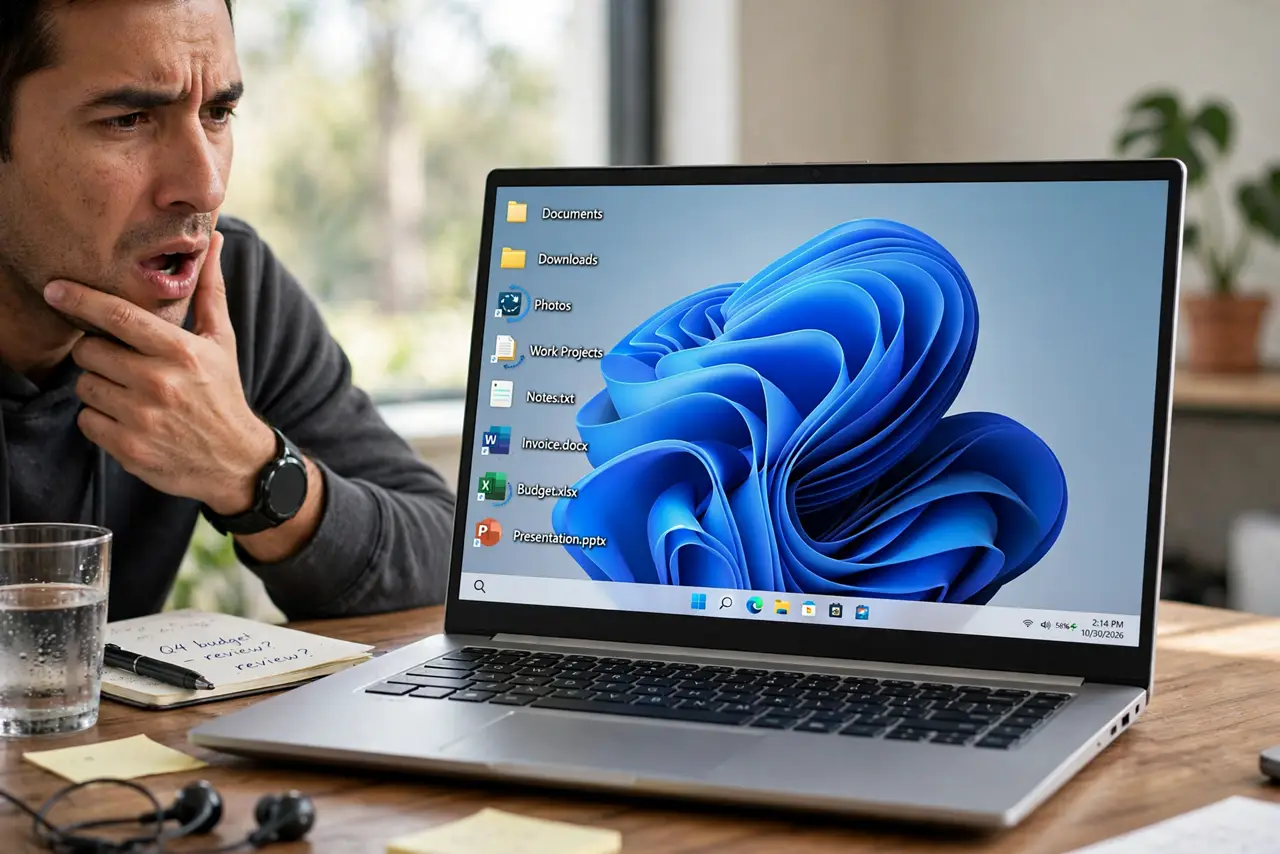
Your desktop icons blink, vanish, and reappear every few seconds like the screen is refreshing itself — and it is. Windows Explorer is crashing and restarting in a loop, usually because of a bad shell extension, a corrupted icon cache, or a misbehaving cloud sync overlay. This guide stops the loop.
TL;DR / Quick Fix
Quick fix: restart Windows Explorer from Task Manager for immediate relief. Then disable third-party shell extensions and pause cloud sync overlays to find the trigger. Rebuild the icon cache if icons still redraw wrong after the loop stops completely for good.
Follow these steps
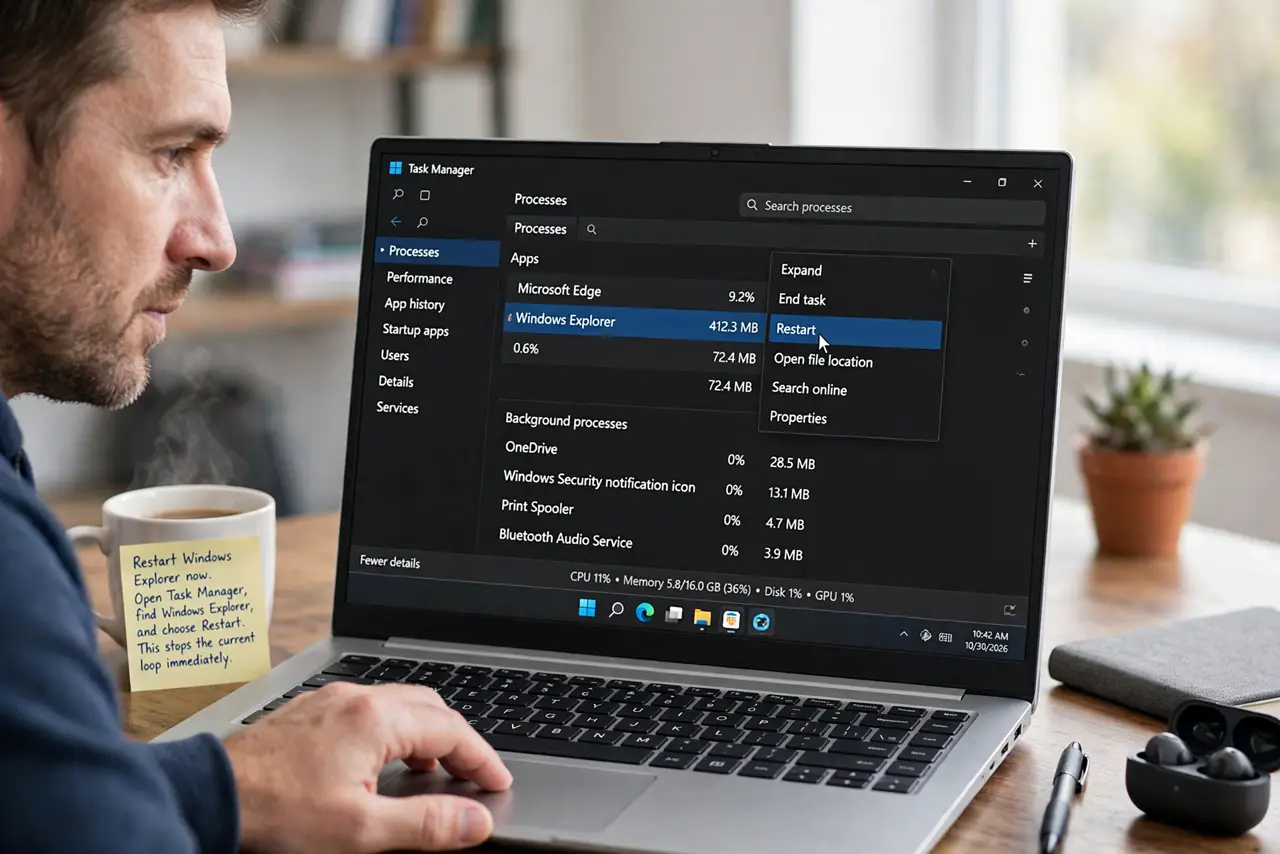
- Restart Windows Explorer now. Open Task Manager, find Windows Explorer, and choose Restart. This stops the current loop immediately and tells you the loop is real — if blinking resumes, a trigger remains.
- Boot into Safe Mode to test. Restart into Safe Mode. If the blinking stops there, a third-party extension or driver causes it, since Safe Mode loads neither.
- Disable shell extensions. Use a shell extension manager to disable non-Microsoft context menu extensions in groups. Re-enable groups one at a time until the blinking returns — the last group holds the culprit.
- Pause cloud sync overlays. Pause OneDrive, Dropbox, or similar sync clients temporarily. Their icon overlays hook into Explorer, and a stuck sync can drive the refresh loop.
- Rebuild the icon cache. Delete the icon cache database and restart Explorer so Windows rebuilds it. A corrupted cache makes icons redraw endlessly even after the real cause is gone.
- Check for a stuck notification app. Some apps with taskbar badges refresh Explorer when their badge updates rapidly. Quit messaging and monitoring apps one by one as a final check.
What NOT to do
- Do not reinstall Windows over a refresh loop. The cause is nearly always a shell extension or overlay a reinstall would just bring back.
- Do not disable all Microsoft shell extensions. Disabling system extensions breaks the desktop worse than the blinking does.
- Do not delete files while icons blink. A misclick during a refresh can land on the wrong icon and delete something unintended.
- Do not ignore it for weeks. Every Explorer restart risks interrupting a file operation in progress.
Frequently asked questions
Why do my desktop icons keep refreshing?
Windows Explorer is crashing and restarting, usually from a bad third-party shell extension or a stuck cloud sync overlay.
Is the blinking a virus?
Almost never. It is a software conflict in Explorer, not malware — though a malware scan never hurts as a sanity check.
Will rebuilding the icon cache delete my icons?
No. It only clears the thumbnail database; Windows rebuilds it and your icons and files stay untouched.