Dictation Punctuation Commands
Voice dictation is magical until you read back a paragraph with no periods in it. Windows dictation inserts punctuation when you say the commands aloud — period, comma, new paragraph — but only if you know the exact words. This is the short list that covers nearly everything.
TL;DR / Quick Fix
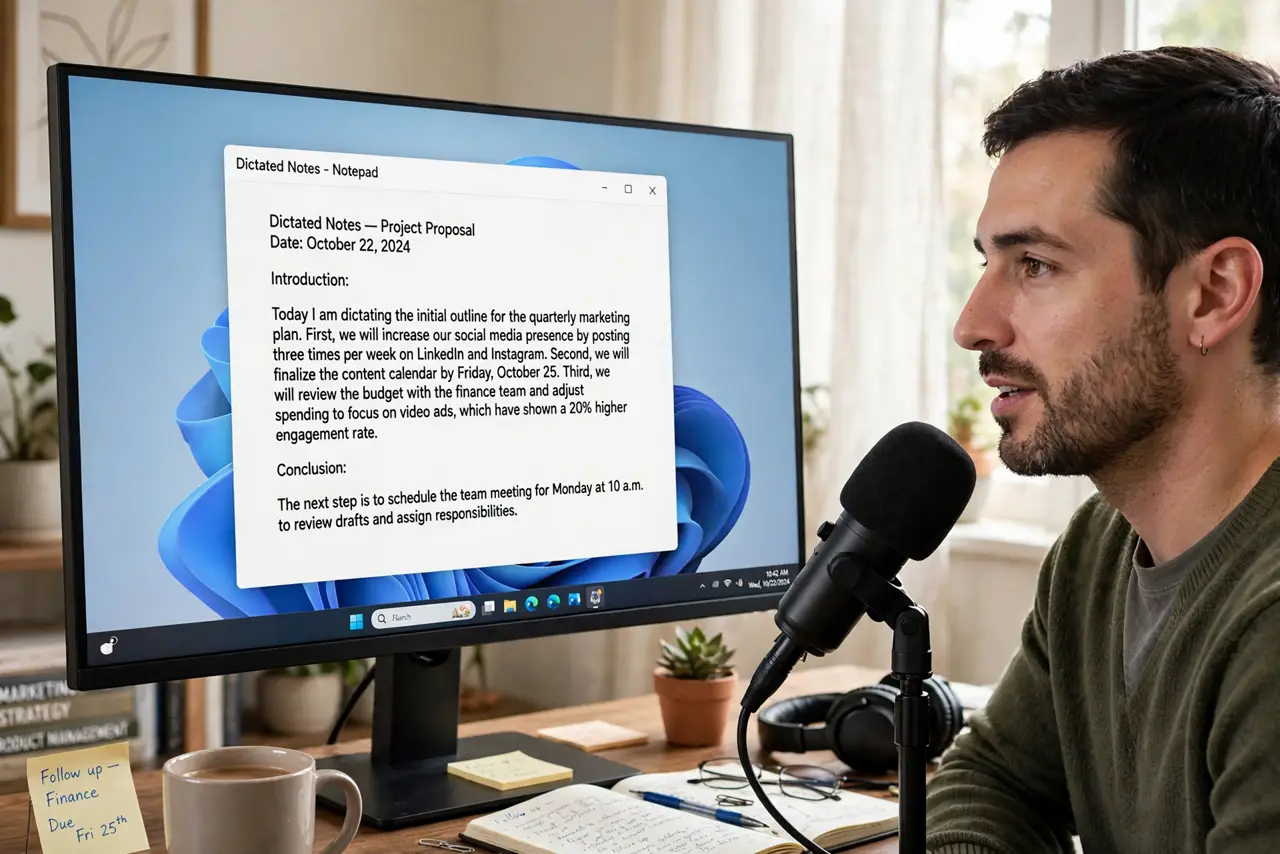
Quick fix: press Win+H, start talking, and say punctuation aloud — period, comma, question mark, new line, new paragraph. Windows inserts the marks as you speak. Speak commands clearly and pause slightly before them. It works in any text field, online or in apps.
Follow these steps
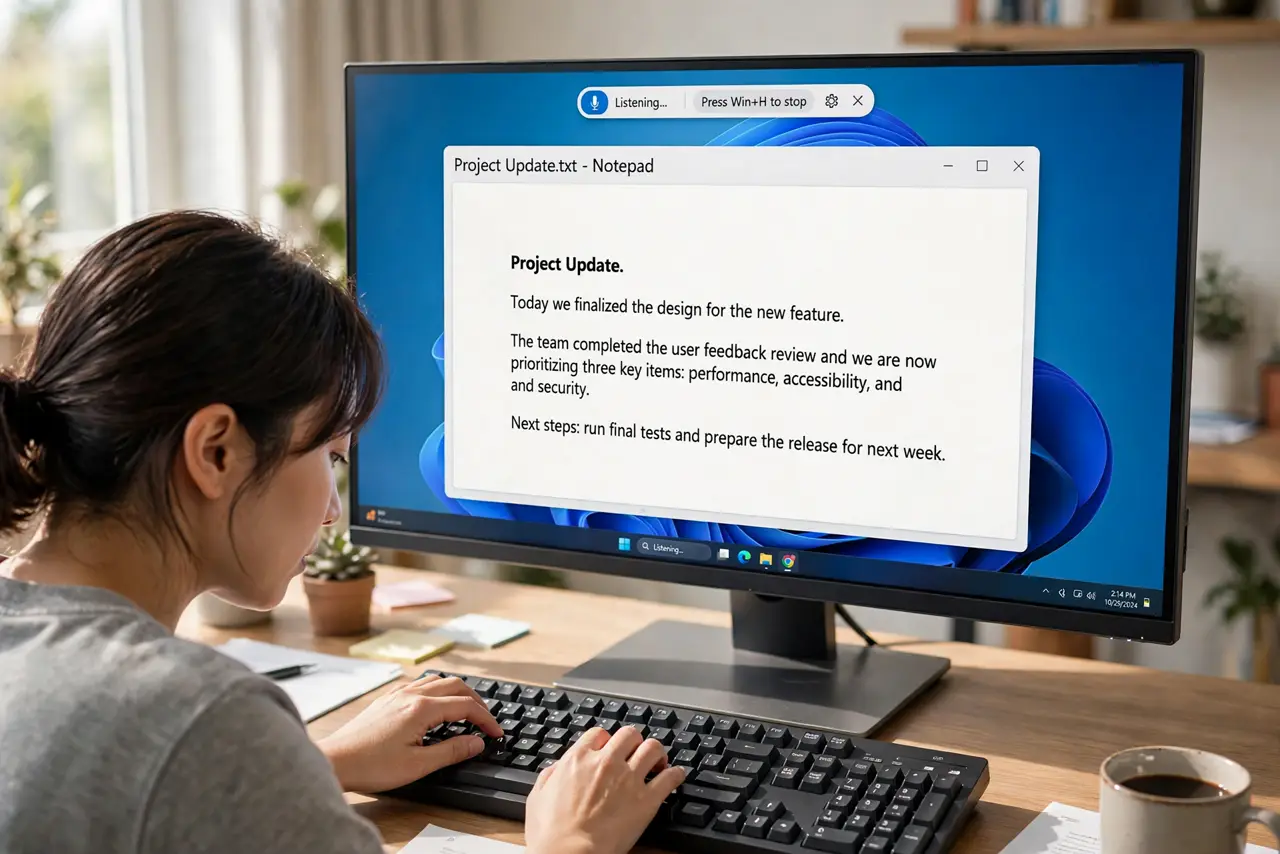
- Start dictation. Press Windows key + H. A small microphone toolbar appears — that is your cue that Windows is listening.
- Say the basics aloud. Say period, comma, question mark, or exclamation point where you want them. Dictation inserts the mark instead of the word when it hears a clear command.
- Control the layout. Say new line to break the line, new paragraph to skip one. These two commands alone make dictated text readable.
- Pause slightly before commands. A tiny beat between your sentence and the word period helps Windows hear it as a command rather than dictation.
- Check the auto-punctuation option. Settings > Accessibility > Speech, or the dictation toolbar settings, may offer automatic punctuation — handy for drafts, though manual commands stay more precise.
- Stop cleanly. Press Win+H again or click the microphone. Leaving dictation running invites it to transcribe your side conversations.
What NOT to do
- Do not mumble the commands. A swallowed period becomes the literal word period in your text.
- Do not dictate passwords or sensitive data aloud in public. Dictation is convenient; a coffee shop is not private.
- Do not expect perfect homophones. Their, there, and they're still need a human eye afterward.
- Do not confuse dictation with Narrator. Dictation types what you say; Narrator reads the screen aloud — opposite jobs.
Frequently asked questions
Why did it type the word period instead of a dot?
Windows heard it as dictation, not a command. Pause a beat before the word and say it crisply — the pause is what marks it as a command.
Does dictation work offline?
Basic dictation needs an internet connection on most setups, since recognition happens in the cloud. Check your language pack if it refuses to start.
Can it capitalize automatically?
It capitalizes after periods reasonably well, and auto-punctuation settings help. Proper nouns still deserve a manual check.