Check Passwords for Leaks
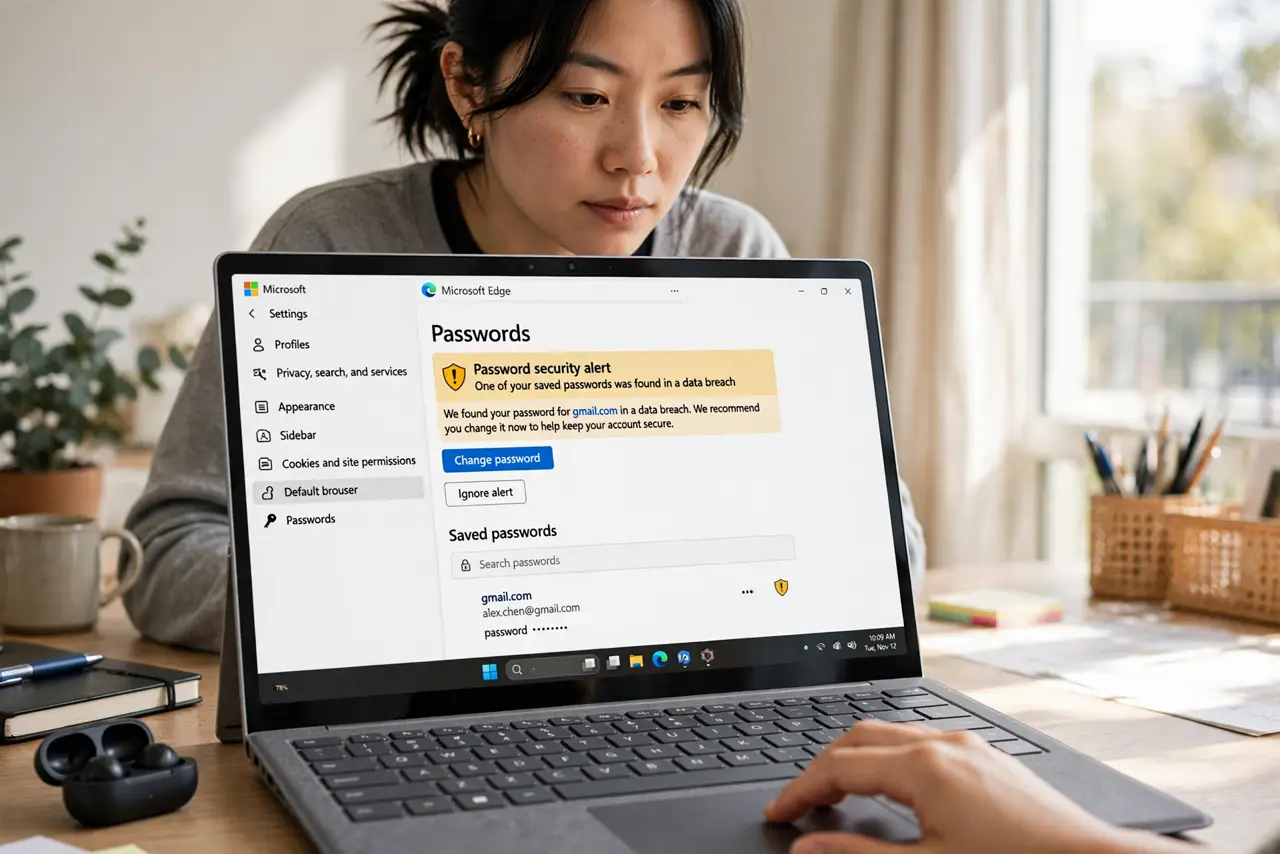
You reused the same password on a dozen sites because remembering unique ones felt impossible — and now one of those sites got breached. Microsoft Edge has a Password Monitor that watches your saved passwords and warns you when one shows up in a known breach. It is not a full password manager, but it is a free early-warning system. Here is how to use it and what to do when it alerts.
TL;DR / Quick Fix
Quick fix: Edge watches saved passwords and warns you when one appears in a known breach — check it under Settings, then Privacy, then Password Monitor. When it flags one, change that password everywhere you reused it. Better yet, move to a dedicated password manager for stronger protection.
Follow these steps
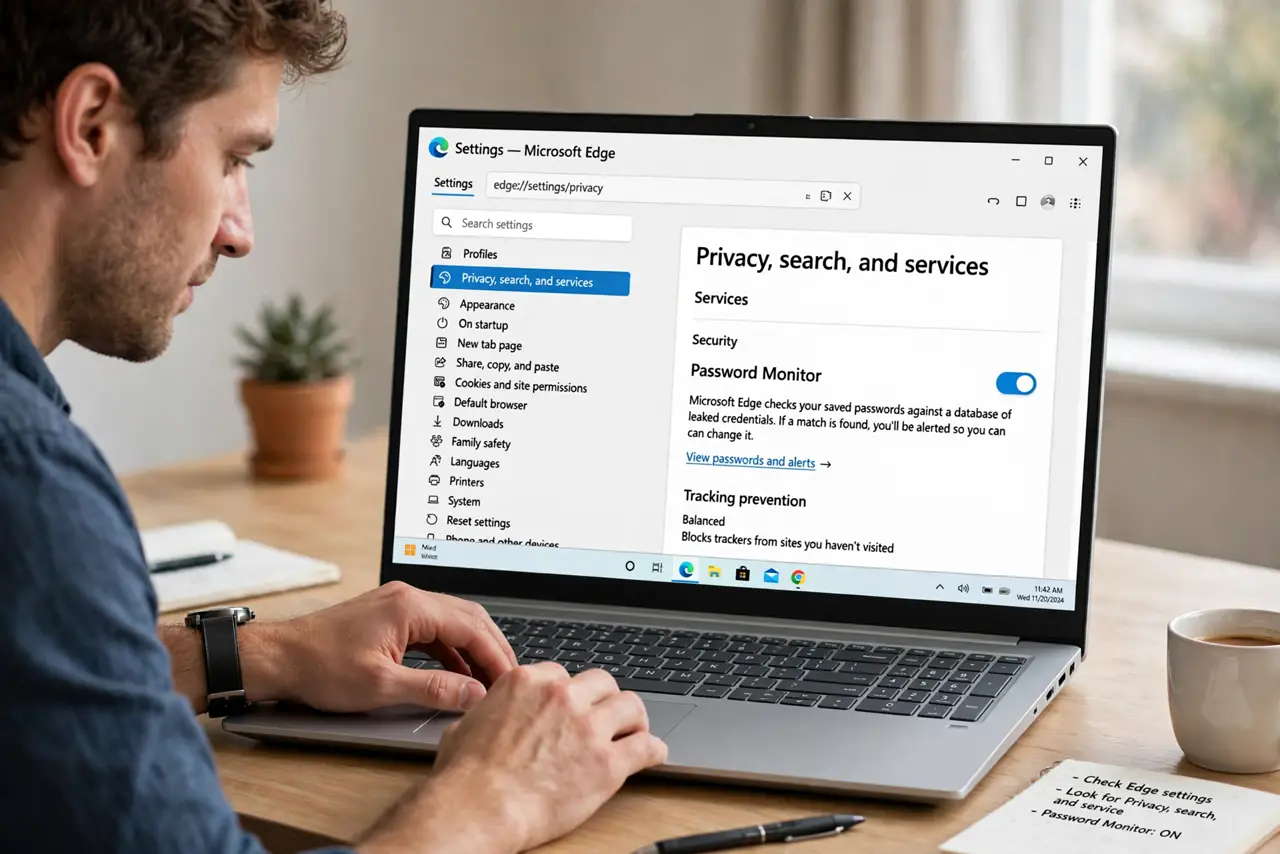
- Find Password Monitor. Open Edge Settings, go to Privacy, search, and services, and look for Password Monitor (sometimes under the Wallet or passwords section in newer versions). This is your breach early-warning dashboard.
- Turn it on and run a scan. Enable monitoring if it is off, then let it check your saved passwords against known breach databases. The scan is quick and only flags matches — Edge states it does not expose your actual passwords in the process.
- Act on every alert. A flagged password is compromised — change it on that site immediately, then change it everywhere else you reused it. Reuse is what turns one breach into many; the alert is only useful if you break the reuse.
- Turn on two-factor where it matters. For email, banking, and anything flagged, enable two-factor authentication. A leaked password plus an active second factor is a blocked attack, not a breach.
- Consider the real fix: a password manager. Edge's monitor is a smoke alarm; a dedicated password manager is fire prevention — unique passwords everywhere so one breach can never cascade. Import your Edge passwords and let it generate new ones.
- Check breaches proactively too. Do not wait for alerts. Periodically run your email through a breach-checking service — Password Monitor only knows about passwords saved in Edge.
What NOT to do
- Do not ignore a Password Monitor alert. A flagged password is already in criminals' hands — 'I will change it later' is exactly the window they use.
- Do not change only the flagged site. If that password was reused anywhere, every reuse is compromised too — the alert names one site, the risk spans all of them.
- Do not treat Edge as a full password manager. It stores passwords fine, but dedicated managers add breach monitoring, secure sharing, and stronger generation.
- Do not reuse the new password either. Changing 'Summer2024!' to 'Summer2025!' on twelve sites is theater, not security — go unique everywhere.
Frequently asked questions
Is Password Monitor the same as a breach alert email?
Similar idea, different source: Monitor checks passwords saved in Edge against breach data automatically. Breach alert emails come from the breached company. Use both.
Does Microsoft see my passwords?
Microsoft states the check uses privacy-preserving cryptography so your actual passwords are not exposed during comparison. The design specifically avoids sending them in readable form.
Should I still get a password manager?
Yes, if you want unique passwords everywhere with minimal effort — which is the actual fix for reuse. Password Monitor is the alarm; the manager is the prevention.