Open Folders in New Tabs by Default
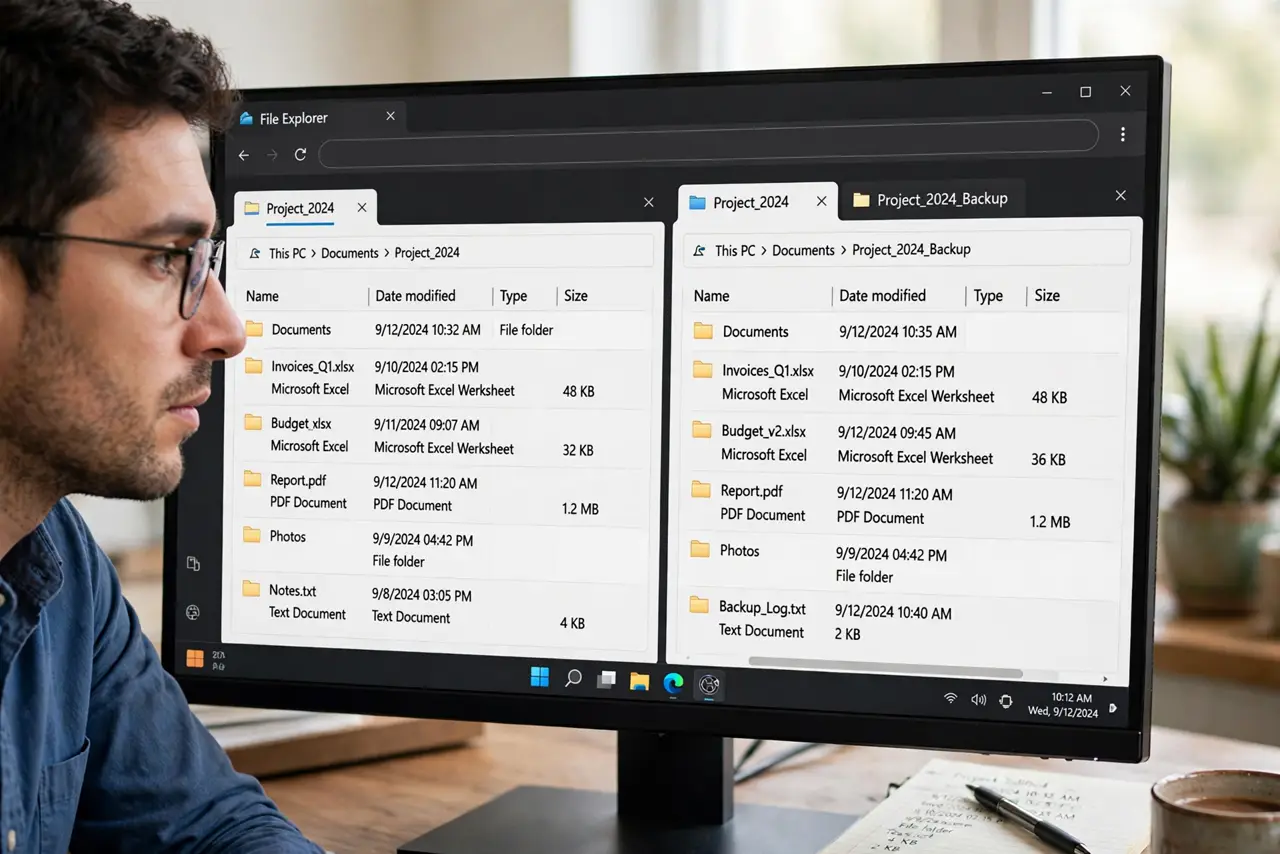
You want every folder in its own tab for comparing directories side by side, but Explorer keeps reusing the same tab. The setting exists — it is just labeled from the window era, so 'open in its own window' is what you are looking for. And if you only want it sometimes, Ctrl+click is the on-demand version.
TL;DR / Quick Fix
In File Explorer open Options and under 'Browse folders' choose 'Open each folder in its own window' — or keep 'same window' and Ctrl+click any folder for a one-off new tab. Ctrl+click is the flexible middle ground most people want. The choice applies to every folder immediately.
Follow these steps
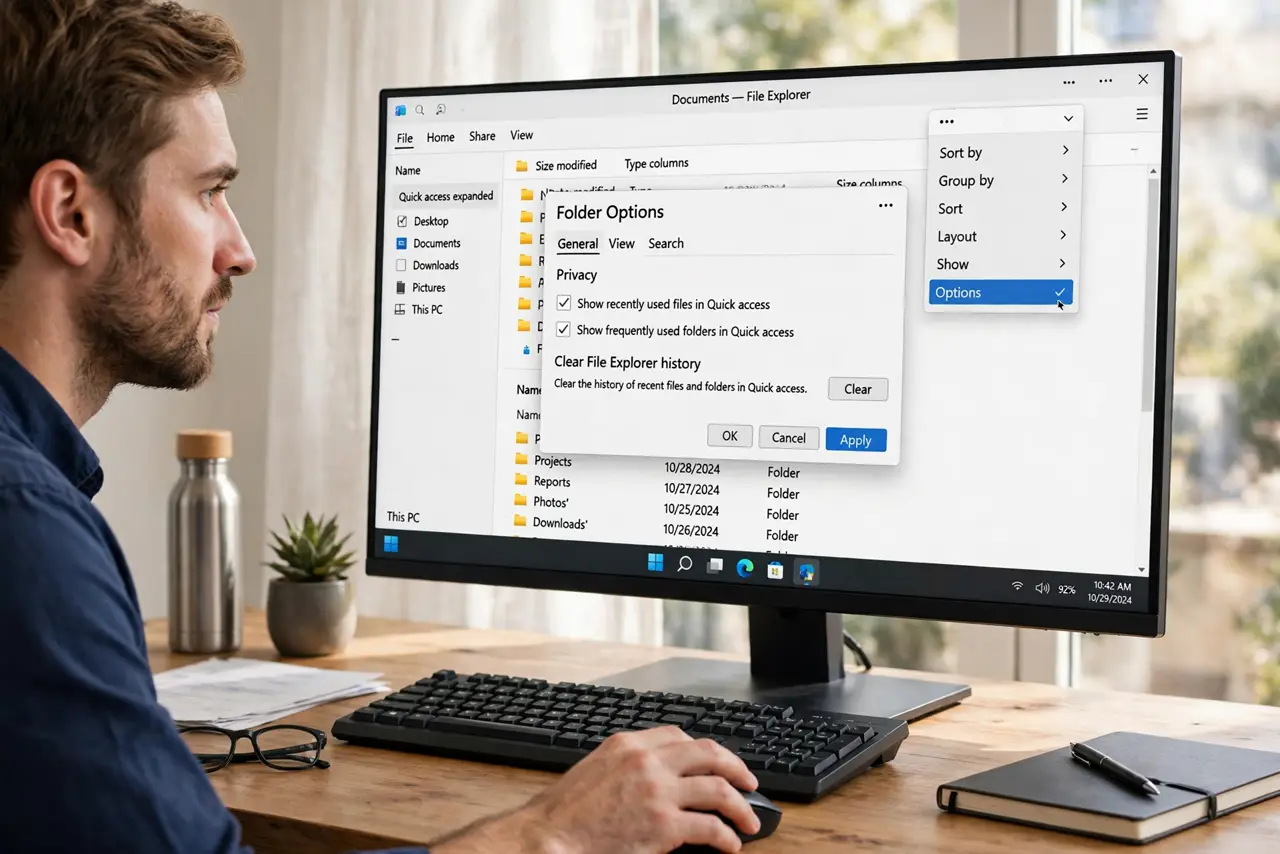
- Open Folder Options. In File Explorer, click the three-dot menu and choose Options to open the Folder Options dialog.
- Pick 'Open each folder in its own window'. Under 'Browse folders' on the General tab, select this option and click OK. In the tab era, each 'window' becomes a tab.
- Test by double-clicking a folder. Open any folder — it should now appear as a new tab instead of replacing the current one.
- Learn the Ctrl+click alternative. If you keep 'same window' as default, Ctrl+clicking any folder opens just that one in a new tab. Most people prefer this hybrid.
- Manage tabs with Ctrl+W and Ctrl+Tab. Ctrl+W closes the current tab; Ctrl+Tab cycles through them. Tab hygiene keeps the window usable.
- Revert anytime. Switch the radio button back to 'same window' whenever the tab sprawl gets old. Nothing about the choice is permanent.
What NOT to do
- Do not confuse this with browser tabs. Explorer tabs have no tab groups or pinning — they are simpler than Edge or Chrome tabs.
- Do not open twenty tabs and blame Explorer for slowness. Each tab holds a live folder view; close the ones you are done with.
- Do not expect new tabs to remember their folders after a crash. If Explorer restarts, tabs reopen to default locations — see the crash guide if that happens often.
- Do not look for per-folder tab settings. The choice is global — every folder follows the same rule.
Frequently asked questions
Why is it called 'window' instead of 'tab'?
The option predates Explorer tabs. On Windows 11 each new 'window' opens as a tab in the same Explorer frame.
Can I open just one folder in a new tab without changing the default?
Yes — Ctrl+click the folder. It opens in a new tab regardless of the global setting.
Do new tabs slow down my PC?
Barely. Tabs are lightweight views; only folders with thousands of files or network paths add noticeable cost.