External Drive Shows the Wrong Size? Fix It
An external drive that shows far less space than the box promised can look like a faulty drive. Often the missing space sits in a hidden partition, or the drive is formatted in a way that reserves space. Check the real layout before you assume the drive is broken.
TL;DR / Quick Fix
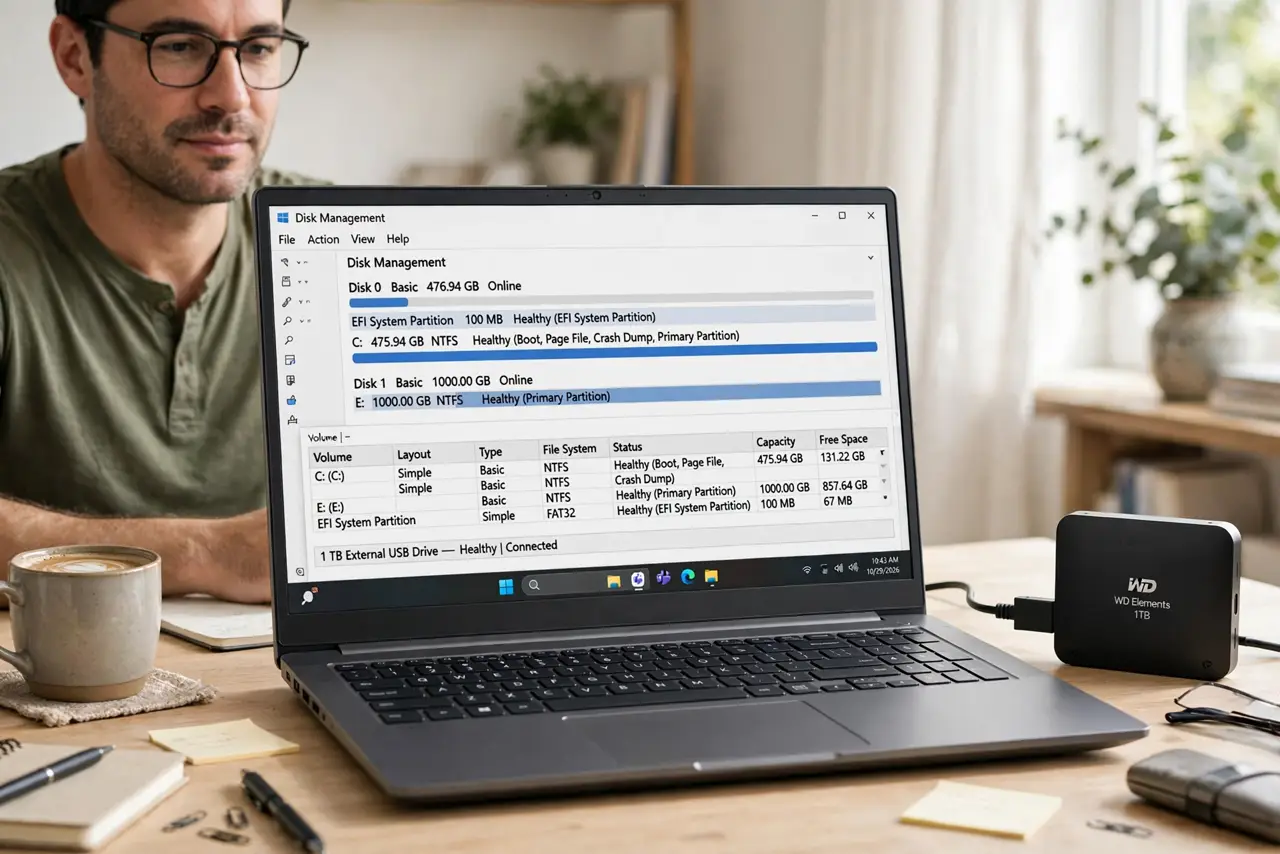
Quick fix: open Disk Management and compare the partitions on the drive with its advertised size. If a large unallocated block appears, that space is simply unused. If the drive shows as much smaller everywhere, test it on another port and another computer before you conclude it is faulty.
Follow these steps
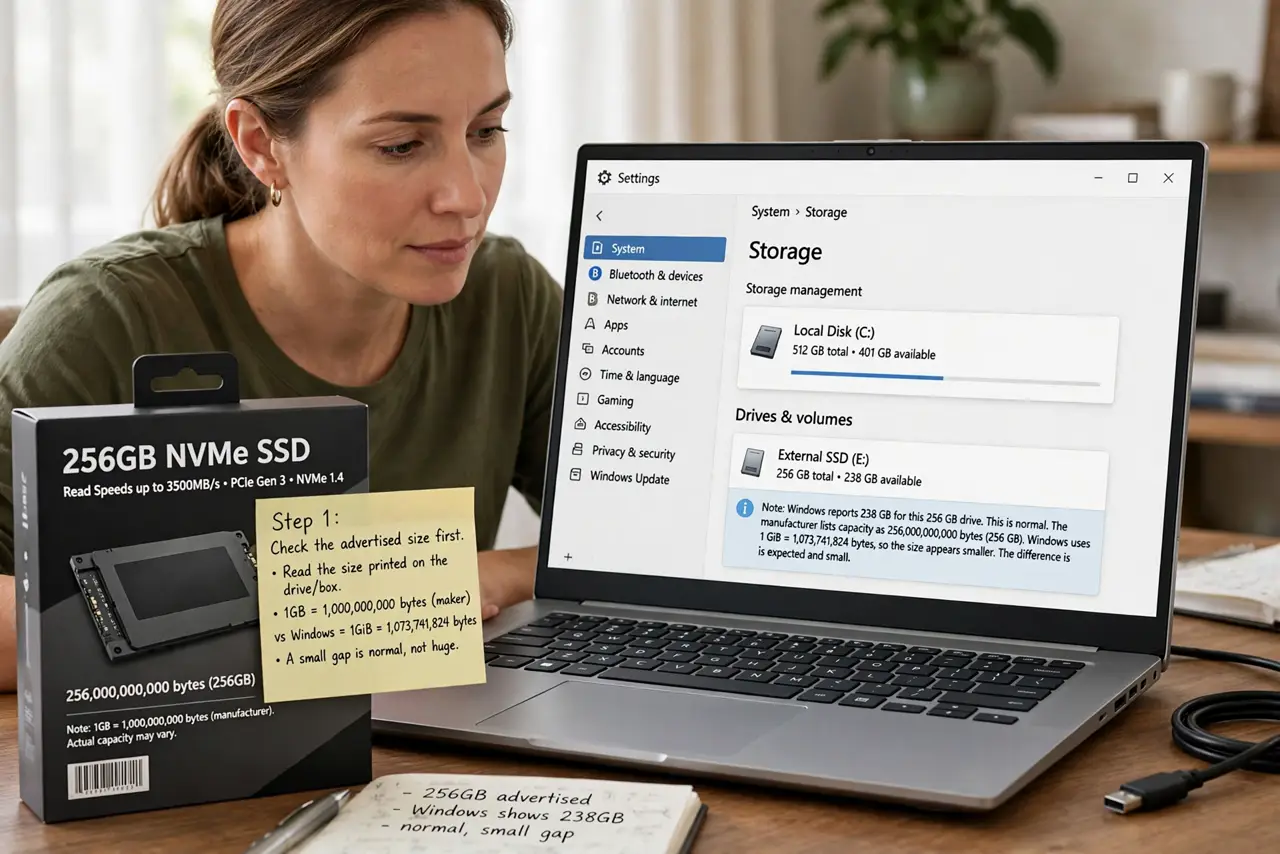
- Check the advertised size first. Read the size printed on the drive or its box, and remember that makers count a gigabyte as one billion bytes while Windows counts it slightly differently. A small gap, not a huge one, is normal.
- Open Disk Management. Right-click Start, choose Disk Management, and find the drive by its size and label. Look at every partition bar on that drive, not just the one shown in File Explorer.
- Look for unallocated space. If a large block says Unallocated, that space exists but has no partition using it. Do not delete anything yet. Note the size of the block so you can decide what to do next.
- Check for a hidden recovery partition. Some drives ship with a small recovery or tools partition. That space is used by the maker, so the usable space will always be a little smaller than the advertised total.
- Test another port and computer. Unplug the drive, try a different USB port, and if you can, another computer. If the size is wrong everywhere, the drive itself is suspect. If it is right elsewhere, the first computer is the problem.
- Decide before you reformat. Only reformat if you have a backup and you accept losing everything on the drive. If the drive shows a wildly wrong size on every computer, ask a technician before you trust it with important files.
What NOT to do
- Do not reformat the drive the moment the size looks wrong. Formatting erases your files, and it will not recover space held by a hidden partition you actually need.
- Do not trust a free tool that promises to unlock hidden capacity. Many such tools are bundled with unwanted software and can damage the partition layout.
- Do not delete partitions you do not recognize. A small maker partition may hold recovery tools, and deleting it can remove your only repair option.
- Do not keep storing important files on a drive whose size changes between computers. Unstable size readings can signal a failing drive, so back up first.
Frequently asked questions
Why is a 1 TB drive smaller in Windows?
Makers and Windows count a gigabyte differently, and a small maker partition takes more space, so the usable size always reads a little lower.
What does unallocated space mean?
It is space on the drive with no partition assigned to it. Windows cannot store files there until a partition uses it, but the space itself is real.
Should I return a drive that shows half its size?
Test it on another computer first. If it still shows half its size everywhere, contact the seller, because that gap is far beyond normal counting differences.