Folder View Resets Every Time? Fix It
When every folder reverts to the same view, sorting files becomes a daily chore. Windows stores folder views per folder type, so a view set in one folder does not always carry to the next. Setting the view once and applying it to all folders of that type is the lasting fix.
TL;DR / Quick Fix
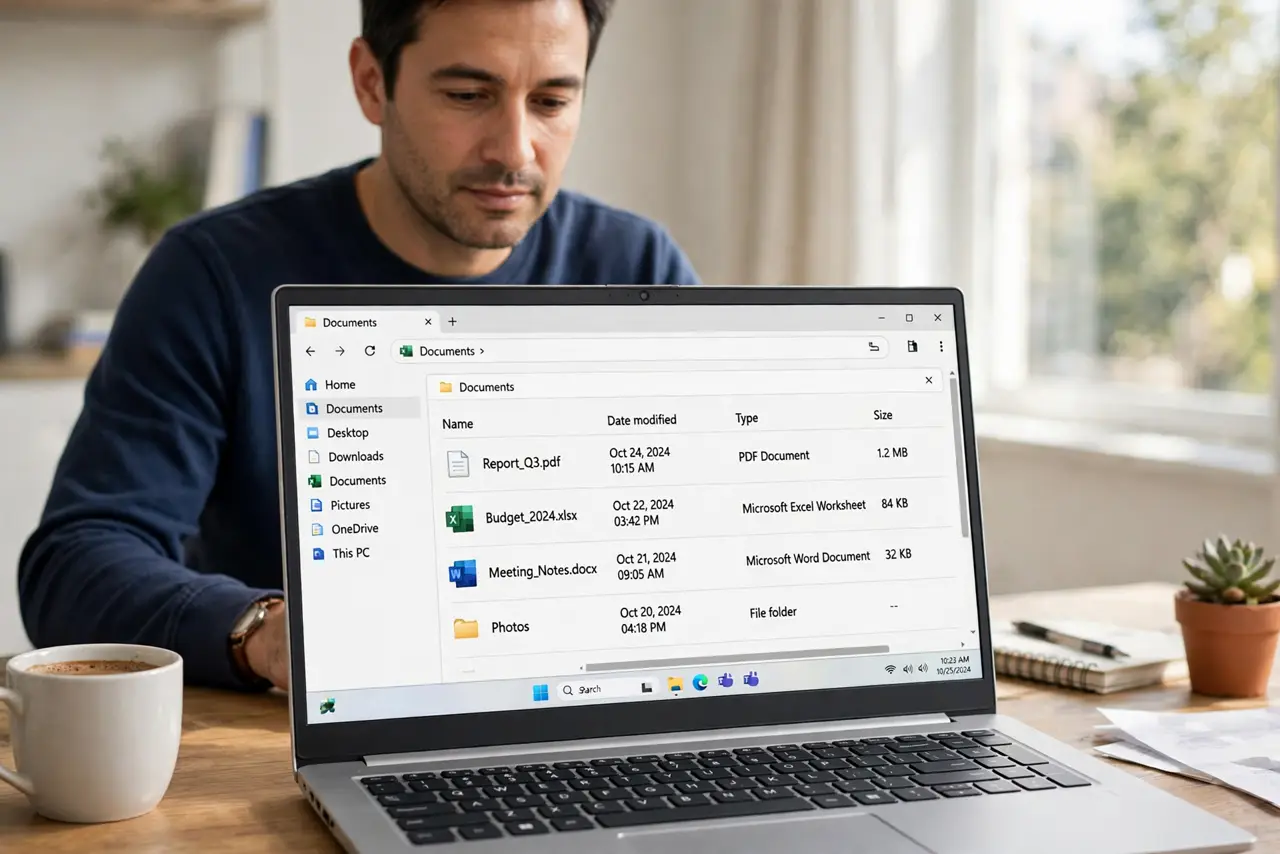
Quick fix: open a folder, set the view, sorting, and column widths exactly as you want them, then open Folder Options, go to the View tab, and choose Apply to Folders. Open another folder of the same type and confirm the view stuck.
Follow these steps
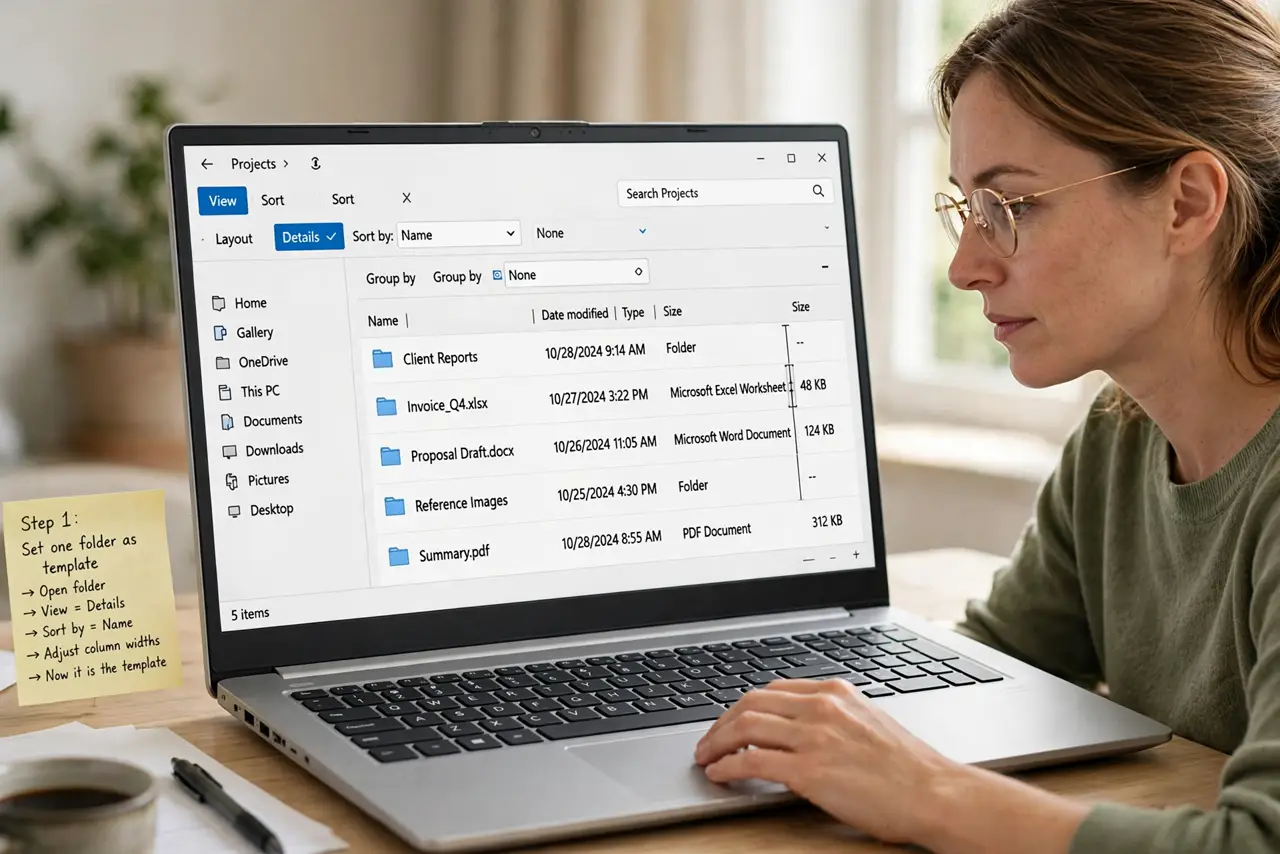
- Set one folder exactly how you want it. Open a typical folder, choose Details or your preferred view, set the sort order, and adjust column widths. This folder becomes the template for the rest.
- Open Folder Options. In File Explorer, click the three dots, then Options, and go to the View tab. This panel holds the setting that spreads a view to other folders.
- Choose Apply to Folders. Click Apply to Folders and confirm. Windows now uses this view for folders of the same type, such as general folders or picture folders, instead of resetting each one.
- Test a second folder of the same type. Open another ordinary folder and check the view, sort order, and columns. If it matches, the setting worked. If it does not, that folder may be a different type.
- Repeat for picture and music folders if needed. Picture, music, and video folders keep separate templates. Set one folder of each type you use, then apply its view the same way.
- Restart File Explorer if the change does not stick. Open Task Manager, restart Windows Explorer, then reopen a folder. A stuck Explorer process can hold the old view until it restarts.
What NOT to do
- Do not keep changing the view in every folder by hand. That work resets on the next folder, because the template, not the folder, is what needs changing.
- Do not delete folders or move files to fix a view problem. The files are fine, and moving them will not change how Windows remembers views.
- Do not install a third-party Explorer replacement from a pop-up. It adds risk and does not repair the built-in view templates.
- Do not change view settings while a large copy is running. Wait for the copy to finish, so a restart of Explorer cannot interrupt it.
Frequently asked questions
Why do picture folders look different from document folders?
Windows keeps a separate view template per folder type, so pictures, music, and documents can each remember a different layout.
I applied the view but one folder still resets. Why?
That folder is probably a different type, or a special system folder with its own layout. Set and apply the view from a folder of that same type.
Will Apply to Folders change every folder on the computer?
No. It applies to folders of the same type as the one you set, which is why picture folders may still need their own pass.