Text Too Small on a 4K Monitor? Fix It
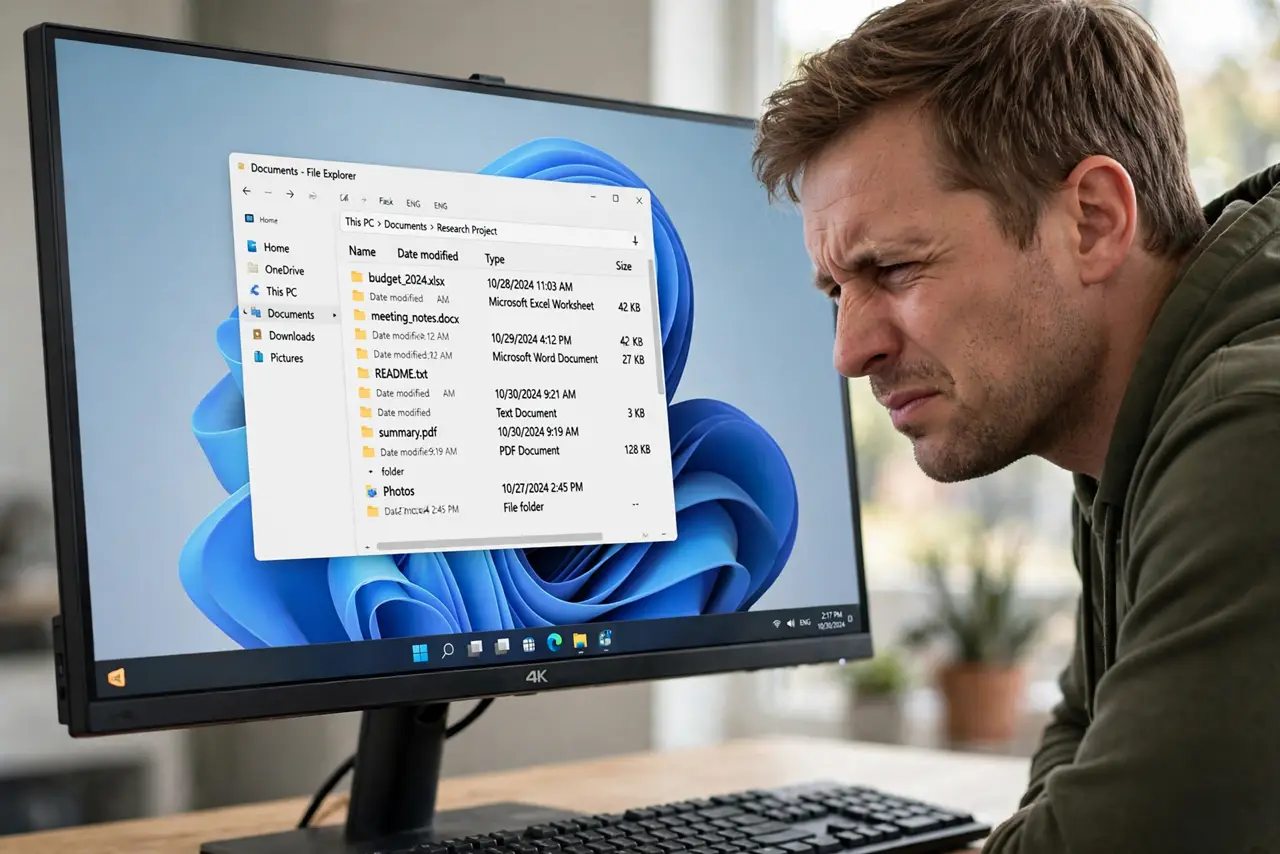
Your new 4K monitor shows everything razor sharp — and microscopically small. Text, icons, and menus shrink because Windows renders at the panel's native density. The fix is display scaling, done right: the correct percentage, per-monitor, without breaking older apps. This guide shows the setup.
TL;DR / Quick Fix
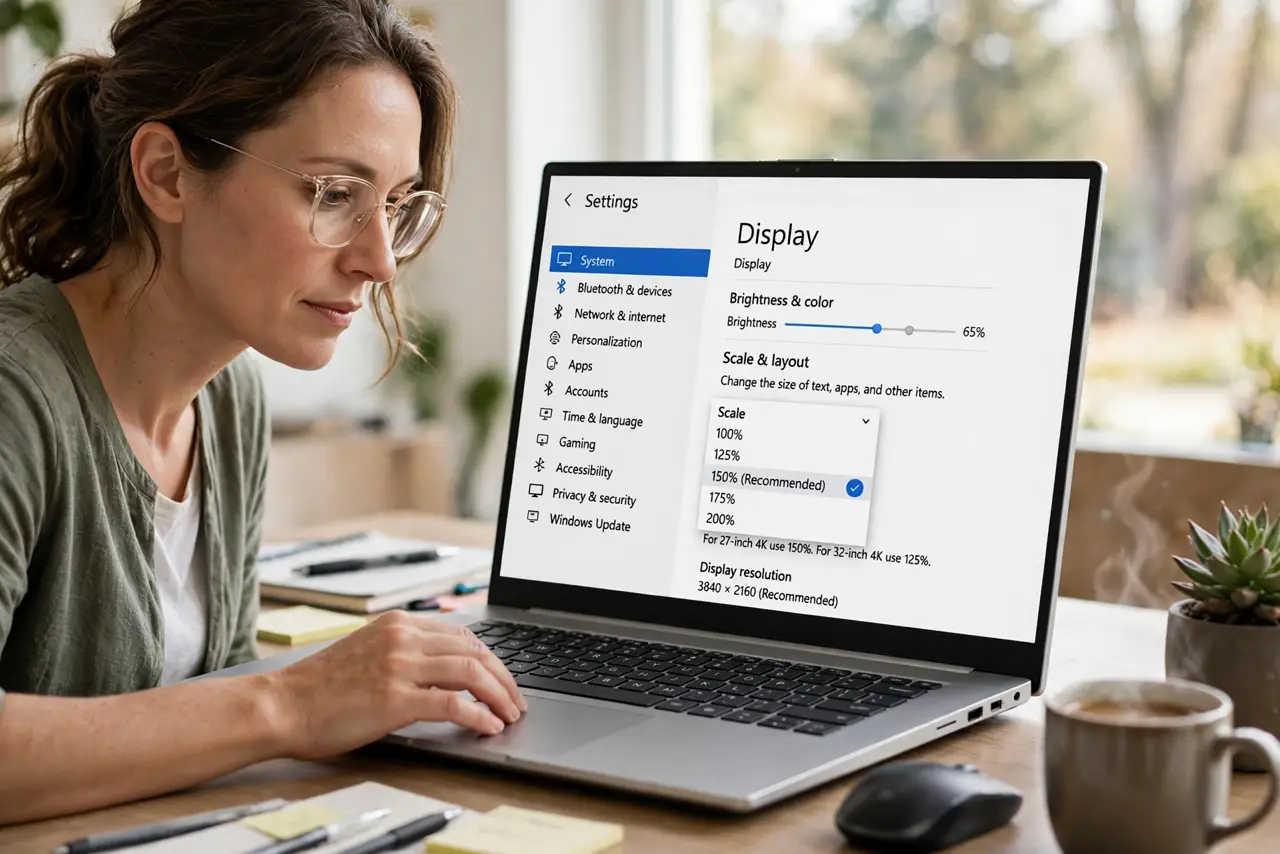
Quick fix: in Settings > System > Display, set Scale to 150% for a 27-inch 4K monitor, or 125% for 32-inch. Sign out and back in so every app picks it up. Fix blurry older apps with per-app compatibility settings, and never just lower the resolution.
Follow these steps
- Set the right scale percentage. Go to Settings > System > Display and choose Scale. For 27-inch 4K use 150%, for 32-inch 4K use 125% — these keep text readable without wasting the panel's sharpness.
- Sign out and back in. After changing scale, sign out and sign back in. Some apps only read the scale at login, so they stay tiny until you do.
- Set scale per monitor. Select each display at the top of the Display page and set its own scale. A 4K monitor at 150% next to a 1080p monitor at 100% is the normal mixed setup.
- Fix blurry legacy apps. If an old app looks blurry at the new scale, right-click its shortcut > Properties > Compatibility > Change high DPI settings, and let the system scale it.
- Check browser zoom separately. Browsers keep their own zoom level. Set the browser default zoom to match — usually 125–150% — so web pages match the rest of the desktop.
- Retune text rendering. After scaling changes, rerun the ClearType tuner so text stays crisp at the new size.
What NOT to do
- Do not drop the resolution to 1080p instead of scaling. Running a 4K panel below native resolution blurs everything — scaling keeps full sharpness.
- Do not use a custom scale like 137%. Stick to 125% or 150% steps; odd values cause the fractional blur scaling is meant to avoid.
- Do not set 200% on a large 4K monitor. That wastes the panel — you paid for pixels, and 200% on 32 inches shows less than a 1440p screen.
- Do not change scaling while apps are mid-work. Save first; some apps redraw badly when the scale changes underneath them.
Frequently asked questions
What scaling should a 27-inch 4K monitor use?
150% is the sweet spot for most people — readable text with plenty of screen space left.
Why are some apps still tiny after scaling?
They read the scale only at login or ignore it entirely. Sign out and back in, then use per-app compatibility settings.
Does scaling hurt gaming performance?
Desktop scaling does not change game resolution. Games render at whatever resolution you set in the game itself.