Go Back After a Bad Update
The update finished, the PC rebooted, and now something you rely on is broken — a driver, an app, a feature that worked yesterday. Windows keeps your previous build around for a short window precisely for this moment. Here is how to roll back safely before the window closes.
TL;DR / Quick Fix
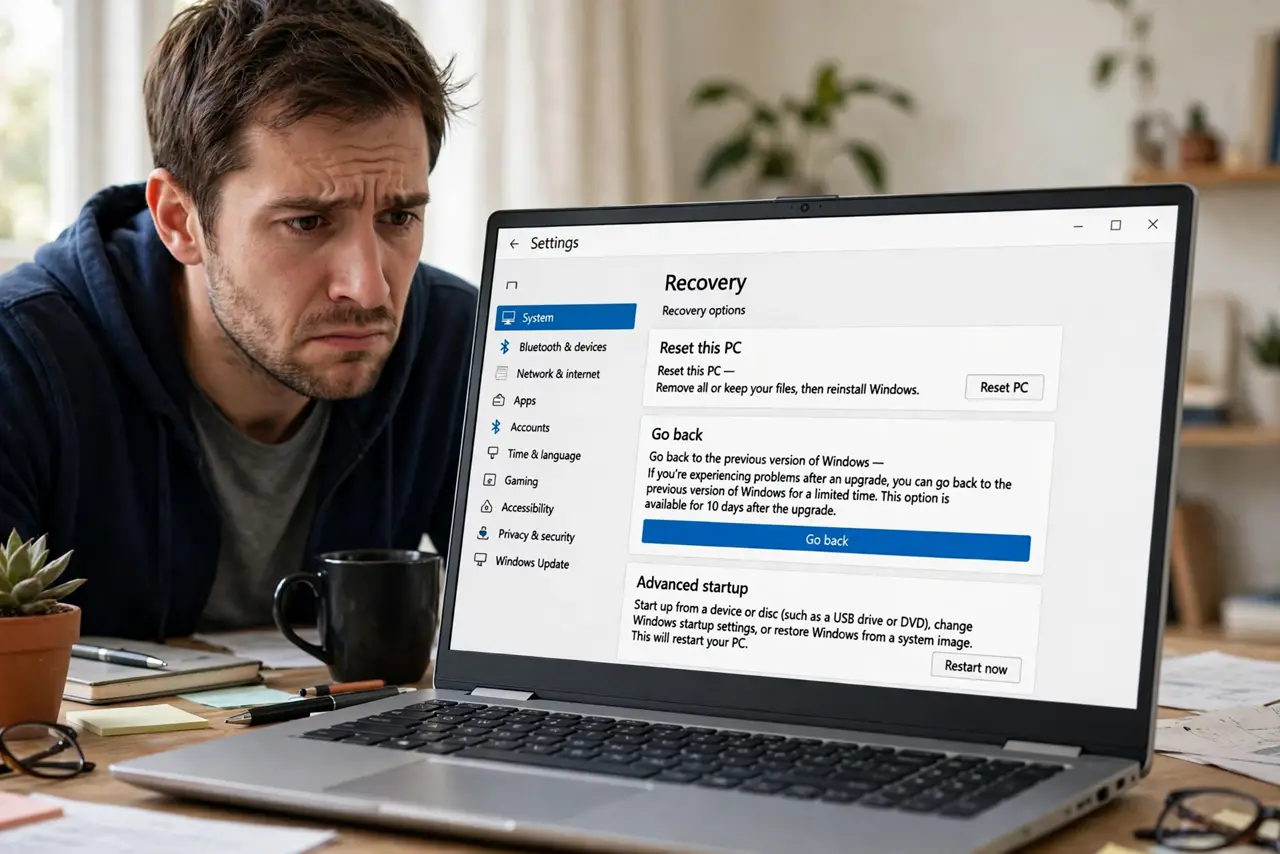
Quick fix: open Settings, go to System, then Recovery, and use the Go back option to return to your previous Windows build. You have about ten days after the update — after that Windows deletes the old files. Back up important work first, just in case.
Follow these steps
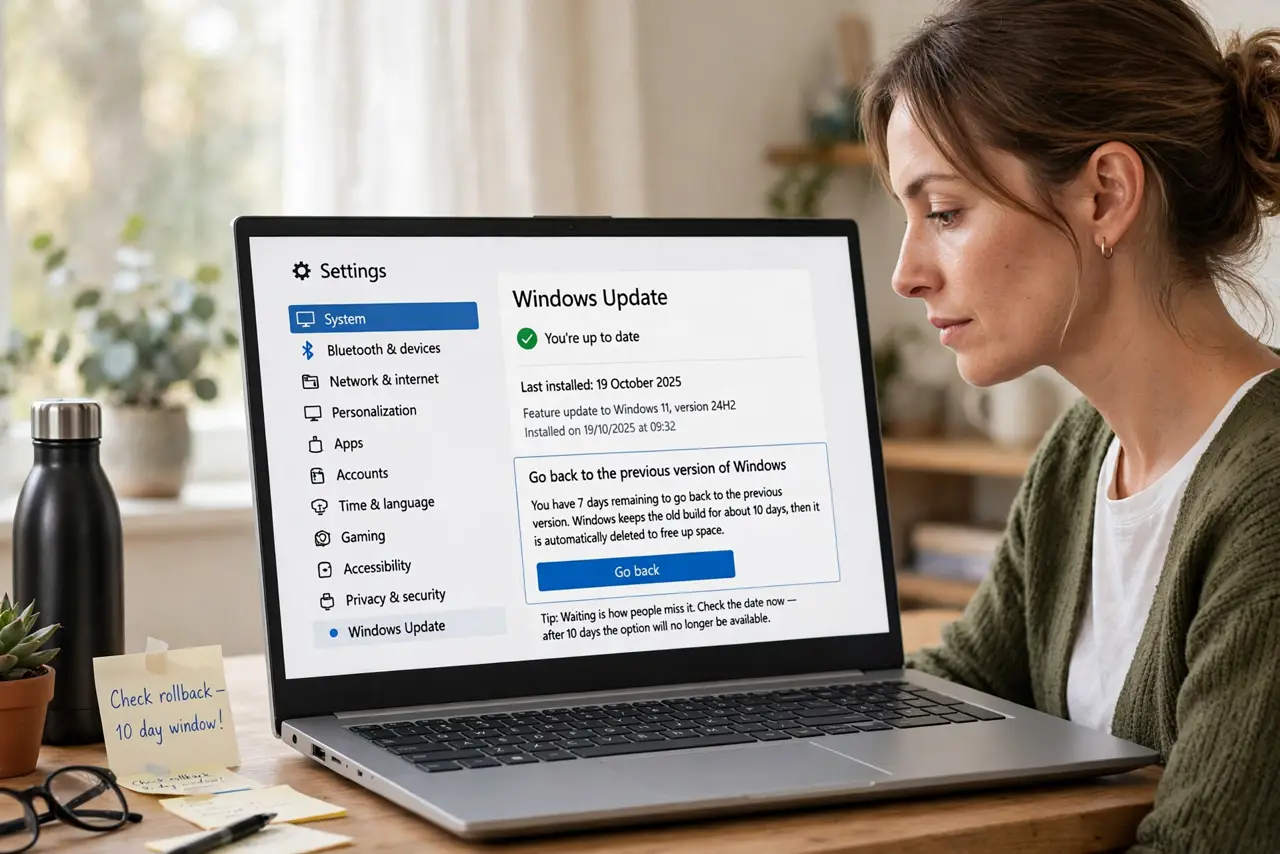
- Act within the ten-day window. Windows keeps the old build for about ten days, then deletes it automatically to free space. Check the date of the update now — waiting is how people miss it.
- Back up anything important. The rollback should keep your files, but 'should' is not a backup strategy. Copy critical work to an external drive first.
- Open Settings > System > Recovery. Find the Recovery section. If the Go back button is there and clickable, the old build is still available.
- Answer the feedback questions honestly. Windows asks why you are rolling back. Pick the closest reason — it genuinely helps Microsoft fix the issue, and it does not affect your rollback.
- Let it finish without interrupting. The rollback takes a while and reboots several times. Do not power off mid-process — that is how you get a PC that boots to nothing.
- Pause updates afterward. Once you are back on the working build, pause updates for a week or two. That gives the broken update time to get fixed before it reinstalls itself — see the update troubleshooting steps.
What NOT to do
- Do not run Disk Cleanup on system files first. Cleaning previous Windows installations deletes your rollback option permanently.
- Do not wait past the window. After about ten days the old build is gone and rollback is no longer possible.
- Do not power off during the rollback. Interrupting it mid-reboot can leave Windows unbootable.
- Do not assume rollback fixes everything. If the update broke a driver, the driver-level fix may still be needed.
Frequently asked questions
Will going back delete my files?
No — the rollback keeps your personal files and most settings. It reverses the system build, not your data.
What if the Go back button is grayed out?
The ten-day window passed, the old files were cleaned up, or the update was not a full build upgrade. A system restore point may still help.
Can I reinstall the update later?
Yes. Once Microsoft fixes the issue, the update will offer itself again — or you can check manually in Windows Update.