Screen Stuck in Grayscale? Fix It
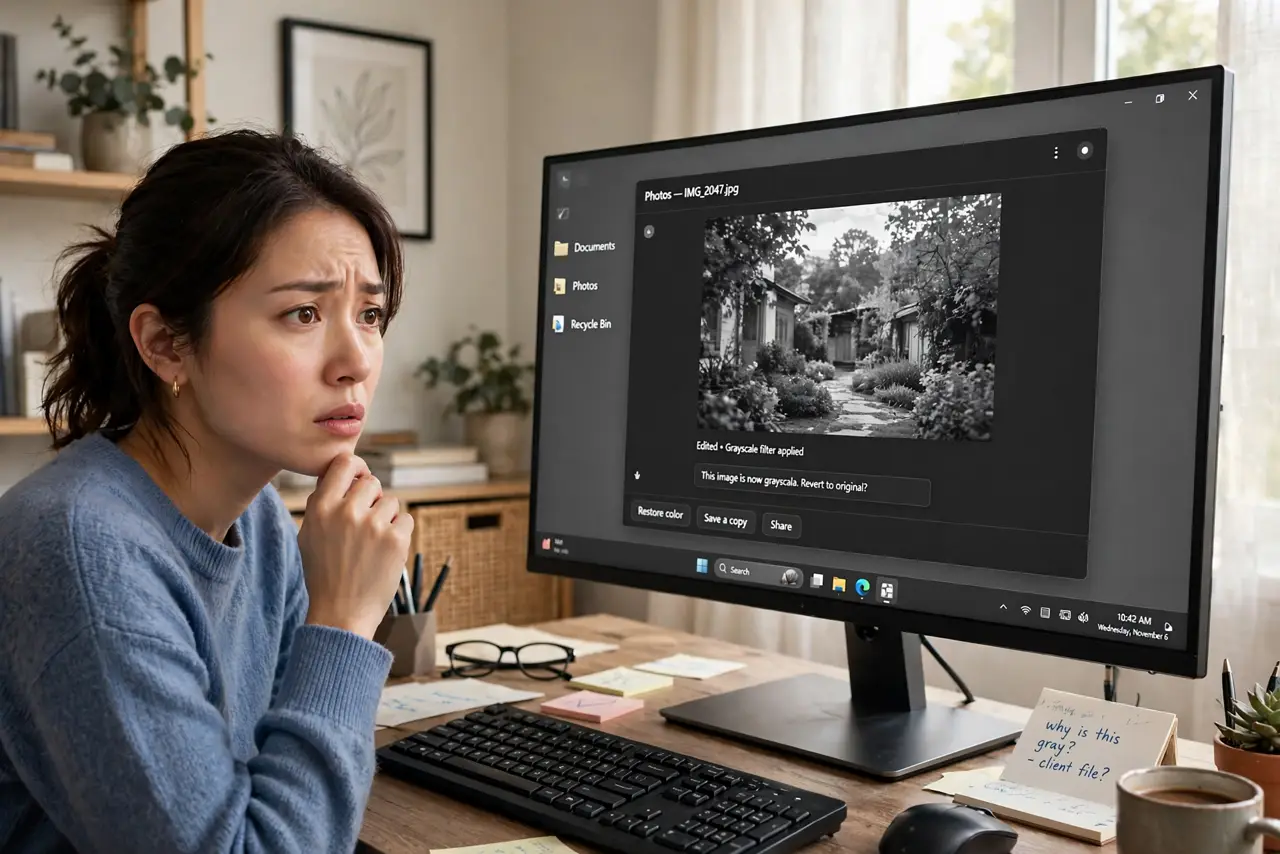
Your screen suddenly went black and white — photos look like old newspaper, videos are drained of color. You almost certainly hit Win+Ctrl+C, the color filter shortcut. It is a two-second fix once you know it, plus one settings page to stop it happening again.
TL;DR / Quick Fix
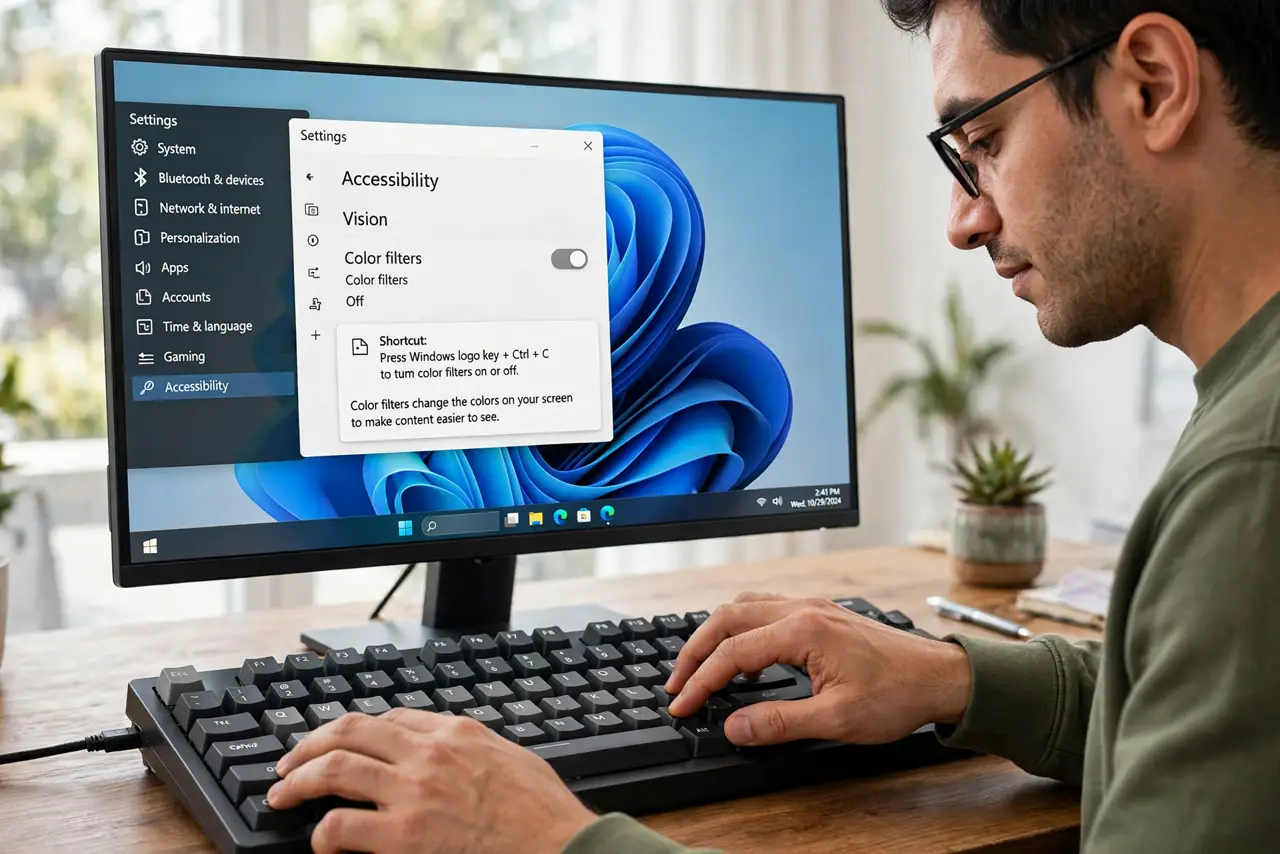
Quick fix: press Win+Ctrl+C — that is the color filter shortcut, and it toggles grayscale on and off. If the screen stays gray, open Settings > Accessibility > Color filters and switch the filter off. Also check night light and HDR settings, which can wash out color.
Follow these steps
- Toggle it with the shortcut. Press Windows key + Ctrl + C. The screen should snap back to color instantly — this shortcut is both the on and off switch.
- Switch it off in Settings. Open Settings > Accessibility > Color filters and turn the filter off. Confirm the selected filter type reads Grayscale so you know what you just escaped.
- Disable the shortcut. On the same page, turn off the keyboard shortcut for color filters. This is how most people trigger it — reaching for Ctrl+C and catching the Windows key.
- Rule out night light. Night light warms colors heavily at high strength, which some people read as gray. Check Settings > System > Display > Night light if colors still look off.
- Rule out HDR weirdness. A misbehaving HDR toggle can wash out color on some monitors. Toggle HDR in Display settings and compare.
- Check the monitor itself. If Windows shows color in screenshots but the panel looks gray, the monitor's own picture mode changed — check its on-screen menu.
What NOT to do
- Do not update graphics drivers over this. Grayscale is a Windows accessibility filter, not a driver failure.
- Do not confuse grayscale with night light. Night light warms; grayscale removes color entirely — different settings, different pages.
- Do not factory-reset the monitor first. The Win+Ctrl+C toggle takes two seconds and is the cause nearly every time.
- Do not ignore which filter is selected. Color filters include several types — make sure Grayscale, not another filter, was the active one.
Frequently asked questions
Why did my screen turn black and white by itself?
You pressed Win+Ctrl+C, usually while aiming for Ctrl+C with the Windows key still down. It is the most common accidental accessibility toggle.
Is grayscale a sign of a failing graphics card?
Almost never. A dying GPU shows artifacts, flicker, or crashes — a clean uniform grayscale is always the software filter.
Can grayscale help with eye strain?
Some people find it reduces the urge to keep looking at the screen. It is a legitimate focus aid, which is why the filter exists — just know the toggle.