Hidden Files Reappear After an Update? Fix It
When hidden files reappear after an update, your folders suddenly look cluttered with system files you never asked to see. Updates can reset view settings, so the fix is to turn hidden items off again and confirm the change stuck on your account.
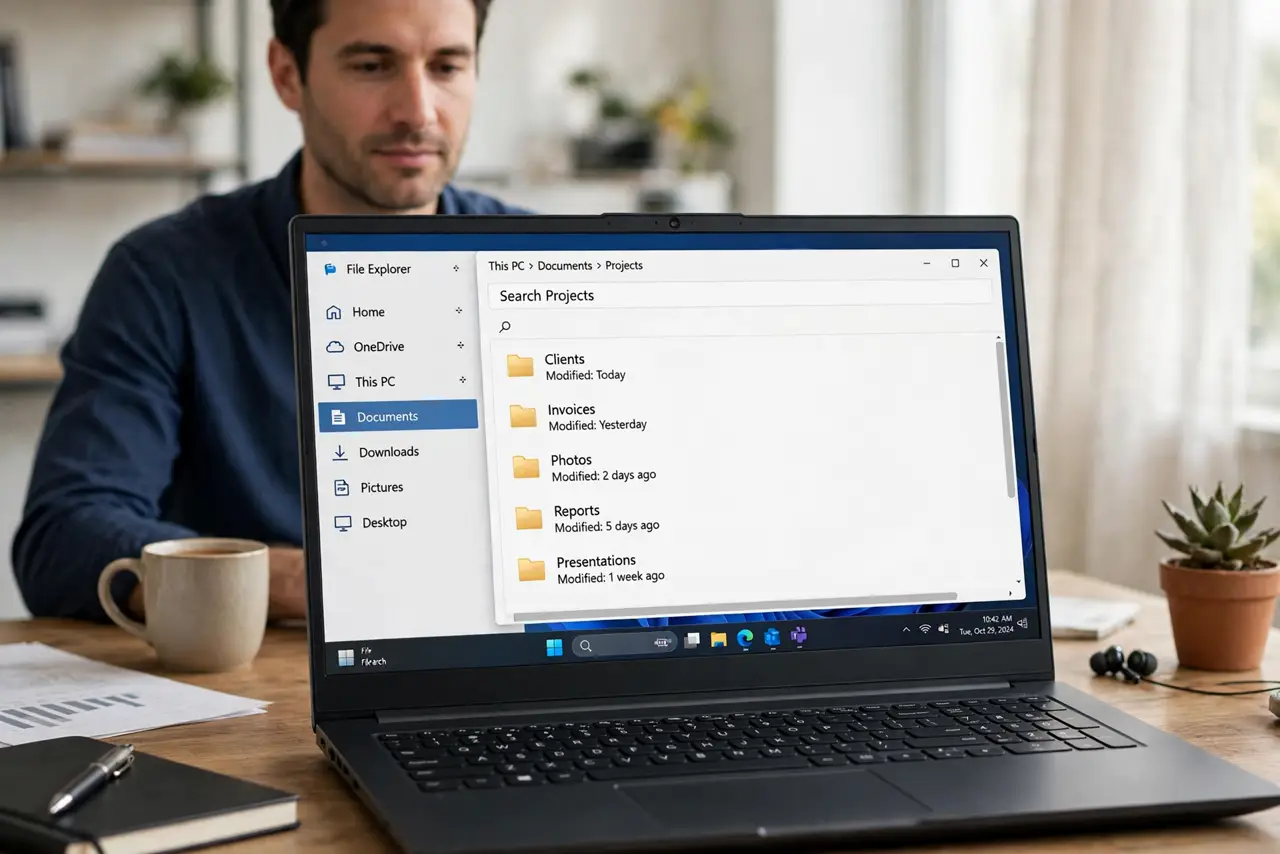
TL;DR / Quick Fix
Quick fix: open File Explorer, click View, then Show, and untick Hidden items. Close File Explorer, reopen it, and check a folder that was cluttered. If hidden files are gone, the setting held. If they return after the next update, repeat the same steps.
Follow these steps
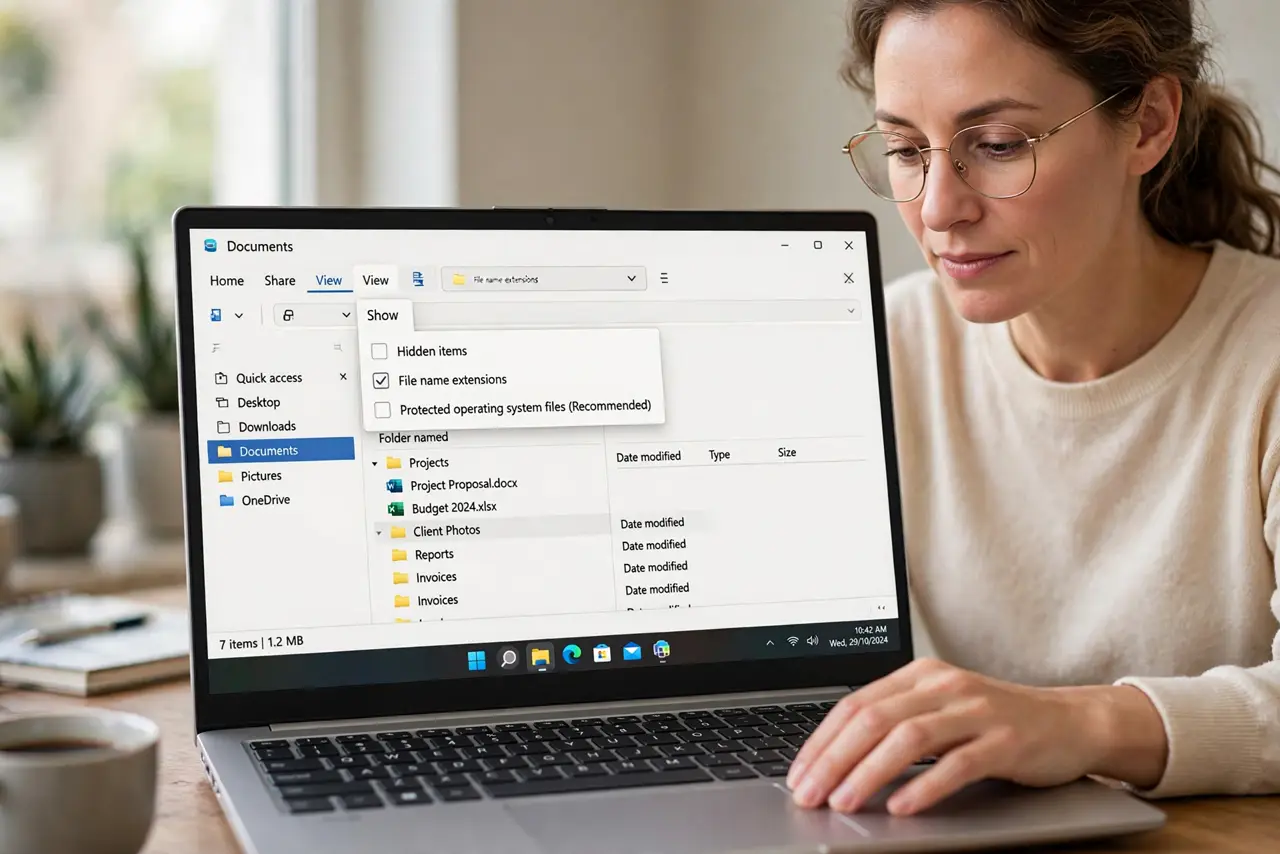
- Turn hidden items off. Open File Explorer, click View, then Show, and untick Hidden items. System and hidden files should disappear from folder listings at once.
- Check a folder that looked cluttered. Open a folder that showed extra system files before, such as your user folder. Confirm the clutter is gone, not just moved.
- Confirm the setting in Folder Options. Open Folder Options, go to the View tab, and check that Do not show hidden files, folders, or drives is selected. Click Apply if you changed anything.
- Check that you are on the right account. If you share the computer, sign in to your own account and repeat the check. View settings are per account, so another account can show hidden files while yours does not.
- Reapply after the next update. After a large update, open a folder and check again. If hidden files returned, turn the setting off once more, because updates sometimes reset view options.
- Leave system files hidden. Keep the option to hide protected operating system files turned on. Seeing those files adds clutter, and deleting one by mistake can break Windows.
What NOT to do
- Do not delete hidden files to tidy a folder. Hidden files often belong to Windows or your programs, and deleting them can break things that were working fine.
- Do not turn hidden files on permanently just to see everything. Clutter is not information, and system files are hidden for a reason.
- Do not change settings on someone else account to fix your view. View settings are per account, so fix yours and leave theirs alone.
- Do not assume hidden files appearing means a virus. An update resetting a view setting is far more common, so check the setting first.
Frequently asked questions
Why do updates reset this setting?
Large updates can restore default view options. It is annoying, but it is a settings reset, not damage to your files.
Are hidden files dangerous?
No. Most are normal system or program files. They are hidden to keep folders tidy and to stop accidental deletion, not because they are harmful.
Should I ever show hidden files?
Yes, briefly, when a trusted guide asks you to find a specific settings or data file. Turn the setting back off when you are done.