Lock Screen Shows Ads? Turn Them Off
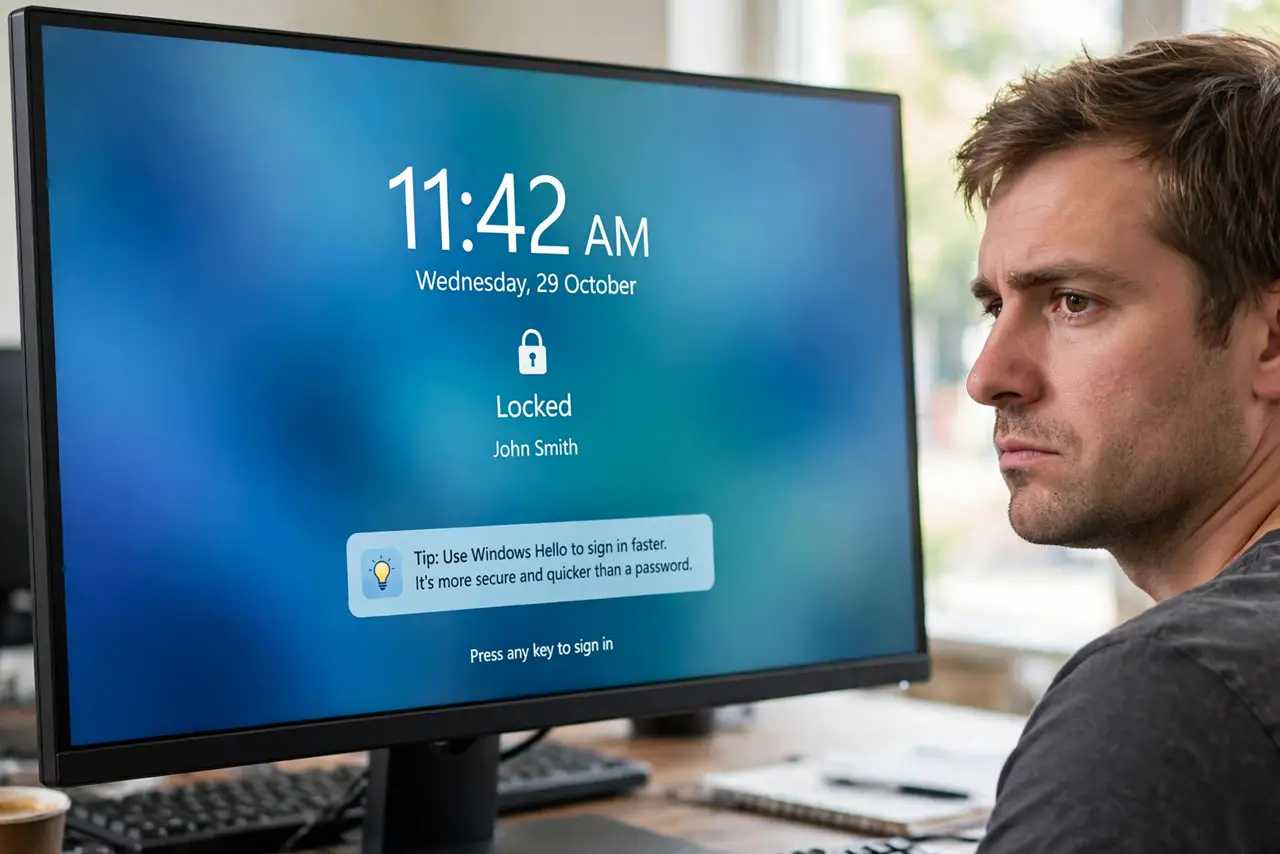
'Tips' on your lock screen suggesting apps, services, and Microsoft products — that's advertising wearing a helpful costume. It arrives via the 'fun facts' toggle paired with Windows spotlight. Uncheck one box and the lock screen goes back to being just a lock screen.
TL;DR / Quick Fix
Open Settings > Personalization > Lock screen and uncheck 'Get fun facts, tips, tricks, and more on your lock screen' — those 'tips' are the ads. If Background is Windows spotlight, switch it to Picture for a wallpaper. Spotlight's rotating photos are pretty, but the tips toggle invites the promotions.
Follow these steps
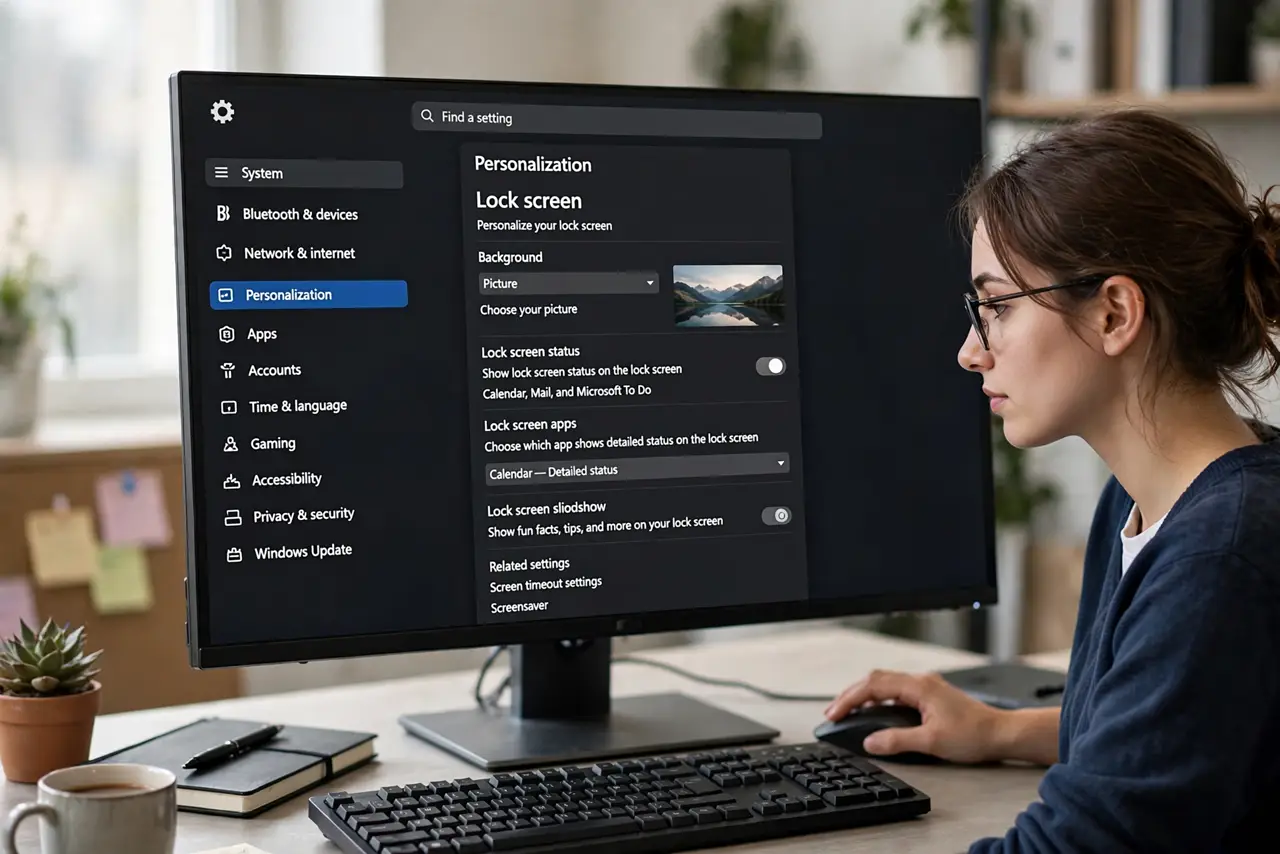
- Open Lock screen settings. Press Win + I, go to Personalization > Lock screen.
- Uncheck the tips toggle. Turn off 'Get fun facts, tips, tricks, and more on your lock screen'. The promotional suggestions stop immediately.
- Consider switching from Spotlight. If Background is Windows spotlight, the rotating photos stay — only the tips were the ads. Switch to Picture only if you want full stillness.
- Check the sign-in screen too. The sign-in screen has its own background setting nearby. Set it to match your preference while you're here.
- Look for tips elsewhere. The same 'tips' idea appears in Settings > System > Notifications as 'suggestions'. Turn those off too for a fully quiet Windows.
- Verify on next lock. Press Win + L. The lock screen should show your wallpaper and clock with no promotional text.
What NOT to do
- Do not confuse spotlight photos with ads. The rotating photography is free decoration; the 'tips' toggle is the ad channel.
- Do not disable the lock screen to dodge tips. One checkbox kills the ads while keeping your session protected.
- Do not pay for a 'debloater' for this. The toggle is built in and takes ten seconds.
- Do not expect zero Microsoft messaging. Windows still promotes in Settings and Start; this fix covers the lock screen only.
Frequently asked questions
Are lock screen tips actually ads?
Often yes — suggestions for Microsoft apps and services. Some are genuine tips, but the channel doubles as promotion.
Will turning this off remove the pretty photos?
No. Spotlight photos and tips are separate; unchecking tips keeps the rotating photography.
Why did the tips come back after an update?
Feature updates sometimes re-enable promotional toggles. Revisit the checkbox after big updates.