Remove Lock Screen Widgets
Your lock screen now shows weather, news, and sports scores you never asked for — tiny widgets cluttering a screen whose job is a clock and a pretty picture. They're easy to evict: two settings return the lock screen to calm.
TL;DR / Quick Fix
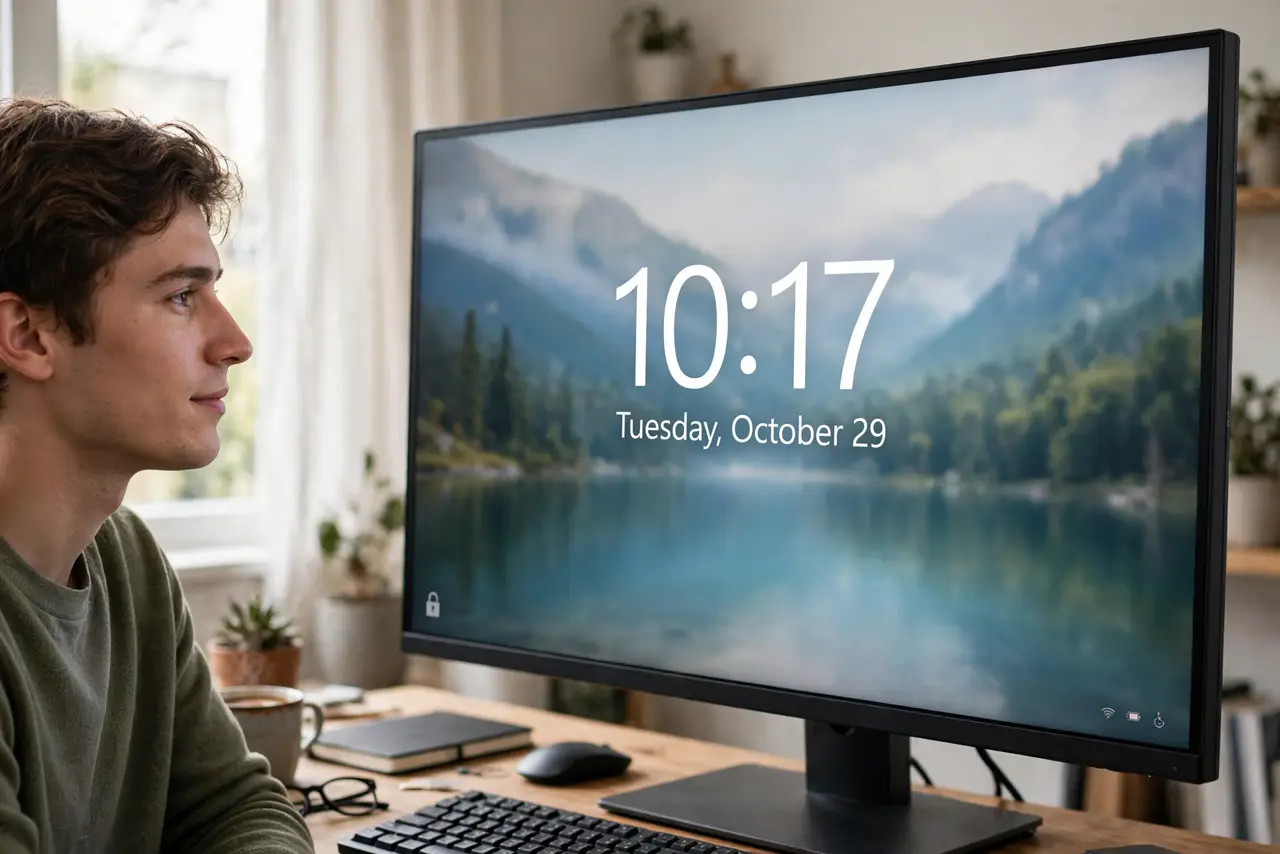
Open Settings > Personalization > Lock screen, set Lock screen status to None, and turn off 'Get fun facts, tips, and more on your lock screen'. The weather and news widgets vanish, leaving a clean clock over your wallpaper. The widgets only decorated — removing them loses no function.
Follow these steps
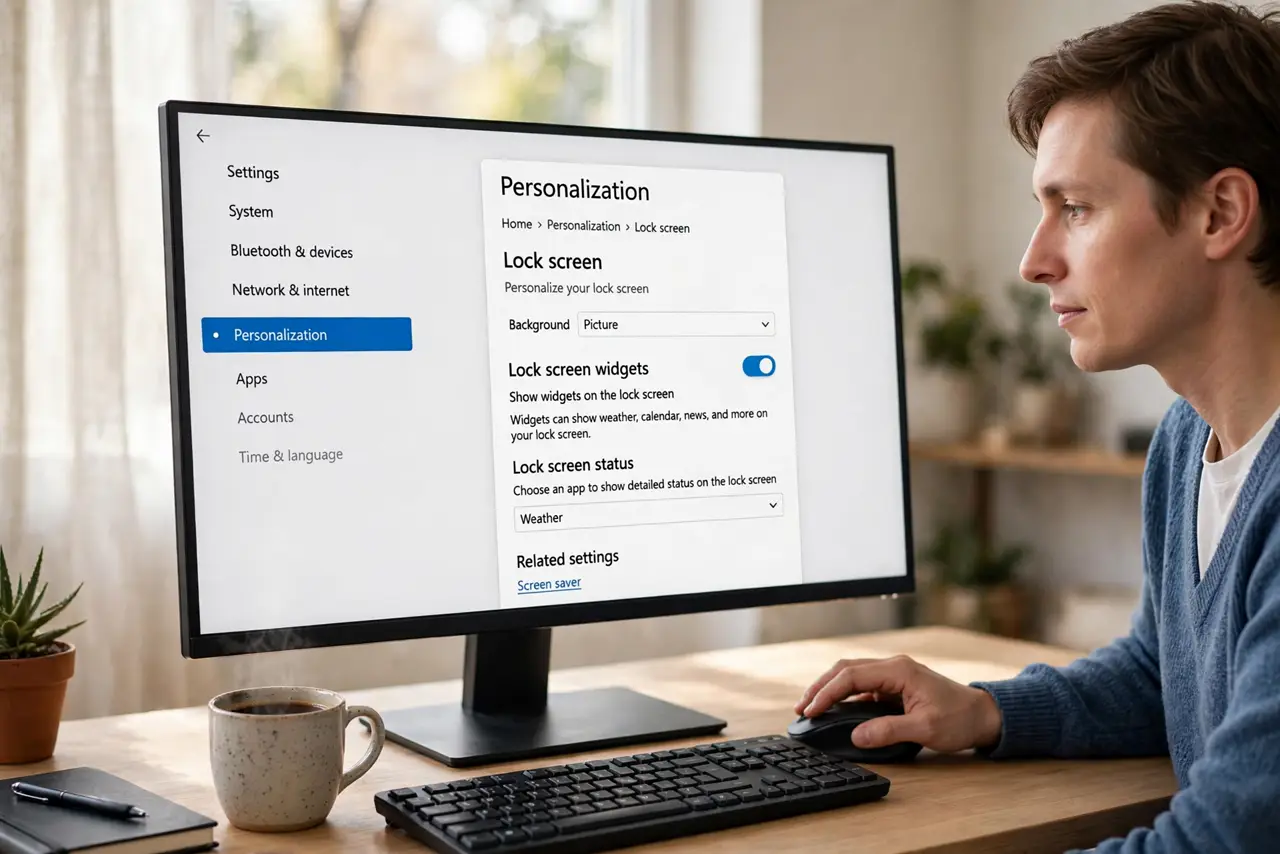
- Open Lock screen settings. Press Win + I, go to Personalization > Lock screen.
- Set Lock screen status to None. Change the status dropdown from Weather to None. The widget row vanishes immediately.
- Turn off the 'fun facts' toggle. Uncheck 'Get fun facts, tips, tricks, and more on your lock screen'. This is the same switch behind the spotlight ads.
- Pick a static background if you like. With widgets gone, a Picture background gives the calmest lock screen. Spotlight's rotation is fine too — minus the tips.
- Lock and admire. Press Win + L to see the result: clock, wallpaper, nothing else competing for attention.
- Re-check after feature updates. Major updates sometimes re-enable the widgets. A ten-second revisit keeps the lock screen clean.
What NOT to do
- Do not confuse lock screen widgets with desktop widgets. The desktop Widgets board is a separate feature with its own settings.
- Do not disable the lock screen entirely to avoid widgets. The lock screen protects your session; the widgets are the only problem.
- Do not expect the weather widget to be useful anyway. It shows one city's weather — your phone does it better.
- Do not hunt for a per-widget toggle. It's all-or-nothing: status None removes the whole row.
Frequently asked questions
Why did widgets appear on my lock screen suddenly?
A Windows update enabled them by default. Microsoft rolls features out switched on; the off switch is in Lock screen settings.
Can I keep the weather but drop the news?
No — the widget row is one unit. It's all of them or none of them.
Does removing widgets speed up the lock screen?
Marginally. The real win is visual calm, not performance.