Network Discovery Keeps Turning Off
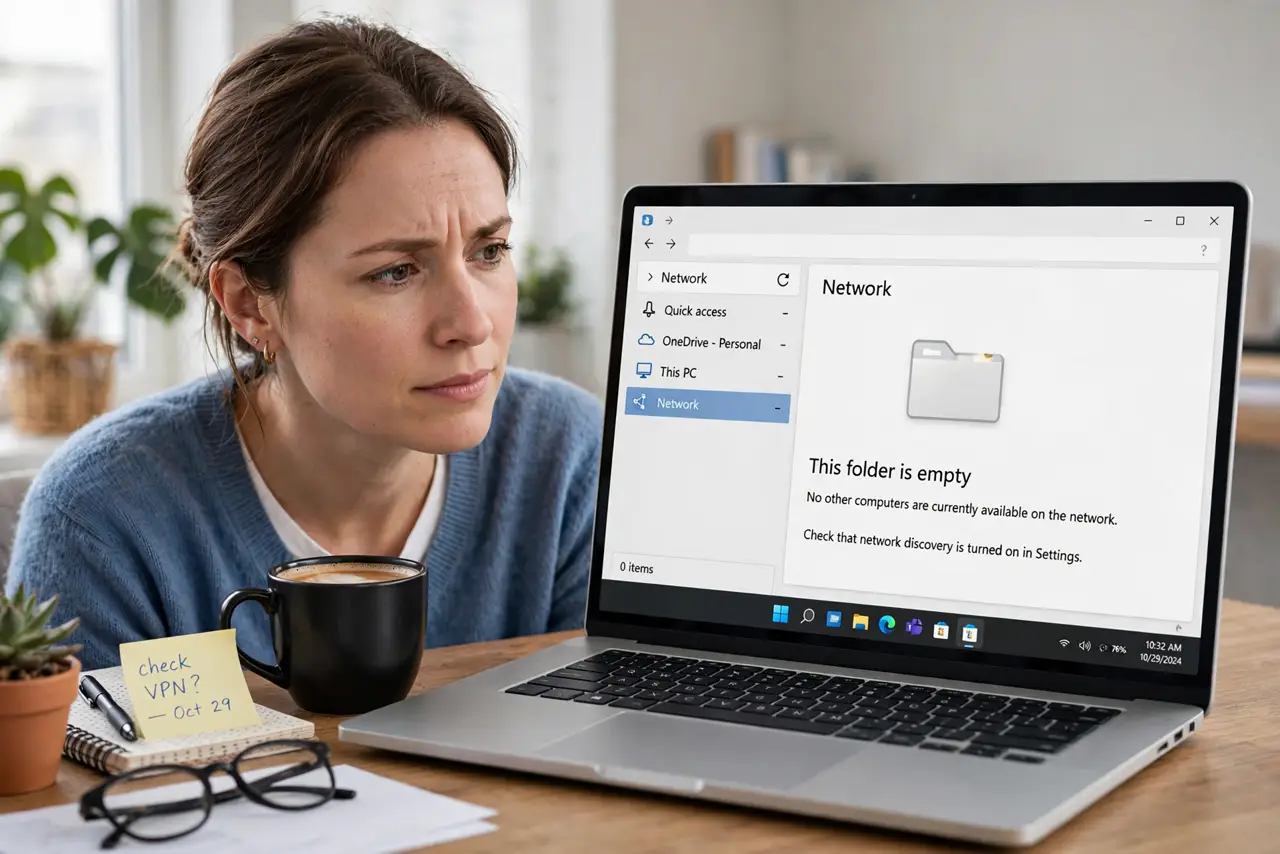
Network Discovery keeps switching itself off, so other PCs vanish from the network view every few days. The setting depends on the network profile staying Private and on two discovery services running — when either flips, discovery dies. The fix pins both down, and the firewall blocking the printer guide covers the closely related sharing block.
TL;DR / Quick Fix
Quick fix: open the advanced sharing settings and turn network discovery back on for the Private profile, then confirm your network is actually set to Private. Check that the Function Discovery services are running and set to automatic. Discovery then survives reboots instead of dying every few days.
Follow these steps
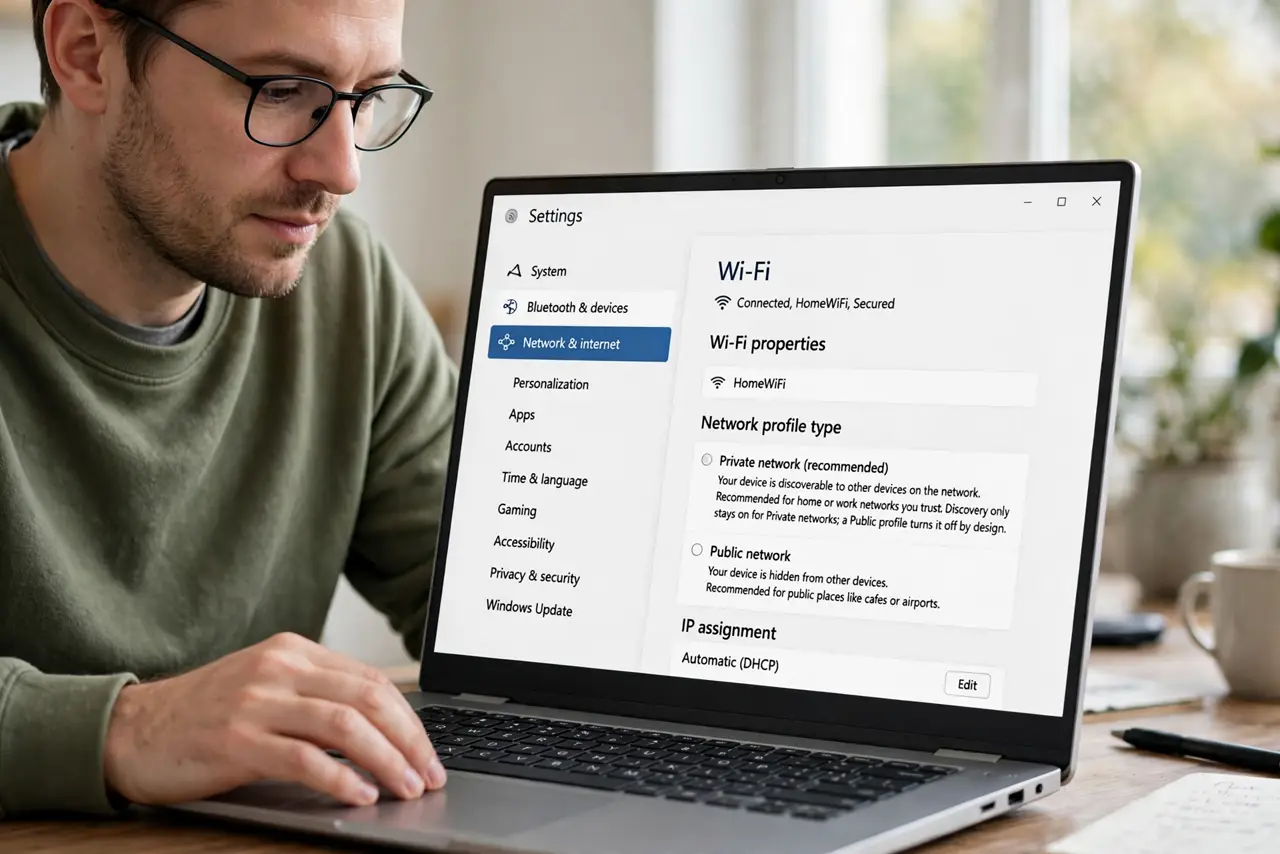
- Confirm the network profile is Private. Open the network settings and check the profile. Discovery only stays on for Private networks; a Public profile turns it off by design.
- Turn discovery on for the Private profile. In the advanced sharing settings, expand the Private section and enable network discovery plus automatic setup of network devices.
- Check the Function Discovery services. Open the services list and confirm Function Discovery Provider Host and Function Discovery Resource Publication are running and set to automatic. Discovery dies without them.
- Check third-party firewall software. If you run a security suite with its own firewall, confirm it trusts the local network. A strict third-party firewall can override Windows' discovery setting.
- Reboot and recheck the setting. Restart the computer and verify discovery is still on. A setting that survives a reboot is fixed; one that flips again has an active cause still to find.
- Check after router reboots too. Some routers re-announce the network in ways that flip the profile to Public. If discovery dies after every router reboot, the profile is the moving part.
What NOT to do
- Do not turn discovery on for Public networks. Discovery advertises your PC, which is fine at home and unwise on public Wi-Fi.
- Do not disable the firewall to fix discovery. The profile and services are the precise fix; killing the firewall is not.
- Do not expect discovery across different subnets. Home routers with guest isolation or VLANs block discovery by design, and no Windows setting overrides that.
- Do not confuse discovery with file sharing. Discovery shows the PCs; sharing controls access to their folders, and they are separate toggles.
Frequently asked questions
Why does network discovery keep turning off?
Because the network profile flipped to Public or the Function Discovery services stopped. The setting follows the profile, so a flipping profile flips the setting.
Is network discovery safe to leave on?
On a trusted home Private network, yes. On public Wi-Fi, keep it off so your PC does not advertise itself.
Why can I see PCs but not open their folders?
Because discovery and sharing permissions are separate. Seeing a PC proves discovery works; opening its folders needs sharing enabled on that PC.