Clean Up the Send To Menu
Right-click a file, hover Send To — and face a graveyard of programs you uninstalled years ago, plus entries you never use. The Send To menu is just a folder of shortcuts, which means cleaning it is as simple as deleting files. You can even add your own favorite destinations.
TL;DR / Quick Fix
Press Win + R, type 'shell:sendto', and delete the shortcuts you never use — the Send To menu trims instantly. Add your own by dropping a folder shortcut into the same window. Never delete the actual programs, only these shortcuts: they are just links, so removing one cannot harm anything.
Follow these steps
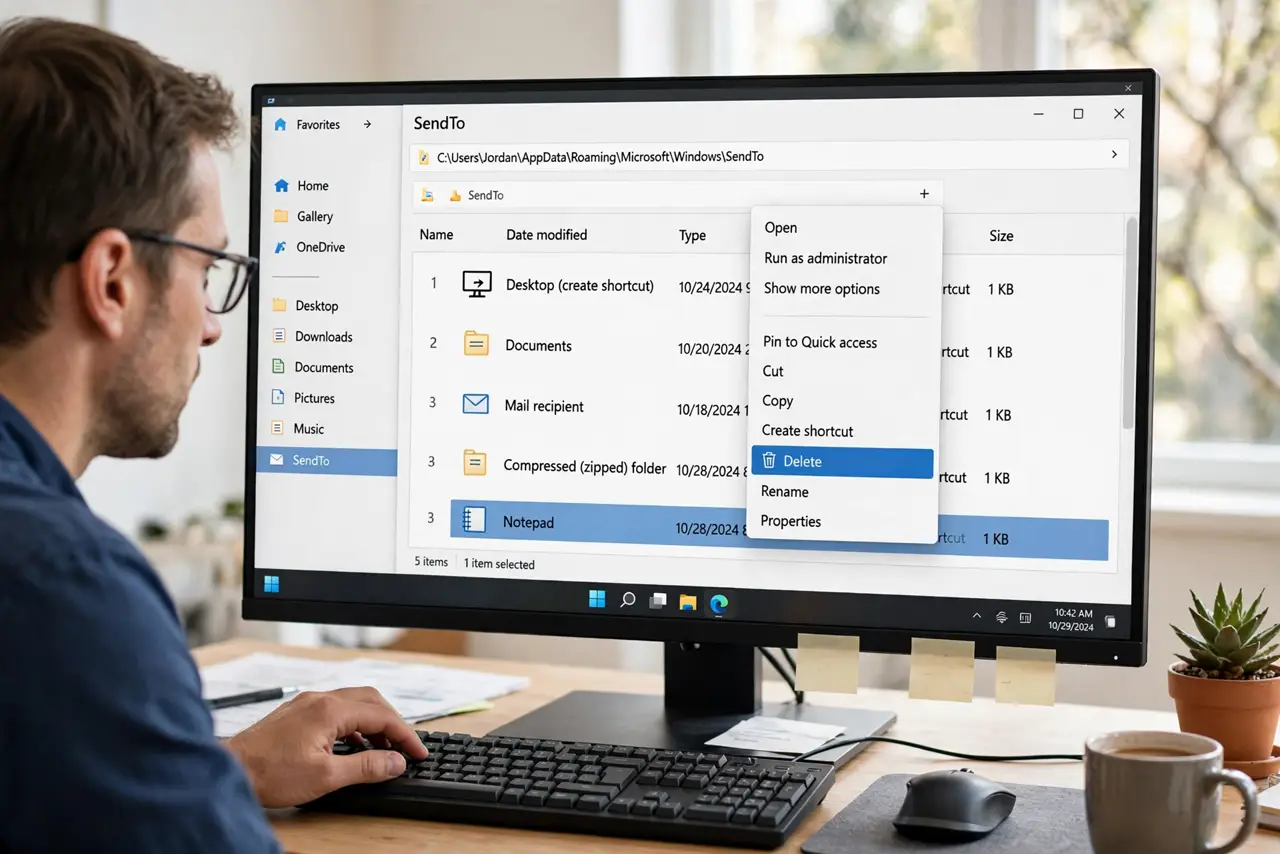
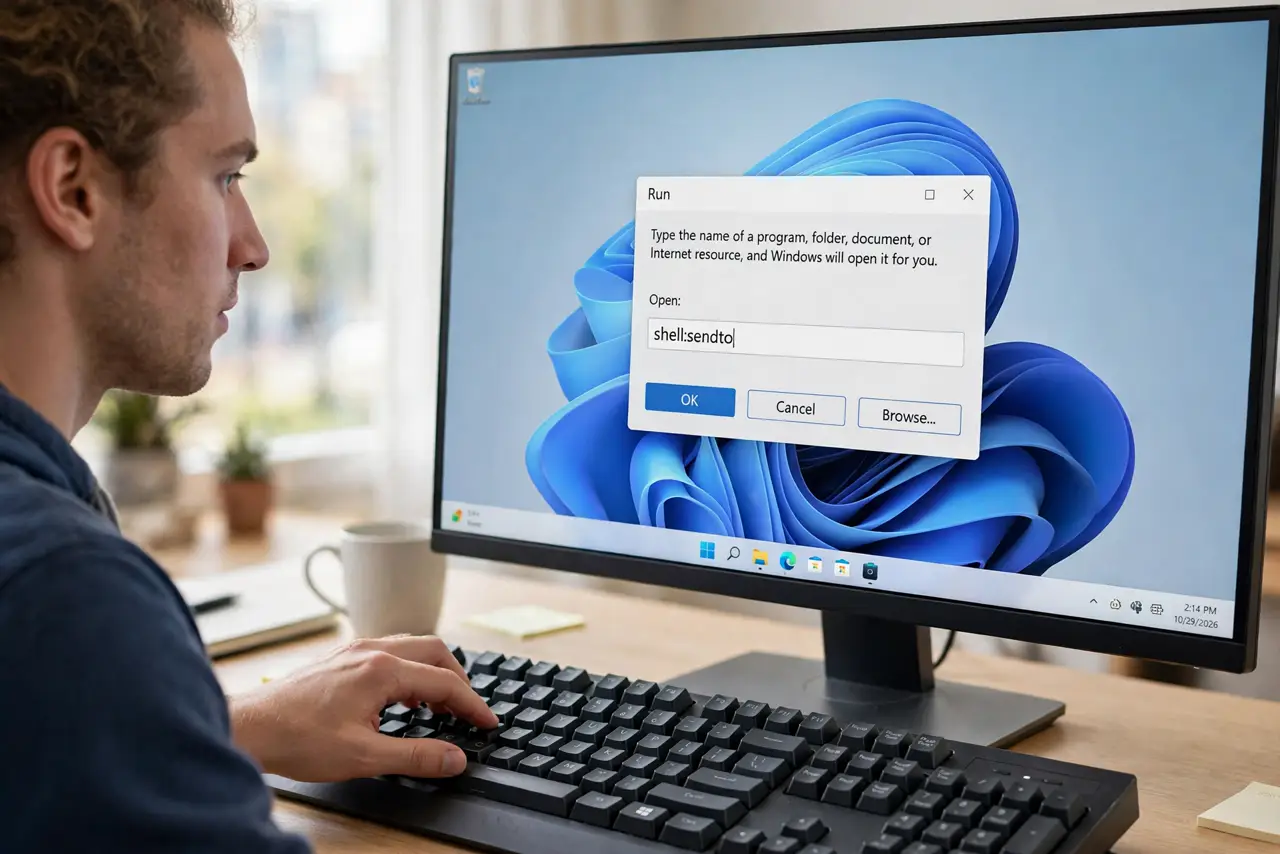
- Open the Send To folder. Press Win + R, type shell:sendto, and press Enter. A File Explorer window opens showing every Send To entry as a shortcut.
- Delete the shortcuts you never use. Select dead entries — uninstalled programs, ancient fax destinations — and delete them. You're removing shortcuts, not programs.
- Keep the useful defaults. Desktop, Documents, and compressed-folder entries earn their keep. Don't strip the menu bare — trim it.
- Add your own destinations. Right-drag any folder into the SendTo window and choose 'Create shortcuts here'. Your project folder is now a Send To target.
- Add a favorite app too. Right-drag a program's shortcut the same way. 'Send To Notepad' for quick text-file peeking is a classic.
- Test with a right-click. Right-click any file, hover Send To, and admire the short, useful menu. Changes apply immediately, no restart.
What NOT to do
- Do not delete the actual programs. The SendTo folder holds shortcuts — deleting a shortcut never uninstalls anything, but don't go hunting the real apps.
- Do not empty the folder completely. An empty Send To menu still works, but the built-in destinations are genuinely handy.
- Do not add fifty destinations. A Send To menu longer than the screen defeats the purpose — keep it under ten.
- Do not confuse Send To with Open With. Send To passes the file to a destination; Open With chooses the program that opens it.
Frequently asked questions
What is shell:sendto?
A shortcut that opens your personal SendTo folder directly. Windows builds the Send To menu from whatever shortcuts live there.
Will deleting a Send To shortcut break the program?
No. Shortcuts are just pointers — the program itself is untouched and keeps working normally.
Can I add a network folder to Send To?
Yes — right-drag the network folder into the SendTo window and create a shortcut. It works like any local destination.