Set Your Primary Monitor
New windows keep opening on the wrong screen, the taskbar sits on the monitor you barely look at, and games launch on the small display. That is the primary monitor setting pointing at the wrong screen. One checkbox moves the taskbar, the Start menu's home, and new windows to the display you actually use.
TL;DR / Quick Fix
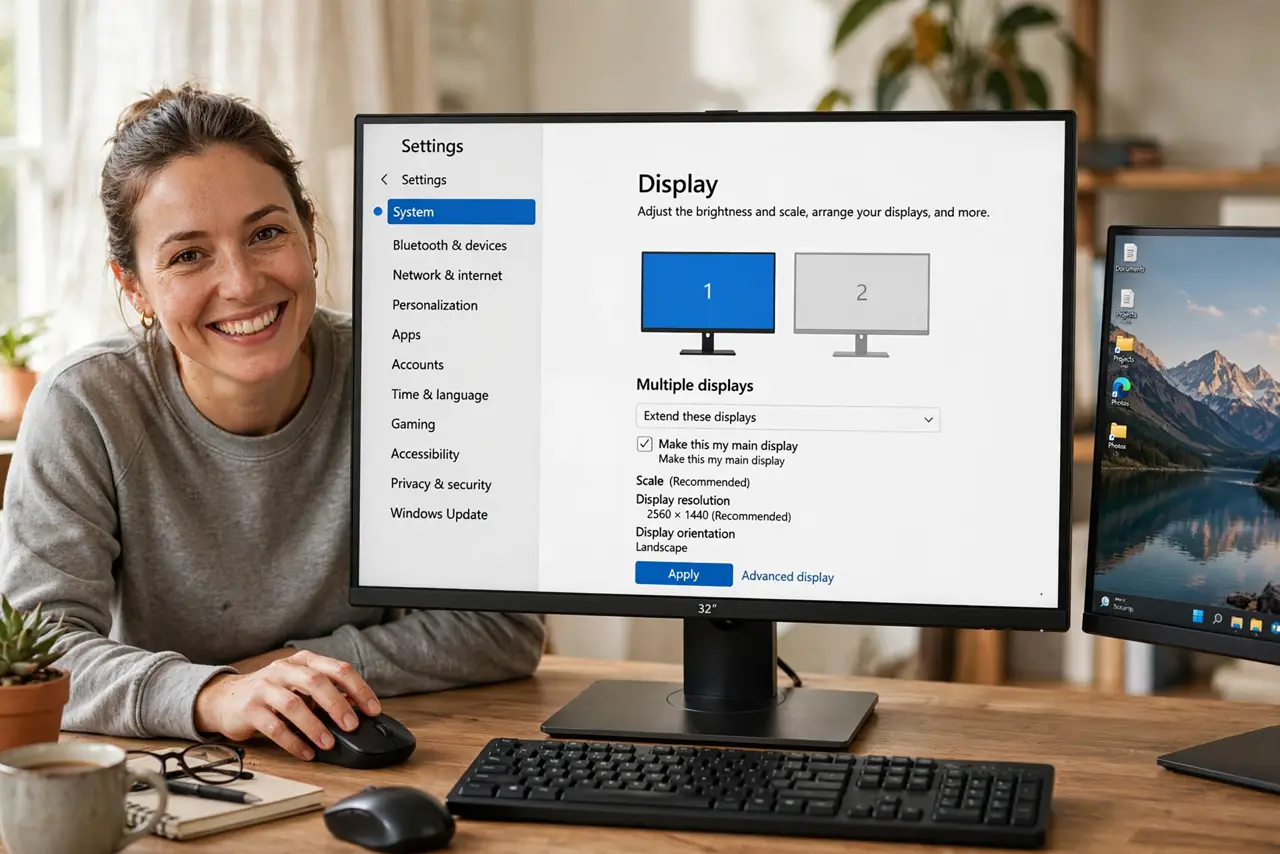
Quick fix: open Settings, go to System, then Display — click the rectangle for the monitor you actually use, scroll down, and tick 'Make this my main display.' The taskbar jumps to it immediately, and new windows and games will prefer it from now on.
Follow these steps
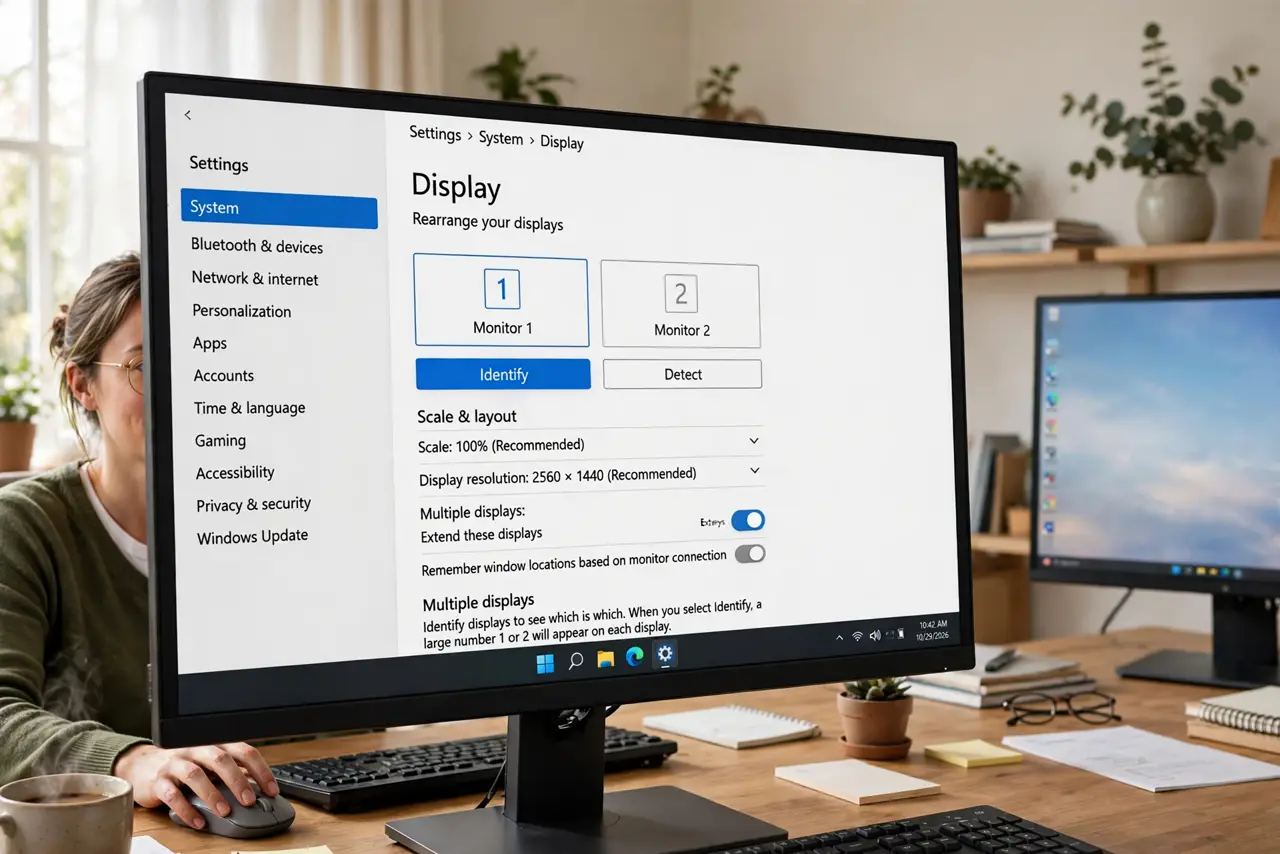
- Open Display settings. Go to Settings > System > Display. The numbered rectangles represent your monitors — click Identify if you are unsure which is which.
- Select the right rectangle. Click the box for the monitor you want as primary. The settings below always apply to the selected display.
- Tick 'Make this my main display.' Scroll to Multiple displays and check the box. The taskbar relocates instantly — the most visible proof it worked.
- Confirm new windows obey. Open a new program and watch where it appears. Games and full-screen apps especially follow the primary designation.
- Re-check after driver updates. Graphics driver updates occasionally reset the primary. If windows start misbehaving after an update, this checkbox is the first suspect.
- Pair it with correct arrangement. Primary decides the taskbar; arrangement decides mouse travel. Set both and the setup feels invisible.
What NOT to do
- Do not set the projector as primary permanently. Presentations end; a primary projector haunts every new window afterward.
- Do not confuse primary with 'the one on the left.' Primary is about the taskbar and new windows, not physical position — arrangement handles that.
- Do not fight per-app window memory. Some programs remember their last screen regardless of primary — move them once and they learn.
- Do not forget laptops dock and undock. The primary resets sensibly when you undock; recheck it when you redock if things feel off.
Frequently asked questions
Why do games open on the wrong monitor?
Games launch on the primary display. Set your gaming monitor as primary, or set the display in the game's own video settings.
Can the taskbar show on all monitors?
Yes — taskbar settings let it span every screen. But only the primary hosts the system tray and clock.
The checkbox is grayed out — why?
It grays out when only one display is active, or the selected display is already primary. Both are non-problems.