Sharing Asks for a Password?
You try to open a shared folder on another PC and Windows demands a username and password you never set up. This prompt is normal — Windows sharing always authenticates — but it confuses everyone the first time. Here is what to enter and how to make it stop asking.
TL;DR / Quick Fix
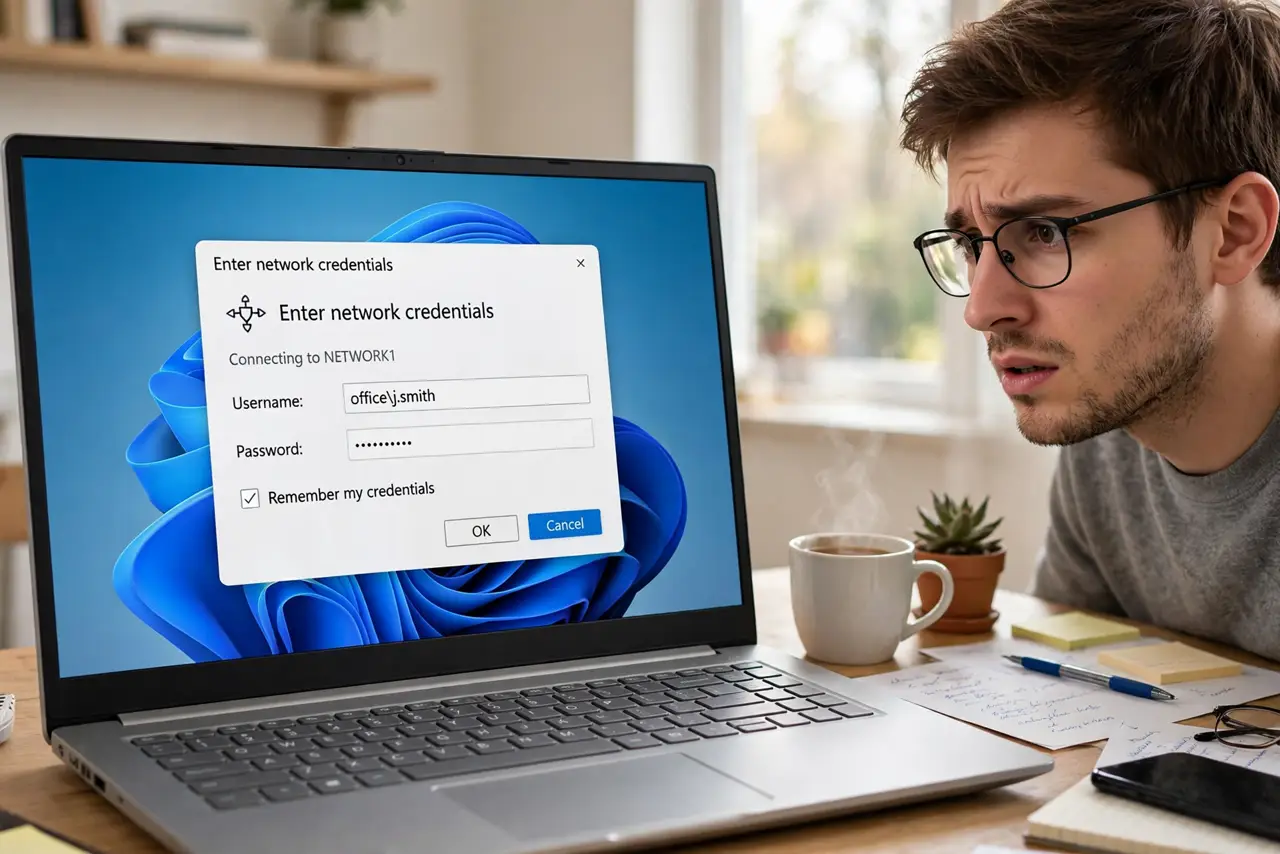
Quick fix: when Windows sharing asks for a password, enter the username and password of the PC sharing the folder — not your own PC's login. Tick 'Remember my credentials' to stop future prompts. If no password was ever set, create one on the sharing PC.
Follow these steps
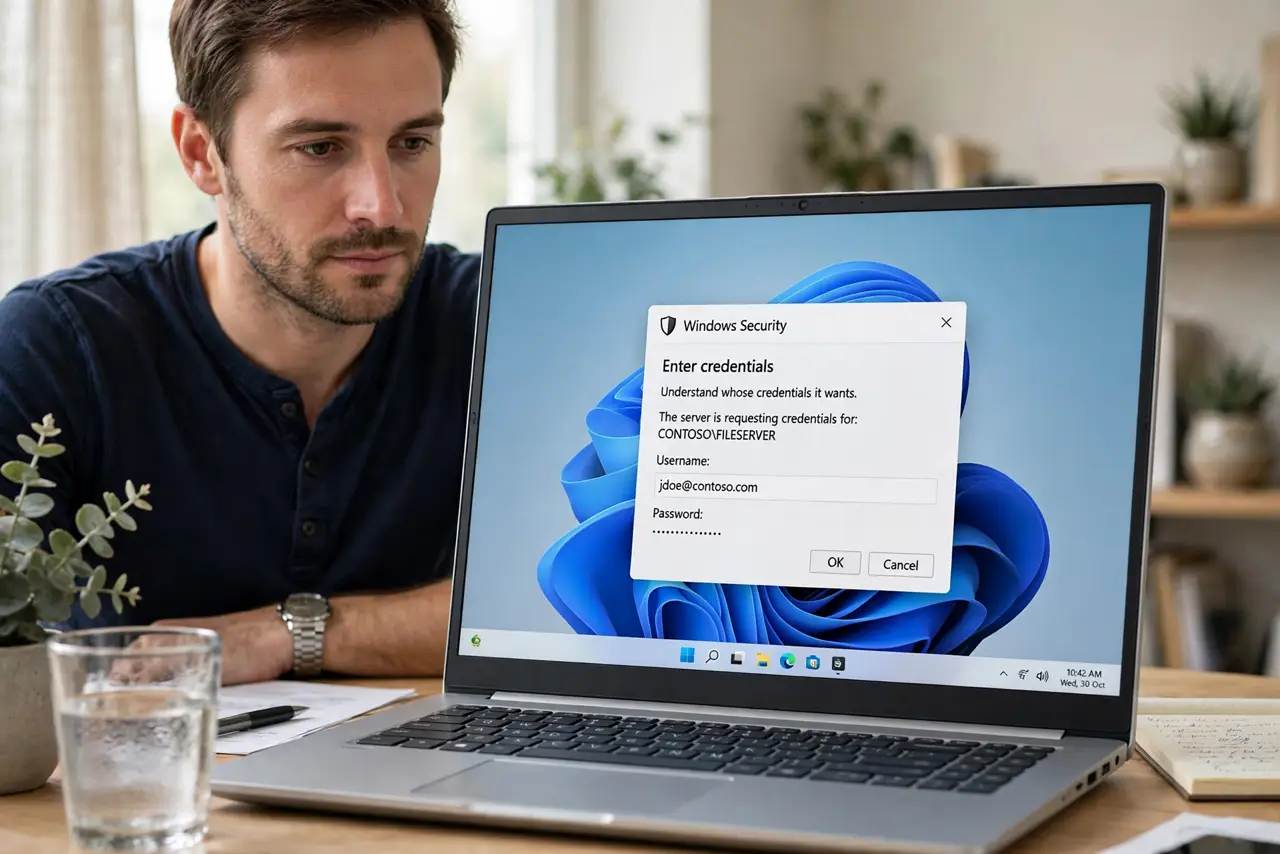
- Understand whose credentials it wants. The prompt wants an account on the PC sharing the folder — usually that PC's main user and password. Your own PC's login will not work.
- Enter them once and remember. Type the sharing PC's username and password, and tick 'Remember my credentials.' Windows stores them and stops asking — see saved credentials.
- Create a password if there is none. If the sharing PC has no password, sharing cannot authenticate — set one in Settings, Accounts. Passwordless sharing is blocked by design.
- Check both PCs see each other. If the prompt never accepts good credentials, the real issue may be network discovery or mismatched network profiles — see sharing setup.
- Use the right username format. Sometimes you need the PC name plus username instead of just the username. If plain login fails, try the full format.
- Clear stale saved credentials. A changed password plus a remembered old one causes endless rejections. Delete the entry in Credential Manager and enter the new one.
What NOT to do
- Do not disable password-protected sharing to 'fix' it. That opens your shares to everyone on the network.
- Do not enter your Microsoft account password blindly. Local sharing usually wants the local account credentials.
- Do not keep guessing the password. Repeated failures can lock the account — verify it on the sharing PC first.
- Do not share without any password. An open share on a home network is one compromised device away from exposure.
Frequently asked questions
Why does it ask even though I never set sharing up?
Windows enables password-protected sharing by default — the prompt is the system working as designed. See more detail.
Can I make it never ask?
Saving the credentials makes it effectively never ask. Truly disabling the prompt means disabling protection — not recommended.
What if I forgot the sharing PC's password?
Reset it on that PC in Settings, Accounts. There is no way around authenticating.