Share a Folder on Your Network
The other PC cannot see your folder, or it sees it and demands a password you never set. Windows folder sharing involves three layers — the share itself, the permissions, and the network profile — and one misconfigured layer breaks the whole thing. Here is the order that works.
TL;DR / Quick Fix
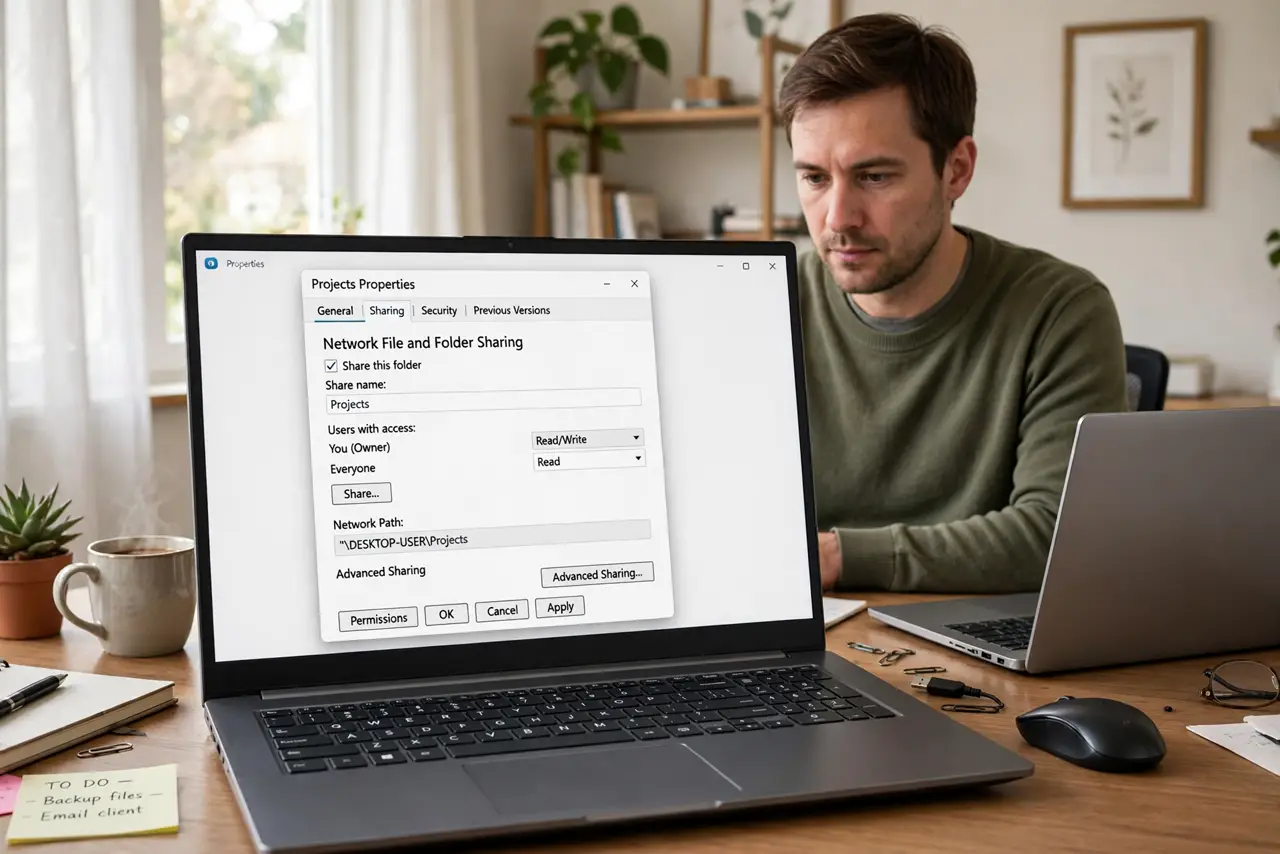
Quick fix: right-click the folder, choose Share, and add the user or 'Everyone' with the right permissions — then make sure both PCs are on a Private network with network discovery on. Most 'cannot see folder' cases are the network profile, not the share.
Follow these steps
- Share the folder. Right-click the folder, Properties, Sharing tab, Share. Add the specific user or Everyone — specific users are safer on any network you do not fully trust.
- Set both share and NTFS permissions. Sharing has two permission layers: the Share tab and the Security tab. Both must allow the user — the stricter one wins. See the permissions checklist.
- Put both PCs on a Private network. Windows blocks sharing on Public networks. Check Settings, Network — if it says Public, switch it to Private on trusted home networks.
- Turn on network discovery. Without network discovery, PCs cannot see each other at all. Enable it for private networks on both machines.
- Connect from the other PC. In File Explorer, type the address of the sharing PC in the address bar. If it prompts for credentials, use the sharing PC's username and password.
- Map it for daily use. If you will use the folder often, map it as a drive so it reconnects at sign-in instead of retyping addresses.
What NOT to do
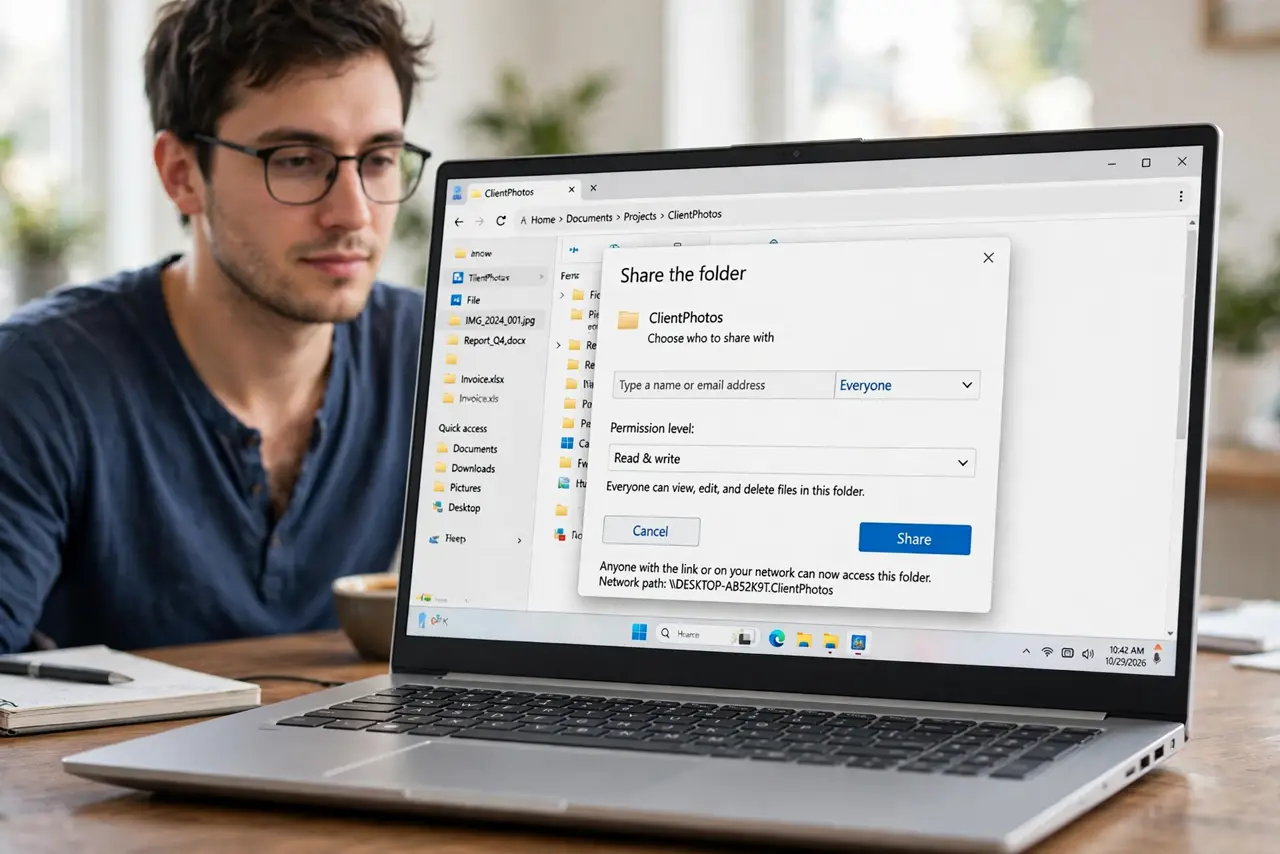
- Do not share with Everyone on a public network. That is an open door — restrict to specific users.
- Do not forget the Security tab. Share permissions alone are not enough; NTFS permissions must agree.
- Do not troubleshoot sharing on a Public profile. Switch to Private first — most failures end there.
- Do not share your whole user folder. Share the specific folder needed, nothing more.
Frequently asked questions
Why does the other PC ask for a password?
The share requires credentials — enter the sharing PC's username and password, and save them. See sharing asks for a password.
I shared it but the other PC sees nothing?
Check the network profile and discovery first — see folder not visible.
Can a Mac access a Windows share?
Yes — in Finder, Go, Connect to Server, and enter the Windows PC's address.