SmartScreen Blocks a Safe Installer? Fix It
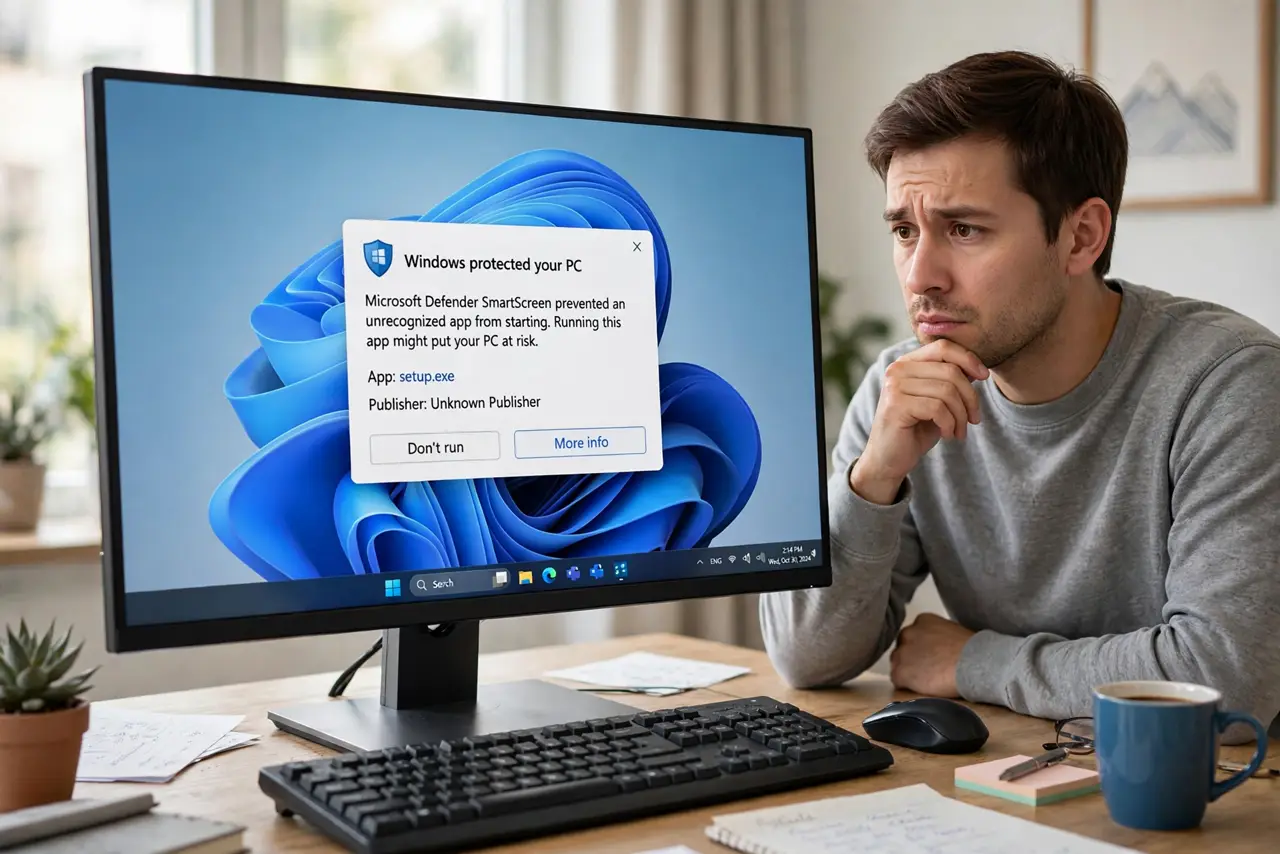
You downloaded an installer from the developer's official site, and SmartScreen still blocks it as unrecognized. SmartScreen judges files by reputation, and new or niche software has none yet. You can proceed safely when you verified the source, without disabling the protection — and the blocked download warning guide covers the browser-side version of this check.
TL;DR / Quick Fix
Quick fix: only proceed if you downloaded the installer from the developer's official website. Click More info, then Run anyway, and the installer launches. If you got the file anywhere else — email attachment, random link, forum upload — do not override the warning. Keep SmartScreen itself turned on.
Follow these steps
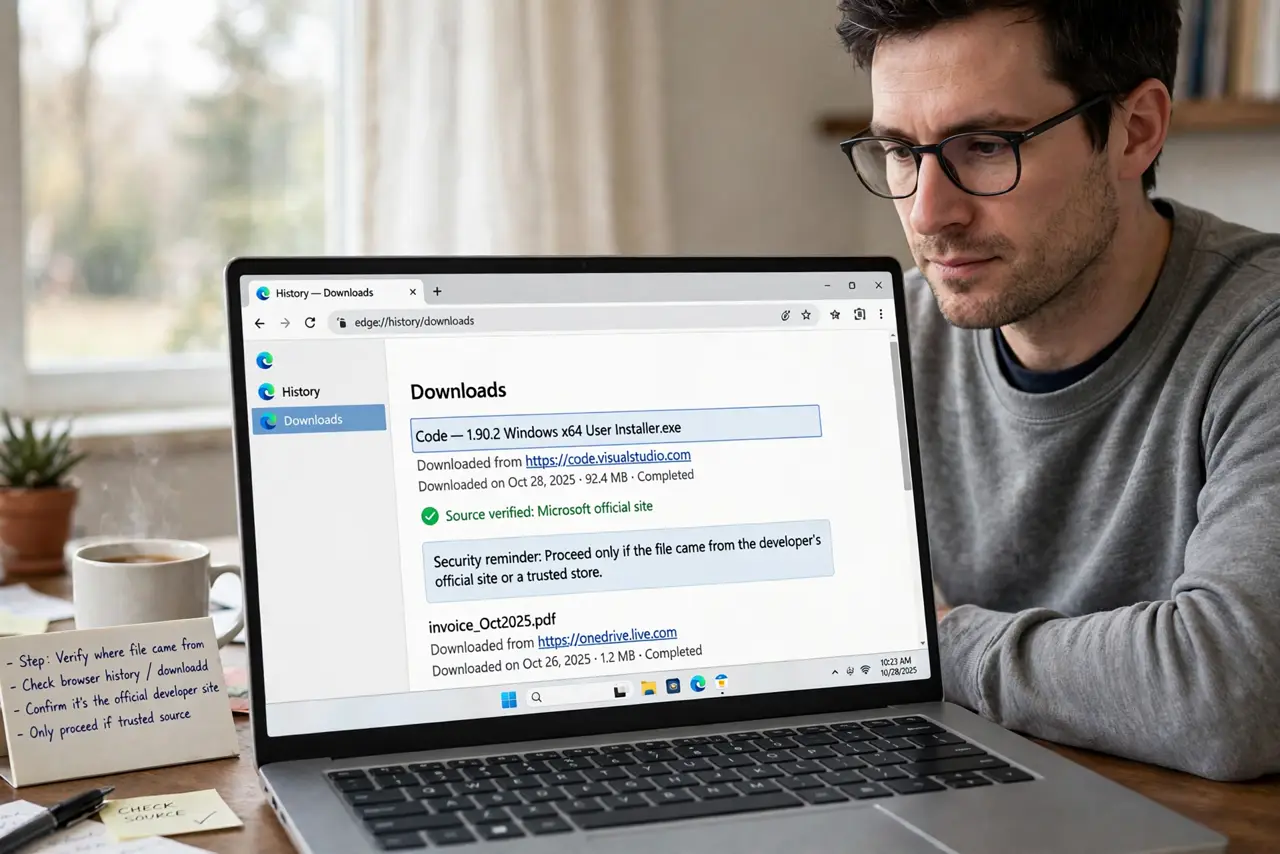
- Verify where the file came from. Check your browser history or the download source. Proceed only if the file came from the developer's official site or a store you trust; anything else stays blocked.
- Check the file's digital signature. Right-click the installer, open Properties, and look at the Digital Signatures tab. A valid signature from the expected publisher is strong evidence the file is genuine.
- Use the More info option. On the SmartScreen dialog, click More info to reveal the Run anyway button. Microsoft hides it one click deep so you pause before proceeding.
- Run the installer and watch for odd behavior. Launch it and confirm it installs the program you expected. An installer that immediately asks for strange permissions deserves a second look.
- Unblock future downloads from the same publisher. Once you trust a publisher, its signed installers build reputation and stop triggering warnings. One careful exception today means fewer warnings tomorrow.
- Keep SmartScreen enabled. Leave the SmartScreen setting on in Windows Security. It is a useful second opinion, and this guide is about judging one file, not disabling the judge.
What NOT to do
- Do not click Run anyway on files from unknown sources. The warning is doing its job; ignoring it on a mystery file is exactly the mistake it prevents.
- Do not disable SmartScreen to install one program. That trades a ten-second judgment call for permanently weaker protection.
- Do not trust a file because a forum vouched for it. Only the official download source counts as verification.
- Do not confuse SmartScreen with antivirus. SmartScreen checks reputation, Defender checks for malware — a file can pass one and fail the other.
Frequently asked questions
Why does SmartScreen block safe software?
Because it works on reputation, not just malware scans. New, rare, or unsigned software has no reputation, so it gets flagged until enough people run it safely.
Is Run anyway dangerous?
Only if the source is unverified. On a file from the official site with a valid signature, it is the intended path.
Will the warning appear every time I install it?
Usually only until the file builds reputation. Signed installers from established publishers rarely trigger it twice.