Remove Weather From the Taskbar
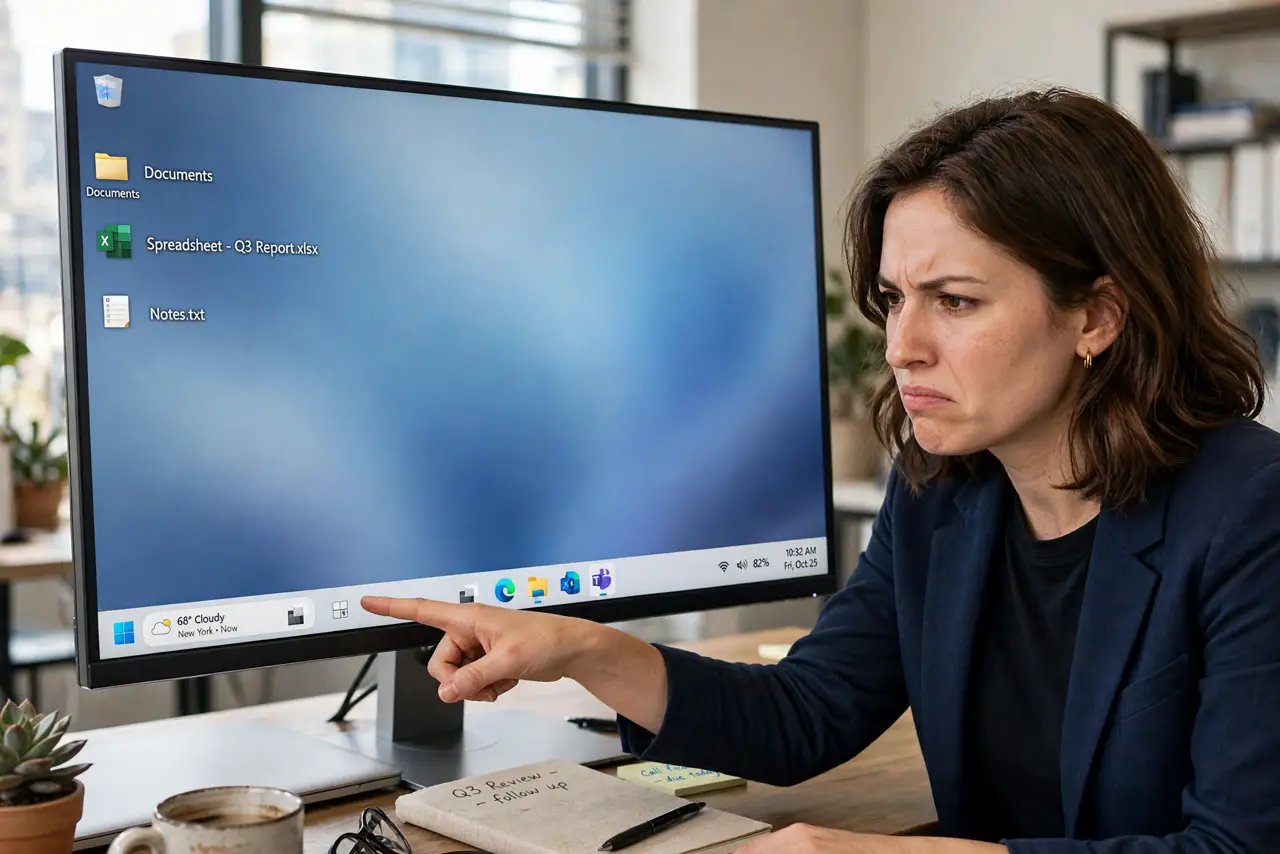
The little weather widget hogs the left corner of the taskbar, showing temperatures you didn't ask for and occasionally the wrong city. It's part of the Widgets board, and Windows lets you evict it cleanly — no registry hacks, no third-party tools.
TL;DR / Quick Fix
Quick fix: right-click the taskbar, choose Taskbar settings, and turn off Widgets to remove the weather icon immediately. Prefer keeping widgets? Open the Widgets board, click the weather widget's menu, and remove only that widget while leaving the rest intact.
Follow these steps
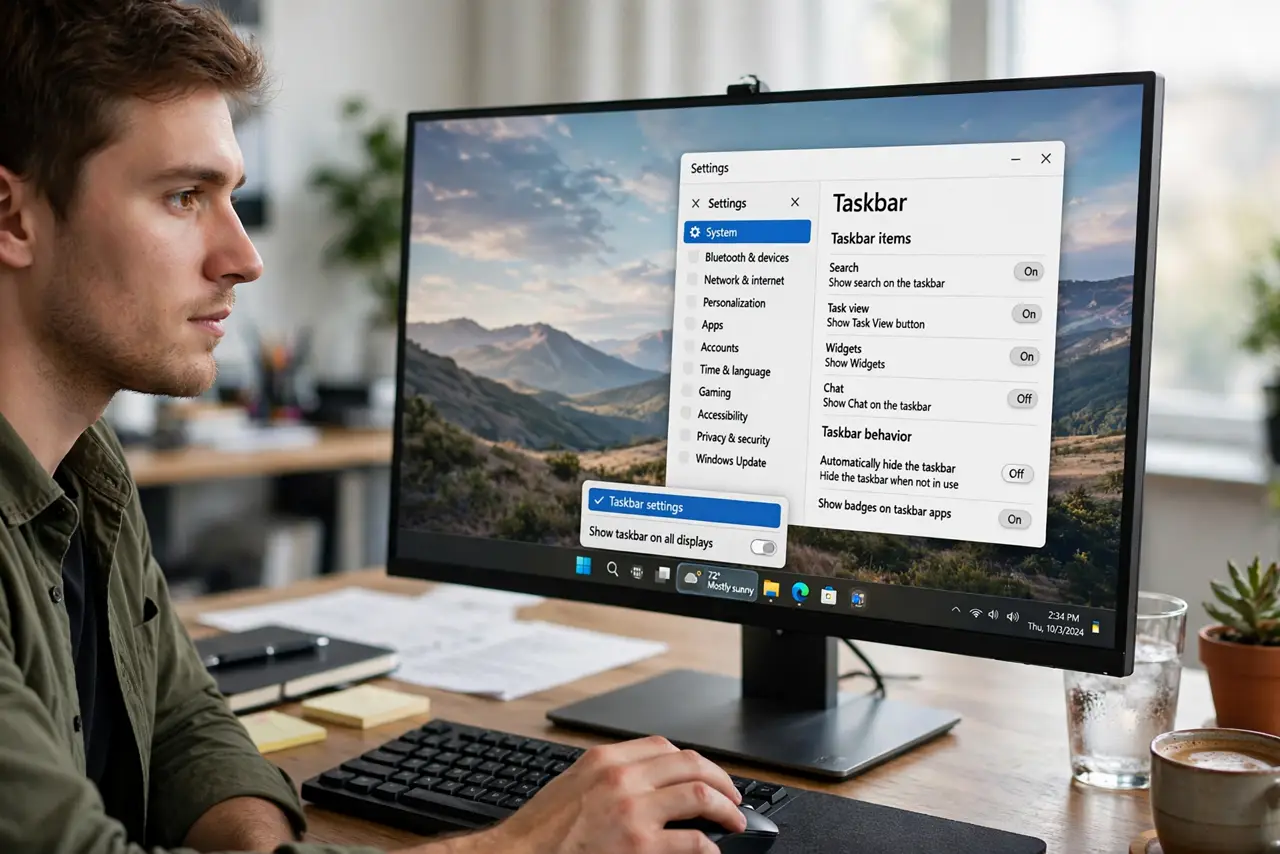
- Open Taskbar settings. Right-click an empty spot on the taskbar and choose Taskbar settings. No need to dig through the main Settings app.
- Turn off Widgets. Flip the Widgets toggle off. The weather icon vanishes from the taskbar instantly — this is the whole fix for most people.
- Or remove just the weather widget. Open the Widgets board (Win+W), click the ... on the weather widget, and choose Remove widget. You keep news and calendar widgets while ditching the temperature.
- Fix the wrong city if you keep it. A widget showing the wrong city just needs its location corrected — no need to remove anything.
- Tame the news feed too. If the board's headlines annoy you as much as the weather did, see how to hide the news you don't want.
- Check it stays off after updates. Major Windows updates sometimes re-enable Widgets. If the icon returns, flip the same toggle again — it takes five seconds.
What NOT to do
- Do not edit the registry to kill the widget. The Settings toggle does the same job with zero risk.
- Do not install a 'debloat' tool for this one toggle. Those tools change dozens of things you didn't ask about.
- Do not confuse Widgets with the taskbar itself. Turning off Widgets removes the board and its icon — the taskbar stays exactly as it was.
- Do not assume a blank board means it's broken. An empty Widgets board is usually a sign-in or region quirk — see the blank board fix.
Frequently asked questions
Will turning off Widgets speed up my PC?
Marginally — the board stops its background refreshes. Don't expect a dramatic change; it's a decluttering win, not a performance fix.
Can I move the weather widget instead of removing it?
No — its taskbar spot is fixed at the left. Your choices are keep it, remove just the widget, or turn the whole board off.
Why did the widget come back after an update?
Feature updates occasionally reset taskbar toggles to defaults. Revisit Taskbar settings and switch it off again.