WSL Eats Too Much Disk Space? Fix It
Your C: drive is mysteriously full, and the culprit is a virtual disk you never see: the WSL virtual disk grows as you install Linux packages but never shrinks when you delete them. The good news is you can compact it safely — the process just needs the exact sequence.
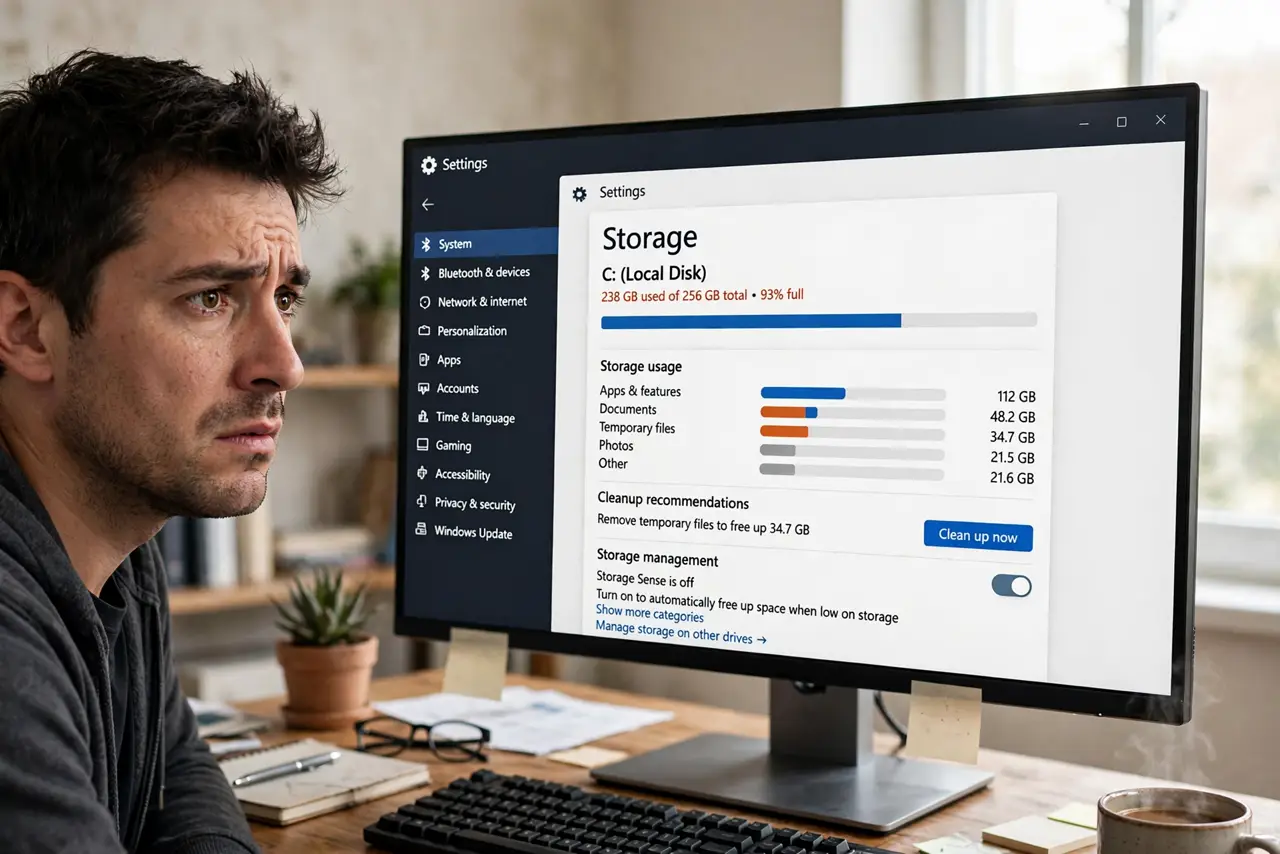
TL;DR / Quick Fix
Quick fix: shut WSL down fully with wsl --shutdown, then compact the virtual disk with Optimize-VHD in PowerShell as administrator. Empty space inside Linux with sudo apt clean first. Expect to reclaim gigabytes. Back up anything important before you compact.
Follow these steps
- Find the disk file. Each distro keeps its virtual disk file under the Local AppData Packages folder. Paste %LOCALAPPDATA%\Packages into File Explorer's address bar and sort by size — the giant is usually obvious.
- Clean inside Linux first. Open the distro and run sudo apt clean, plus a container prune if you use Docker. Compacting only reclaims space that Linux has actually freed.
- Shut WSL down completely. Run wsl --shutdown in PowerShell. Compacting a running virtual disk corrupts it — confirm with wsl --list --running showing nothing.
- Compact the virtual disk. In an administrator PowerShell, run Optimize-VHD against the disk file in Full mode. Give it time; multi-gigabyte disks take a while.
- Verify the new size. Check the file size in Explorer and confirm the distro still boots. If it fails to start, restore from the backup you made.
- Prevent the next surprise. Move container data and large downloads out of the Linux filesystem, and check sizes monthly — installing more distros multiplies the problem.
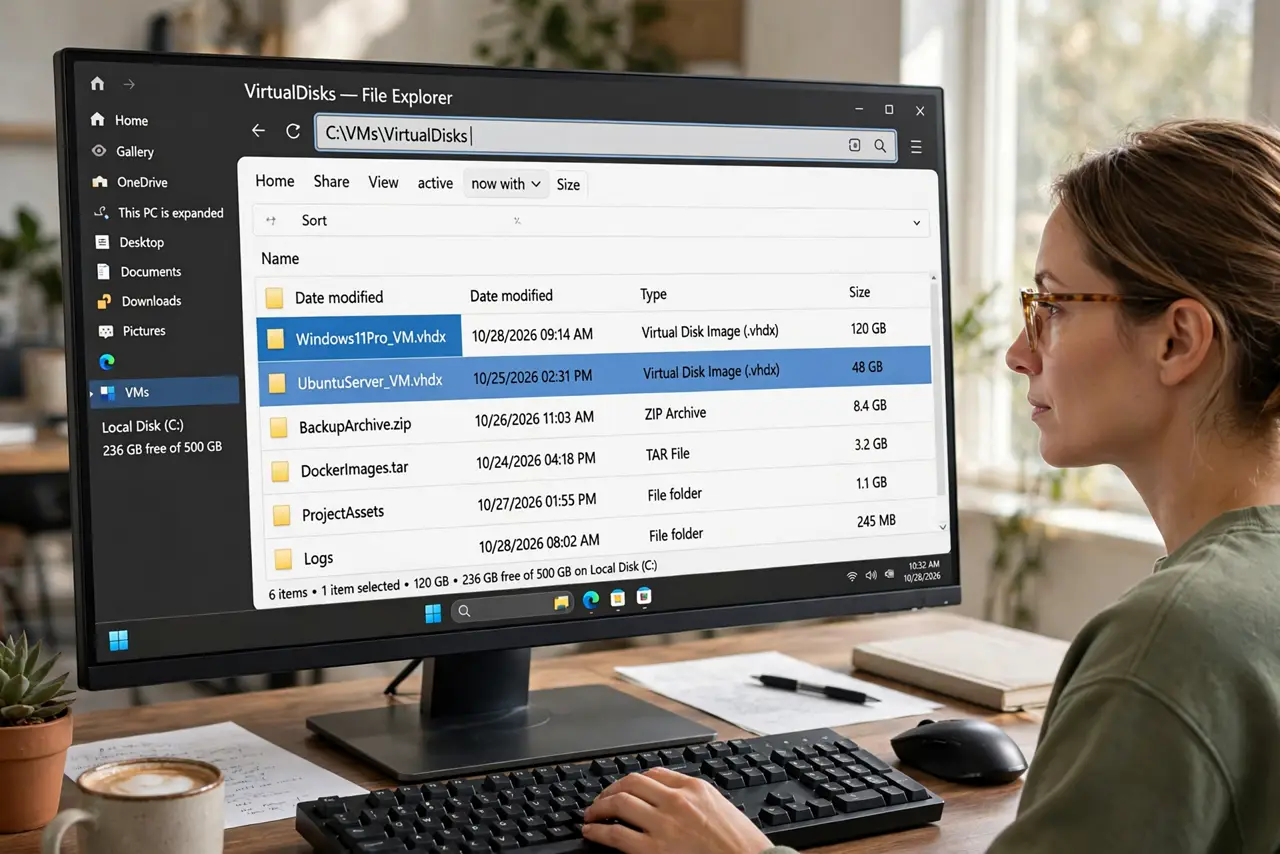
What NOT to do
- Do not compact while WSL is running. A live virtual disk being rewritten underneath Linux is a reliable way to corrupt it.
- Do not delete the virtual disk file to free space. That erases the entire Linux installation with no recycle bin.
- Do not run random disk-cleaner tools on the Packages folder. They cannot see inside the virtual disk and may damage it.
- Do not confuse this with Windows disk cleanup. The space is trapped inside the virtual disk — only compacting releases it to Windows.
Frequently asked questions
Why does the virtual disk keep growing?
Every package, container image, and download inside Linux adds blocks. Linux reuses freed blocks internally, but the file on Windows never shrinks on its own.
Is compacting safe?
Yes, when WSL is fully shut down first. The one dangerous variant is compacting a running distro — never do that.
Can I move the virtual disk to another drive?
Yes, by exporting the distro and importing it to a new location. It is a clean move, but do it once and carefully rather than as routine.