Install WSL for Linux Tools
You need a Linux terminal on Windows — for a course, a dev tool, or a tutorial that assumes Linux — without dual-booting or a virtual machine. Windows Subsystem for Linux installs a real Linux environment in minutes on Windows 10 and 11. One command does nearly all of it.
TL;DR / Quick Fix
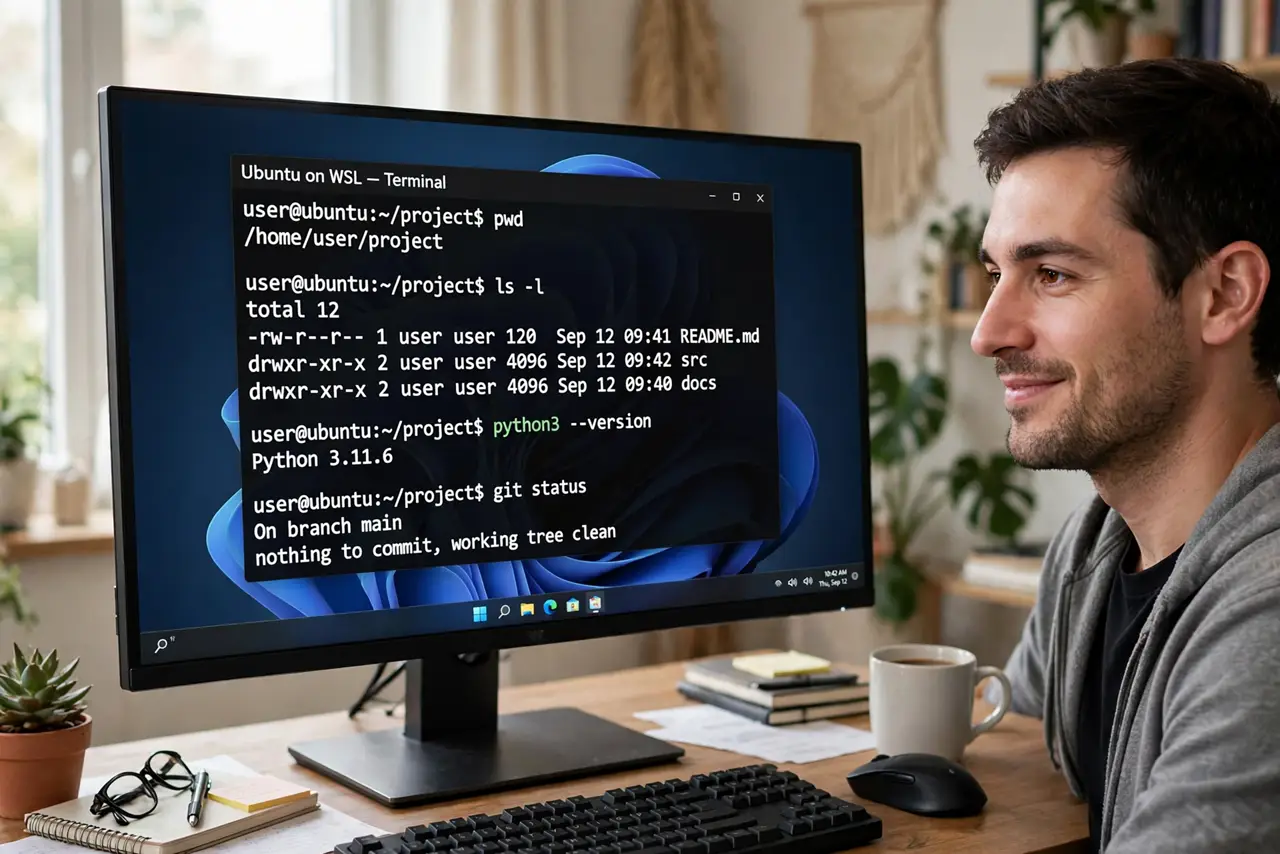
Quick fix: open Terminal as administrator and run wsl --install, then restart when asked. Ubuntu installs by default. Open it from the Start menu, create your Linux username, and update with sudo apt update. For other distros, list them with wsl --list --online.
Follow these steps
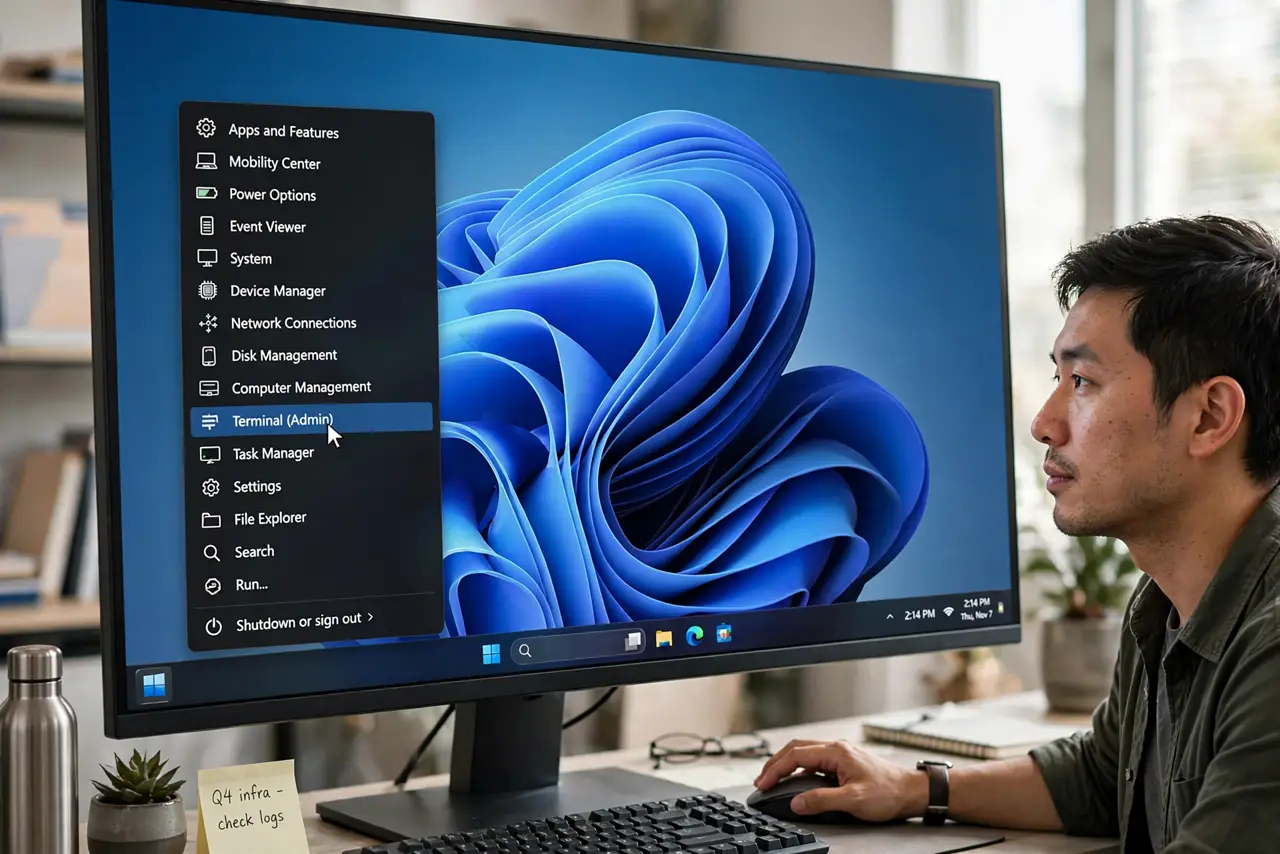
- Open Terminal as administrator. Right-click the Start button and choose Terminal (Admin). WSL installs system components, so it needs the elevated window.
- Run the install command. Type wsl --install and press Enter. This enables the needed features, installs the Linux kernel, and downloads Ubuntu — no manual feature-toggling required.
- Restart when prompted. The installer asks for a reboot to finish enabling the virtualization platform. Save your work and restart; skipping it leaves WSL half-installed.
- Create your Linux user. Ubuntu launches on first boot and asks for a username and password. This account is separate from your Windows login — pick something you will remember.
- Update the fresh system. Run sudo apt update and then sudo apt upgrade. A fresh distro ships with older packages, and five minutes of updates prevents strange errors later.
- Pick another distro if you want. Run wsl --list --online to see options like Debian or Fedora, then install one with wsl --install -d. Your files live separately per distro, so watch the disk usage as you add more.
What NOT to do
- Do not follow WSL1-era tutorials with manual feature steps. The single wsl --install command replaced that old dance on current Windows.
- Do not store project files deep in the Linux filesystem if you edit them from Windows apps. Keep shared work under the Windows drives to avoid permission tangles.
- Do not disable virtualization in the BIOS afterward. WSL2 needs it exactly like Hyper-V does.
- Do not skip the restart. A WSL that installed without rebooting fails with confusing errors that look like broken Linux.
Frequently asked questions
Is WSL a virtual machine?
WSL2 runs a real Linux kernel in a lightweight virtual machine Microsoft manages for you — no VM window to babysit, and it starts in seconds.
Can WSL break my Windows?
It runs isolated from your Windows system. The realistic risk is disk space: each distro is a virtual disk that grows as you use it.
Do I need Hyper-V for WSL?
No. WSL uses the same underlying platform but works on Home editions too, and you never touch the Hyper-V Manager.