Wire Your Mesh Nodes
Your mesh Wi-Fi promised whole-home coverage, but speeds collapse the farther you get from the main router. The culprit is wireless backhaul: each node rebroadcasts over the same airwaves it receives on, roughly halving speed per hop. The fix is beautifully old-fashioned — run ethernet to your nodes and let them talk over wire instead of air.
TL;DR / Quick Fix
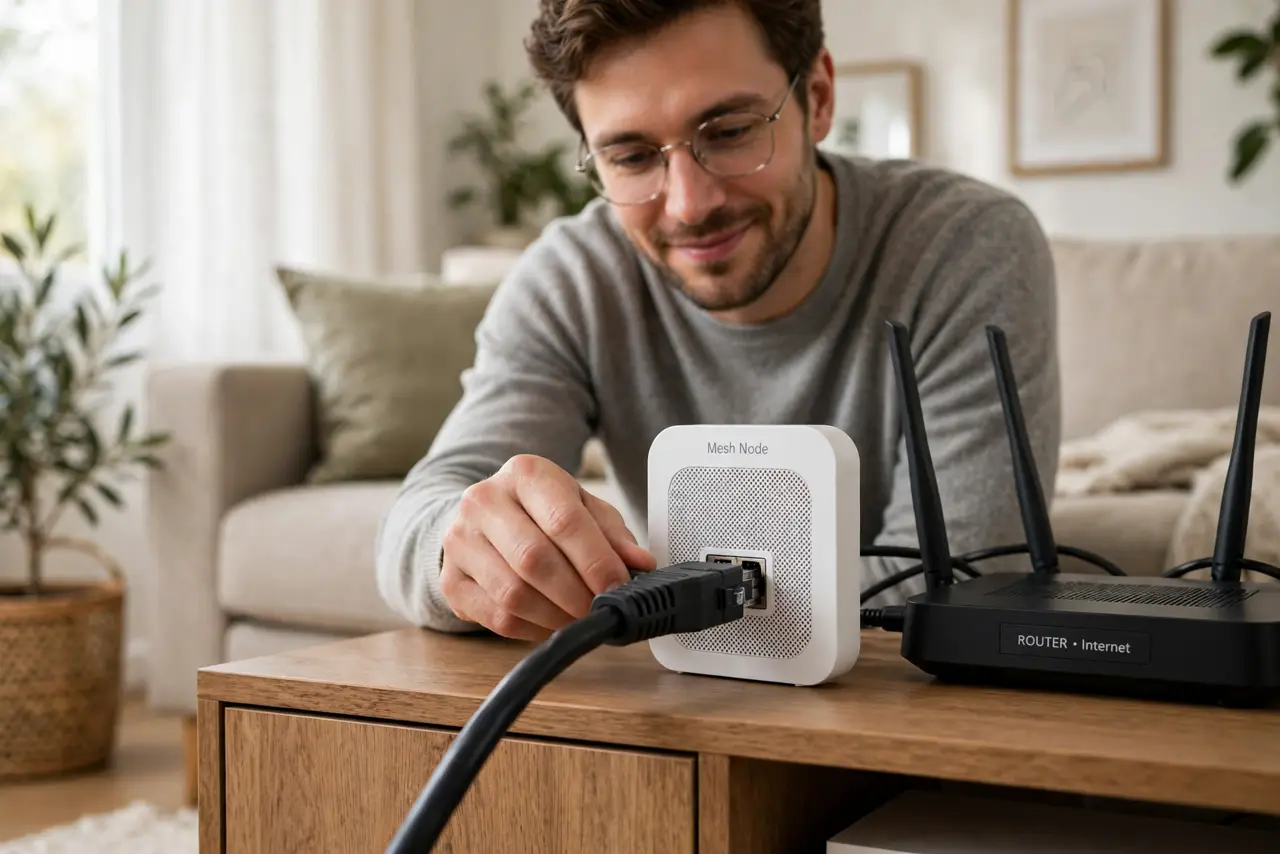
Quick fix: connect your mesh nodes with ethernet cable instead of wireless — wired backhaul stops the speed-halving at each hop. Run Cat5e or better from the main router to each node, then flip the backhaul setting in the app. Nodes go from half-speed relays to full-speed access points.
Follow these steps
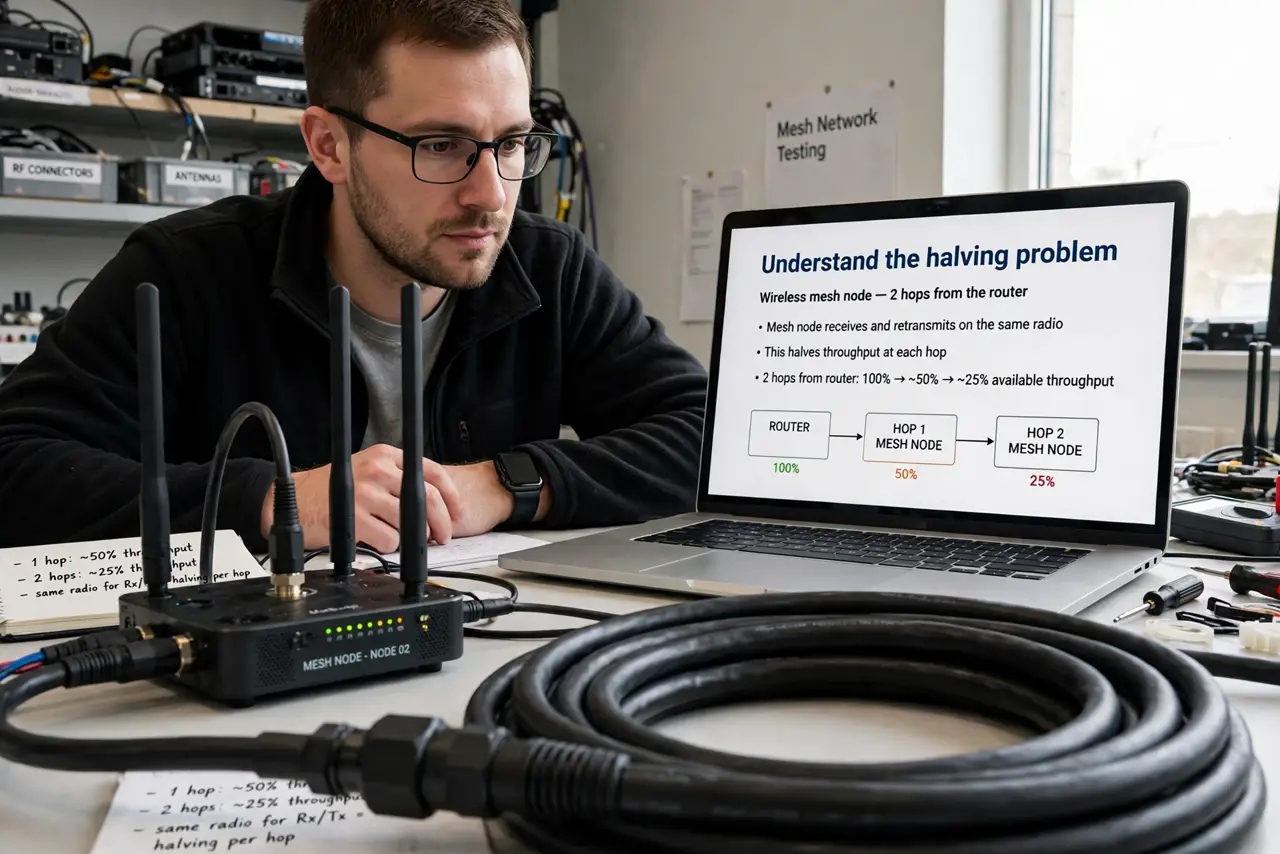
- Understand the halving problem. A wireless mesh node must receive and retransmit on the same radio, which roughly halves throughput at each hop. Two hops from the router can leave you with a quarter of your plan speed.
- Check your nodes have ethernet ports. Look at the back of each node: an ethernet port means it supports wired backhaul. Most mid-range and premium nodes have them; tiny budget pucks sometimes do not.
- Plan the cable route. Map a path from the main router to each node — along baseboards, through an attic, or under a rug. Measure and add slack before buying cable.
- Pick the right cable. Cat5e handles gigabit fine; Cat6 costs little more and future-proofs the run. Either ends the speed-halving completely.
- Connect router to node. Plug one end into a LAN port on the main router (or a switch) and the other into the node's ethernet port. One cable per node — no daisy-chaining tricks needed.
- Enable ethernet backhaul in the app. Open your mesh app and set backhaul priority to ethernet or wired. Then run a speed test at each node — you should see near-full plan speed everywhere.
What NOT to do
- Do not buy pricier nodes hoping radios fix halving. Physics is physics — only a wire removes the penalty.
- Do not leave the backhaul on auto if the app offers a wired priority. Some systems need the explicit switch.
- Do not run the cable across a doorway unprotected. Trip hazards and crushed cables undo the whole upgrade.
- Do not expect miracles from a damaged cable. Test each run before tucking it permanently behind furniture.
Frequently asked questions
Will any ethernet cable do?
For gigabit, Cat5e or better — see the Cat5e vs Cat6 guide for the full breakdown.
Do all mesh systems support wired backhaul?
Nearly all with ethernet ports do. Check your model's manual — the setting sometimes hides under “backhaul priority.”
What if I cannot run cables?
Powerline adapters or MoCA over coax are the next best thing — still a wire, just not ethernet.