Change the Default Font in Word for Good
Every new Word document opens in the same font, and changing it each time is a small tax you pay forever. The real fix is changing the default for the Normal template so every new document starts right. This guide shows how to set it once.
TL;DR / Quick Fix
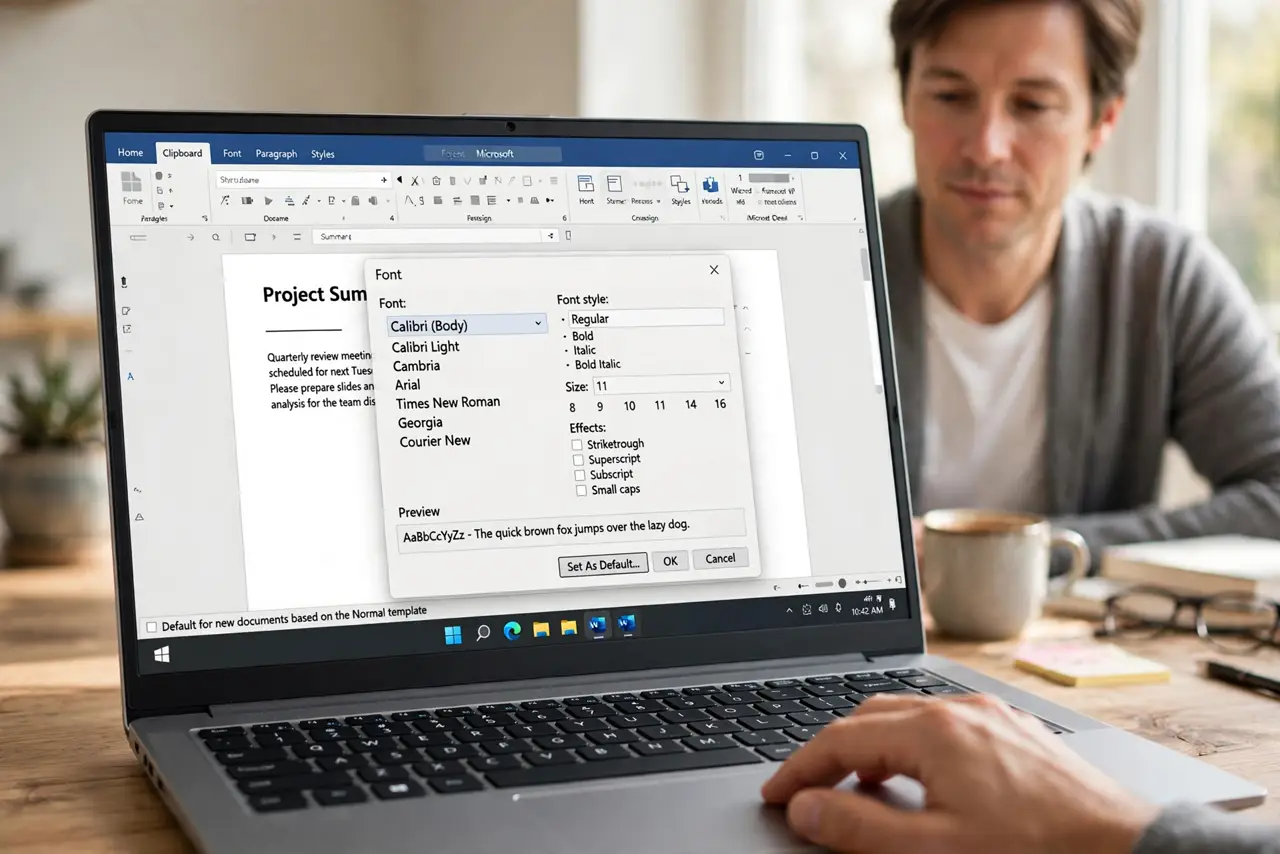
Open the Font dialog, pick your font and size, then click Set As Default and choose all documents based on the Normal template. Restart Word and open a new blank document to confirm. Existing documents keep their old font until you reapply the Normal style.
Follow these steps
- Open the Font dialog. On the Home tab, click the tiny arrow in the Font group's corner. The full Font dialog opens, with more options than the ribbon shows.
- Pick your font and size. Choose the font, style, and size you want every new document to use. What you see in the preview is what every blank document will become.
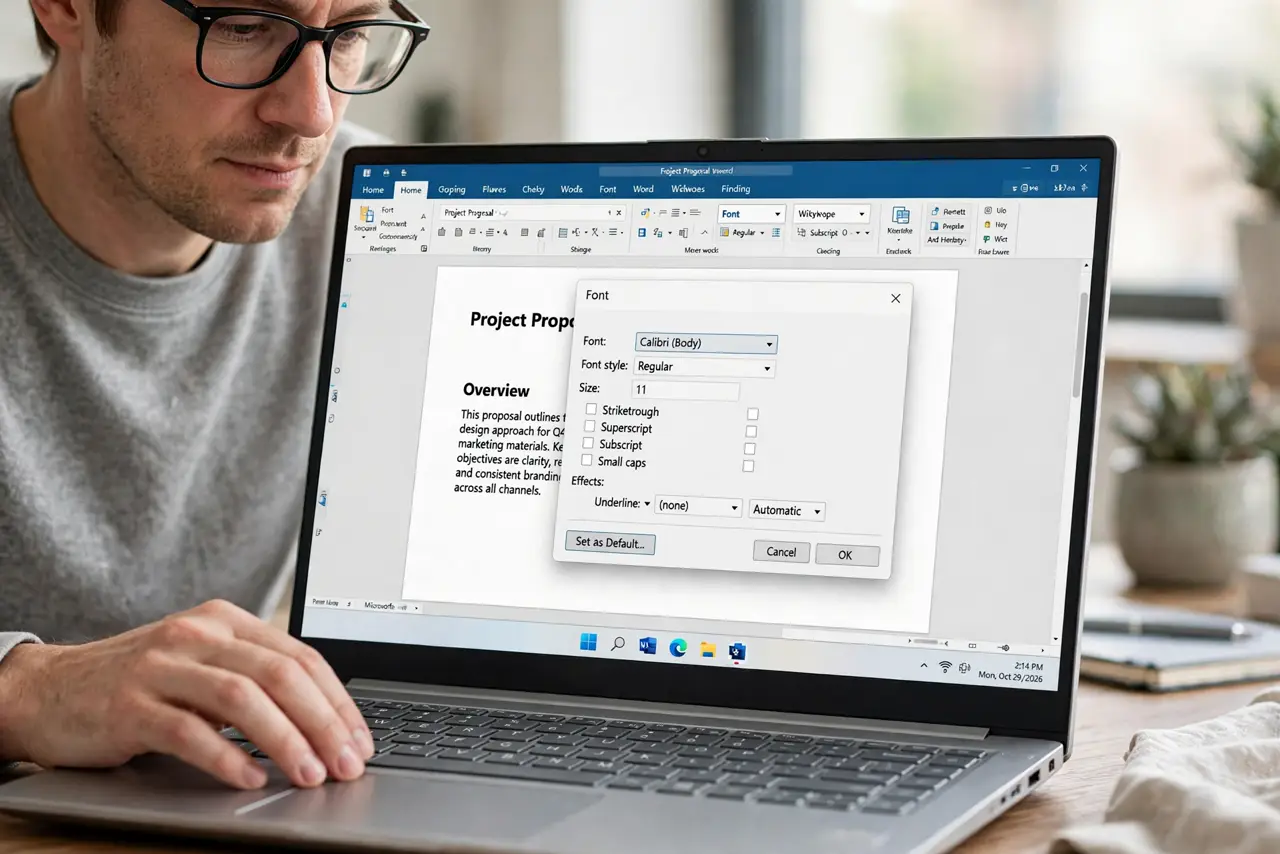
- Click Set As Default. Press the Set As Default button at the bottom-left of the dialog. Word asks whether to apply this to the current document only or all documents.
- Choose all documents. Select the option for all documents based on the Normal template. The current-document-only choice would waste the whole exercise.
- Restart Word and verify. Close Word completely, reopen it, and start a new blank document. Type a sentence — if it appears in your font, the change stuck.
- Fix old documents separately. Open each one that matters, select all, and reapply the Normal style — and expect pasted text to still arrive in foreign fonts until you tame pasting too.
What NOT to do
- Do not pick current-document-only by accident. That is the default trap that makes the change vanish on the next new file.
- Do not choose an exotic font as the default. Recipients without that font will see a substitution.
- Do not change the font by editing Normal.dotm directly. The Font dialog's Set As Default does the same thing safely.
- Do not expect old documents to change. The default only affects new documents you create from now on.
Frequently asked questions
How do I permanently change Word's default font?
Open the Font dialog, choose your font, click Set As Default, and select all documents based on the Normal template.
Why did my default font change back?
You probably chose current-document-only, or a template reset overwrote Normal.dotm. Redo the steps and pick the all-documents option.
Does this change the default font size too?
Yes. The Font dialog saves the size, style, and effects together as the new default.