Page Borders? Basics
Page borders — the decorative frames around a whole page — make certificates, invitations, and cover pages look instantly more formal. They are also fiddly: borders appear on every page, refuse to sit right, or print cut off. Here is how to add them cleanly and control exactly where they show up.

TL;DR / Quick Fix
Quick fix: in Word go to Design > Page Borders, pick a style, and apply it to the whole document or one section. For a cover page only, put a section break after it and apply the border to 'This section'. Keep borders subtle — heavy frames cheapen formal documents.
Follow these steps
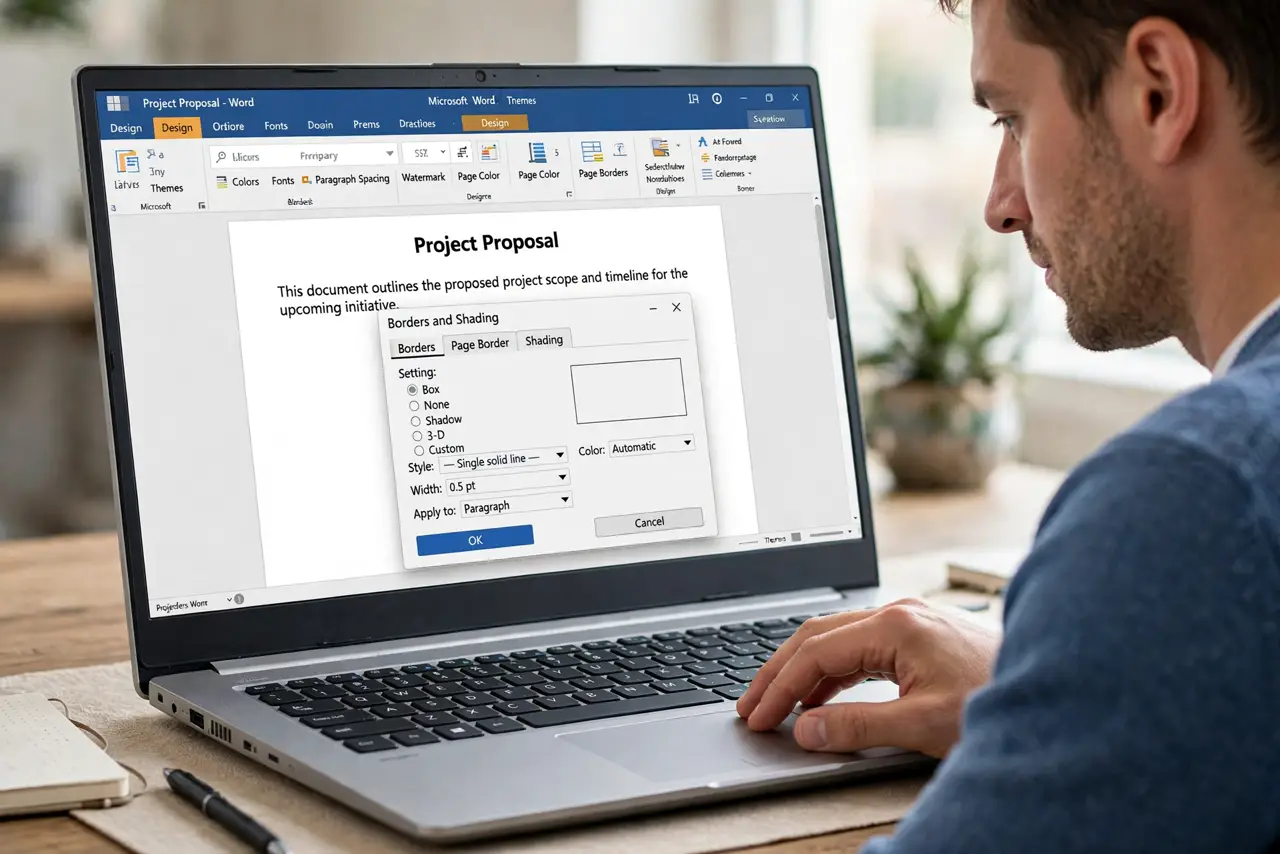
- Open the Borders dialog. Design tab > Page Borders opens the control panel. The Page Border tab (not Borders) is the one that frames whole pages — an easy first mistake.
- Pick a tasteful style. A thin single line in a muted color suits formal documents; art borders (stars, trees) suit invitations and kids' certificates. Match the border's dignity to the document's.
- Control which pages get it. The 'Apply to' dropdown is the key: Whole document, This section, or This section - First page only. For a cover page, use a section break then 'This section'.
- Mind the margins. Borders sit inside the page margins — narrow margins push the border to the printable edge and printers clip it. Widen margins slightly for safe printing.
- Preview before printing. What you see in Print Layout is usually what prints, but cheap printers clip closer than shown. Print one test page before the full run.
- Remove cleanly when done. Back to Design > Page Borders > None, applied to the same scope. Lingering borders usually mean the scope was a section — check the section break guide if one will not go.
What NOT to do
- Do not use art borders on formal documents. Clip-art frames undermine resumes, reports, and certificates instantly.
- Do not apply to the whole document when you want one page. Sections exist for this — learn the Apply-to dropdown.
- Do not set razor-thin margins with borders. Printers clip edges; the border needs breathing room.
- Do not stack borders on every page of a long document. Borders suit covers and certificates, not 40-page reports.
Frequently asked questions
Why is my border cut off when printing?
Margins too narrow for your printer's printable area. Widen the margins or shrink the border offset in the dialog's Options.
Can I have different borders on different pages?
Yes — separate the pages with section breaks, then apply each border to 'This section'. Each section keeps its own border.
Page border vs paragraph border — what's the difference?
Page borders frame the whole page; paragraph borders frame selected text. They live in the same dialog but do very different jobs.