What Is WPA3?
Your router's Wi-Fi security menu offers WPA2, WPA3, and a confusing 'mixed mode' — and picking wrong can either weaken your network or kick your older devices offline. WPA3 is the modern standard, and the choice is simpler than the menu makes it look. Here is what it does and which option to pick.
TL;DR / Quick Fix
Quick fix: WPA3 is the current Wi-Fi security standard — stronger encryption and better protection against password guessing than WPA2. If your router offers it, enable WPA3 or WPA2/WPA3 mixed mode for compatibility. Older devices that can't connect may need WPA2, which remains acceptable.
Follow these steps
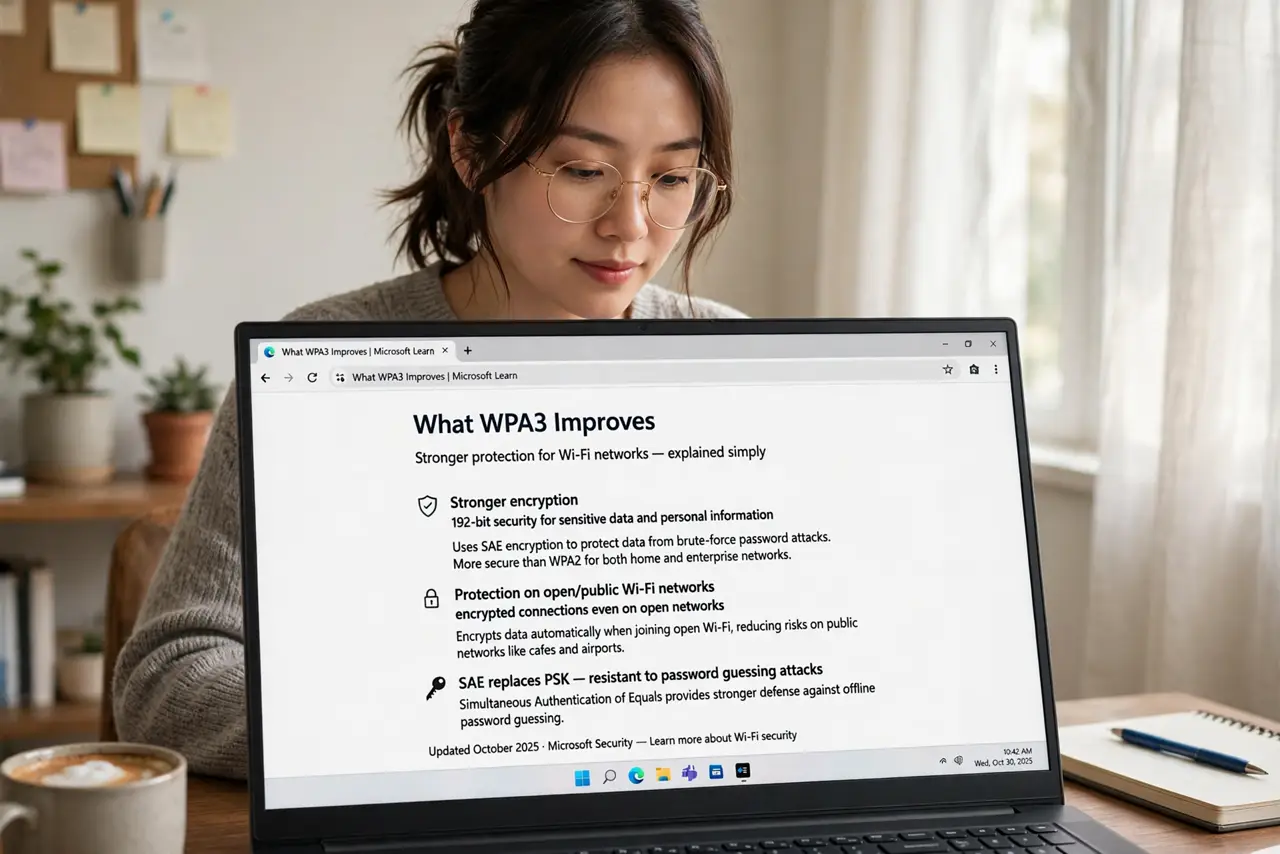
- Learn what WPA3 improves. WPA3 brings stronger encryption, protection against offline password-guessing attacks, and better security on open networks. It is WPA2 with the known weaknesses fixed — an evolution, not a revolution.
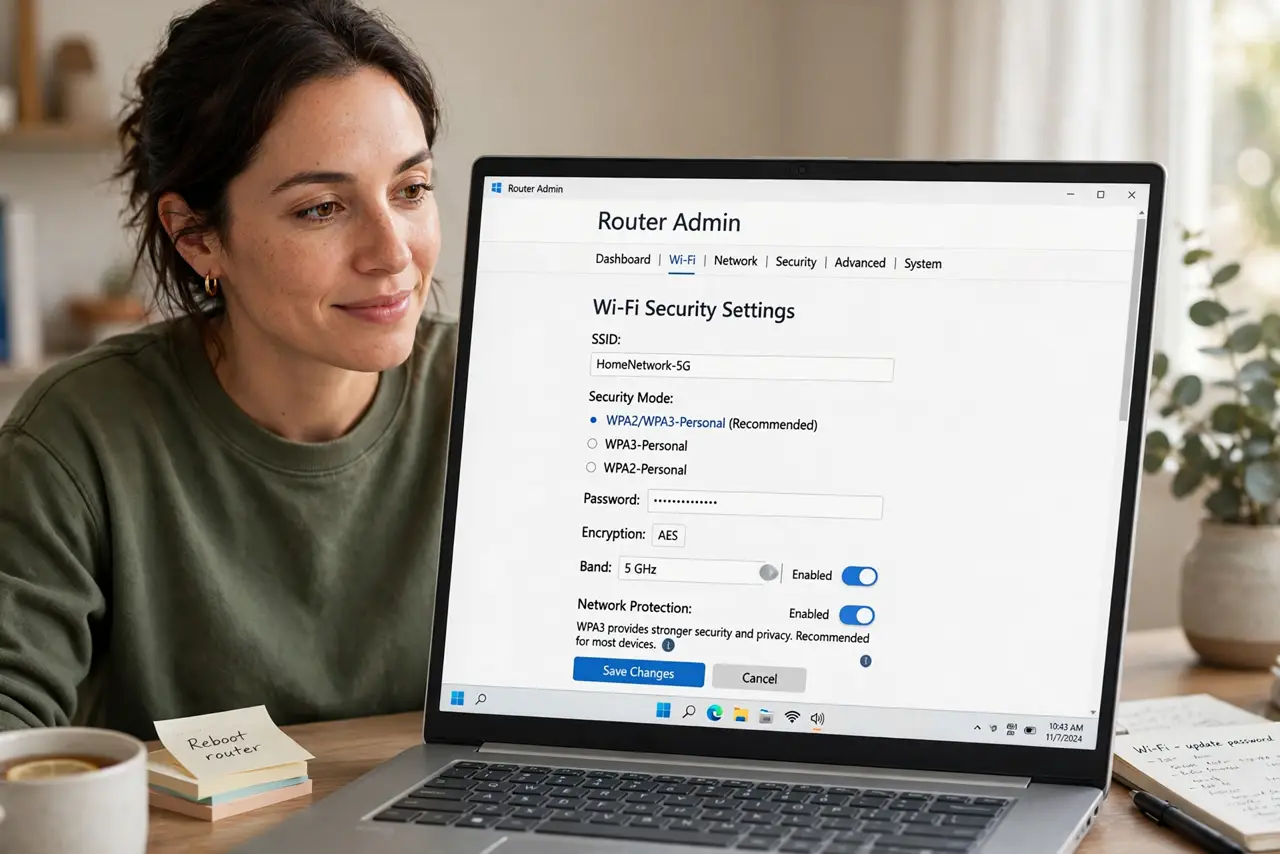
- Check your router's options. Log in and look under wireless security: you will typically see WPA2, WPA3, and WPA2/WPA3 mixed. The exact labels vary by brand — see the WPA2 vs WPA3 setting guide for brand-specific menus.
- Pick mixed mode for compatibility. WPA2/WPA3 mixed (often called 'transition mode') is the sweet spot for most homes: new devices get WPA3, older ones fall back to WPA2. Maximum security without orphaning the old printer.
- Go pure WPA3 if everything supports it. If every device in the house is from the last several years, pure WPA3 mode is slightly more secure — no downgrade path for attackers. Check the oldest device first; one holdout means mixed mode.
- Use a strong password regardless. WPA3 resists guessing attacks far better than WPA2, but a strong unique password remains the foundation. The standard improved; a weak password still would not survive.
- Update router firmware first. Some routers gained WPA3 through firmware updates — check for updates before concluding your router lacks it. The firmware update walkthrough takes ten minutes and often unlocks the option.
What NOT to do
- Do not pick pure WPA3 with old devices around. One incompatible gadget — often a printer or smart plug — goes dark, and you will blame the router.
- Do not leave security on WPA/WPA2 mixed or, worse, WEP. Those are museum pieces; anyone nearby with free tools walks through them.
- Do not assume WPA3 fixes a weak password. It raises the attack cost enormously, but 'qwerty' is still 'qwerty.'
- Do not forget the guest network. Give guests their own SSID and password — WPA3 on the main network means little if the guest password is on a sticky note.
Frequently asked questions
Is WPA2 still safe?
With a strong password, reasonably — but it is aging and has known flaws. WPA3 is the better choice wherever available.
Why can't my old device see the WPA3 network?
Its Wi-Fi chip predates WPA3 support. Use mixed mode, or leave that device on a WPA2 guest network — do not downgrade everything for one gadget.
Does WPA3 make Wi-Fi faster?
No — it is security, not speed. Same radio, same speeds; the improvement is entirely in protection.