Turn Off WPS PIN
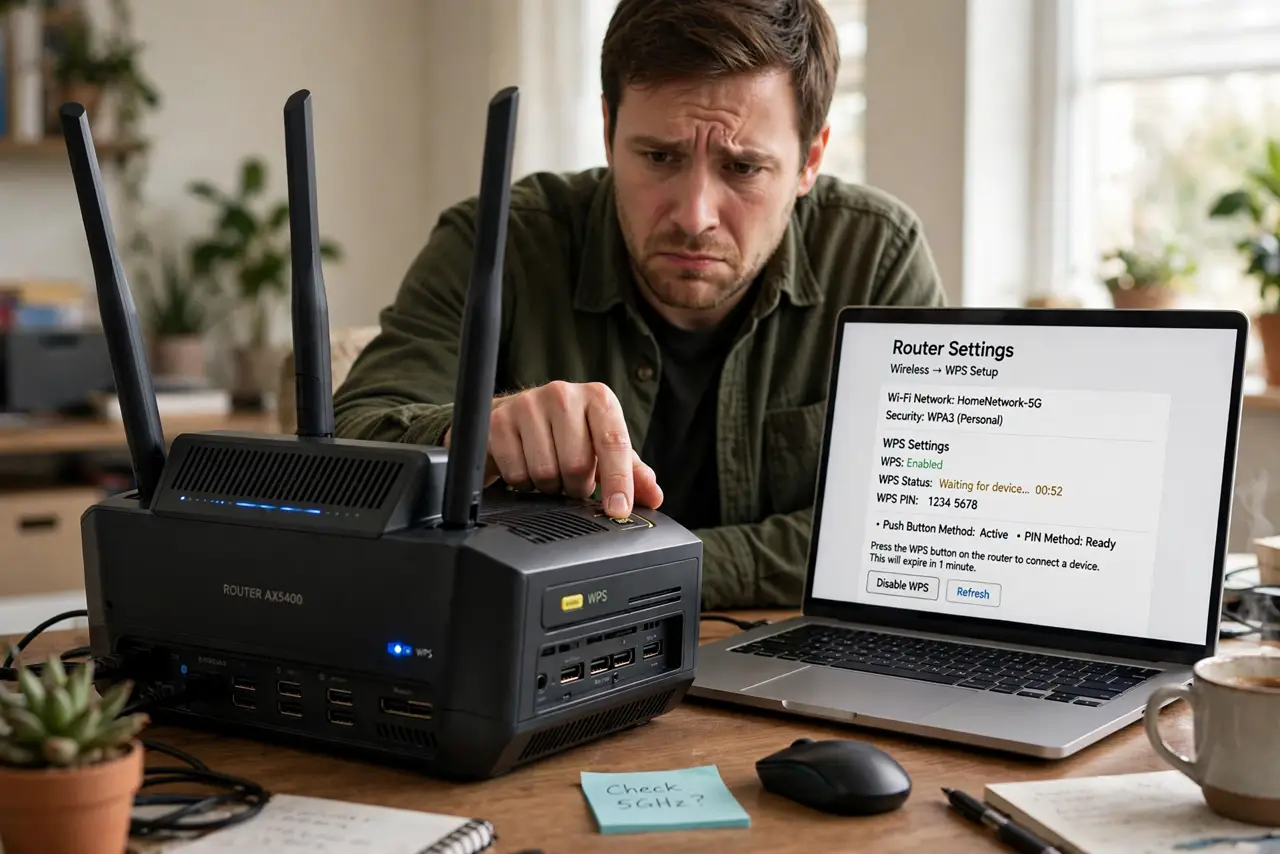
That WPS button on your router promises easy Wi-Fi setup — press it, connect, done. But the WPS PIN method behind it has a well-known flaw: the eight-digit PIN can be brute-forced, giving an attacker your Wi-Fi password without ever touching your devices. The button method is less broken, but the PIN stays enabled on many routers by default. Turn the PIN off. While you are in there, disable WPS entirely if you do not use it.
TL;DR / Quick Fix
Quick fix: log into your router and turn off the WPS PIN method — its short PIN can be brute-forced to reveal your Wi-Fi password. Keep the push-button method only if you actually use it; otherwise disable WPS entirely. Your normal Wi-Fi password stays the way to connect.
Follow these steps
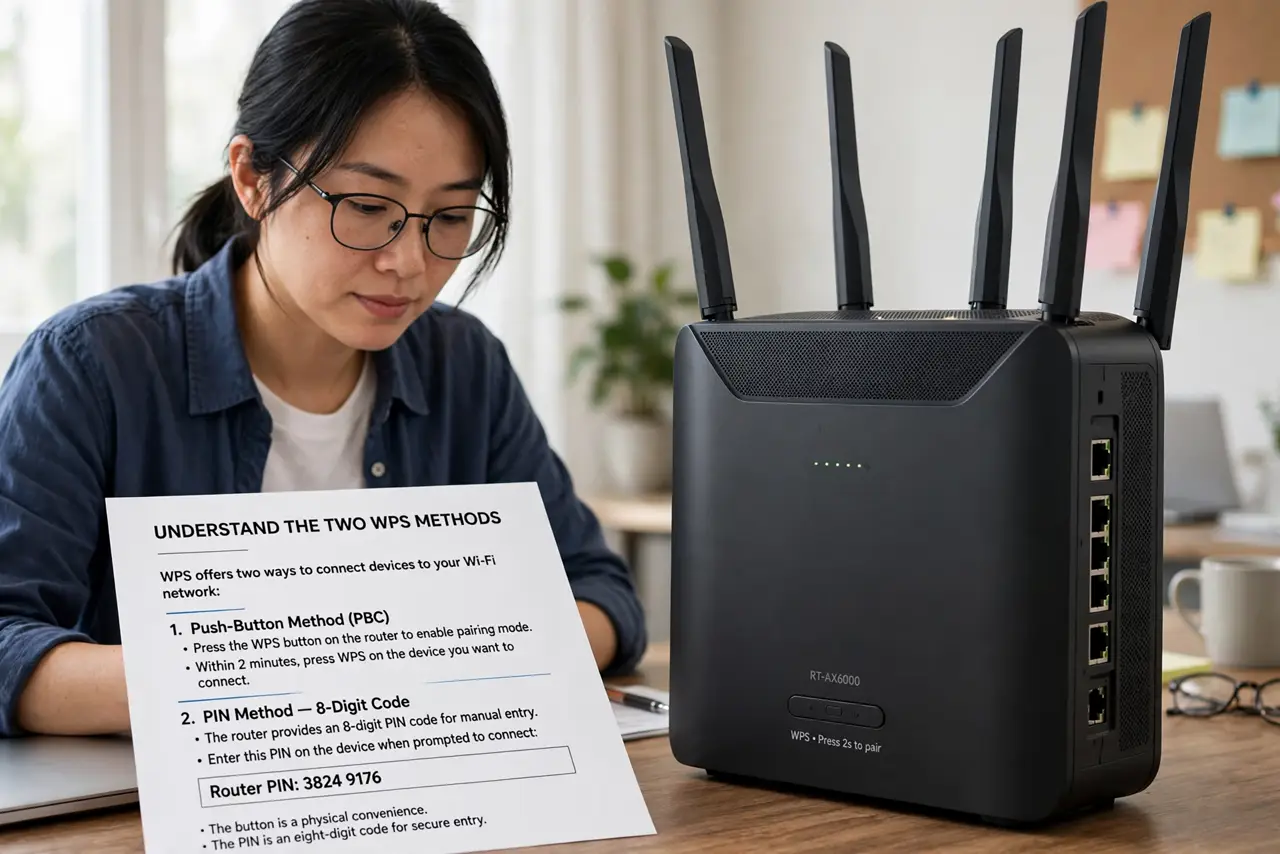
- Understand the two WPS methods. WPS offers a push-button method and a PIN method. The button is a physical convenience; the PIN is an eight-digit code — and the PIN method is the broken one.
- Learn why the PIN is weak. The PIN's design lets attackers guess it in halves, shrinking the search space dramatically. What looks like eight digits of security crumbles to a few thousand guesses — hours of automated trying.
- Log into your router. Open the router's admin page and find the WPS section under wireless or advanced settings. This is the same place you manage passwords and guest networks.
- Disable the PIN method. Turn off the WPS PIN specifically, keeping push-button if you use it. Some routers only offer disabling WPS entirely — that is fine and even better.
- Verify it stays off. Save, reboot the router if prompted, and re-check the setting. Some routers re-enable WPS after firmware updates, so glance at it yearly.
- Connect the normal way. With WPS PIN off, devices join with the Wi-Fi password as usual. Typing a password once per device is a tiny price for closing the hole.
What NOT to do
- Do not leave the WPS PIN enabled because setup was easy. The convenience ended at setup; the vulnerability stays on forever.
- Do not assume a long Wi-Fi password protects you. The WPS PIN bypasses the password entirely — password strength is irrelevant to this attack.
- Do not confuse the button with the PIN. Disabling the PIN while keeping the button is the balanced fix; many people need neither.
- Do not forget to check after updates. Router firmware updates have been known to re-enable WPS silently.
Frequently asked questions
Is the WPS button also unsafe?
Far less so — it requires physical access to press within a short window. The PIN can be attacked remotely and silently, which is the real problem.
Will turning off WPS break my devices?
No. Already-connected devices stay connected; new ones just use the password. Nothing you own needs WPS to function.
What if my router has no WPS toggle?
Some ISP routers hide it. Check for a firmware update, look harder in advanced settings, or consider that a sign to get a router you control. See the broader WPS risks discussion.
What to read next
- Disable WPS on Router
- Should You Disable UPnP?