No Recovery Email? Account Recovery Options
You need to recover an account but never set up a recovery email — or you lost access to that email too. Recovery is harder without it, but not impossible. This guide covers the options that still work.
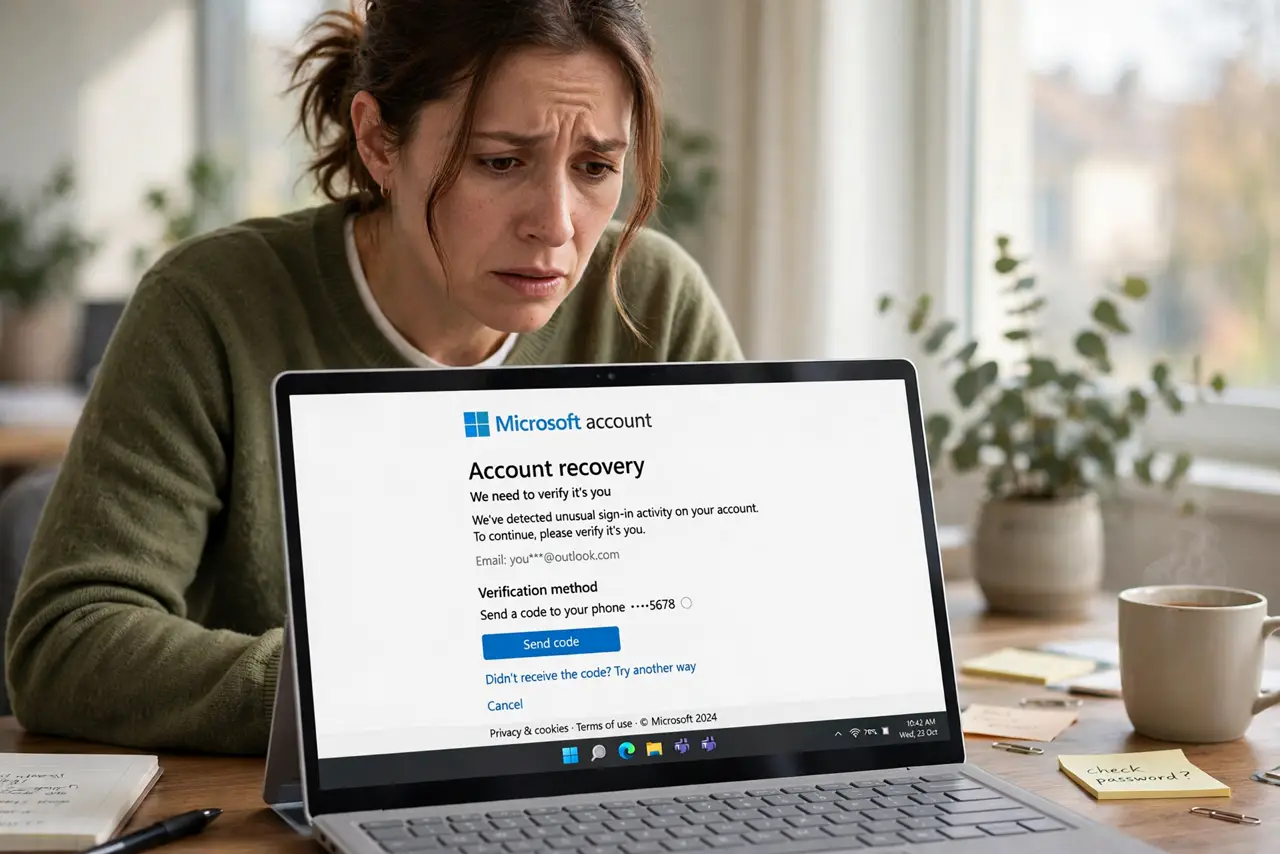
TL;DR / Quick Fix
Quick fix: use the service's account recovery form and answer everything as accurately as you can — old passwords, account creation date, and frequent contacts all help. Expect a waiting period of a few days while they review. Once back in, add a recovery email and phone immediately.
Follow these steps
- Go to the official recovery page. Find the service's account recovery or 'can't access your account' page. Start there — never through a link someone emailed you.
- Answer every question accurately. Old passwords, approximate creation date, billing details, and frequent contacts all count as proof. Guess only when you must, and say so.
- Use any other verification offered. A recovery phone number, an authenticator app, a trusted device prompt, or backup codes can substitute for the missing email. Try every option shown.
- Check old devices for sessions. A phone or computer still signed in is gold: open the account there and add a recovery email from inside the settings.
- Submit and wait patiently. Automated review can take hours; human review can take days. Do not submit five forms — duplicates slow the process down.
- Lock in recovery options after. The moment you are back in, add a recovery email, a recovery phone, and two-factor. Future-you will be grateful.
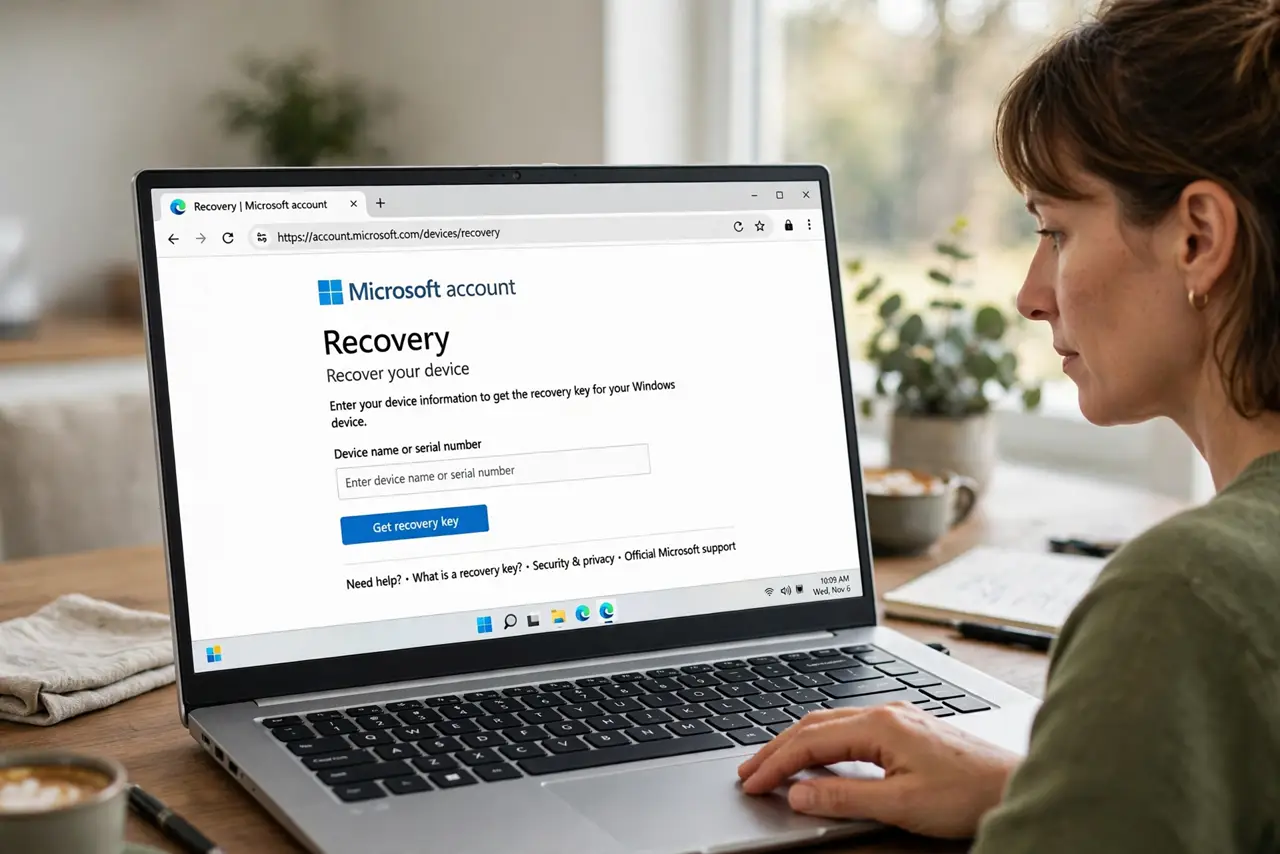
What NOT to do
- Do not invent answers on the recovery form. Wrong details look like an attacker guessing, and honesty about uncertainty scores better.
- Do not use a 'recovery service' that contacts you first. Real account recovery only happens on the service's own website and is free.
- Do not give up after one rejection. Gather more accurate details — an old receipt, the signup date — and try again.
- Do not leave the account without recovery options afterward. Fixing it once and changing nothing invites a repeat.
Frequently asked questions
Can I recover a Google account with no recovery email?
Yes, through the recovery form with accurate account history. It is slower and stricter, but it works for many people.
What counts as proof I own the account?
Old passwords, creation date, linked phone numbers, billing records, and names of frequent contacts or recent emails.
How can I avoid this next time?
Add a recovery email and phone to every important account today, and store backup codes. It takes five minutes per account.