Ad Blocker Blocks a Bank Site? Allow It Safely
Bank and payment sites sometimes fail to load, or refuse login, when an ad blocker stops a script they rely on. The fix is not to remove the blocker, but to pause it for that one trusted site, then turn it back on when you leave.
TL;DR / Quick Fix
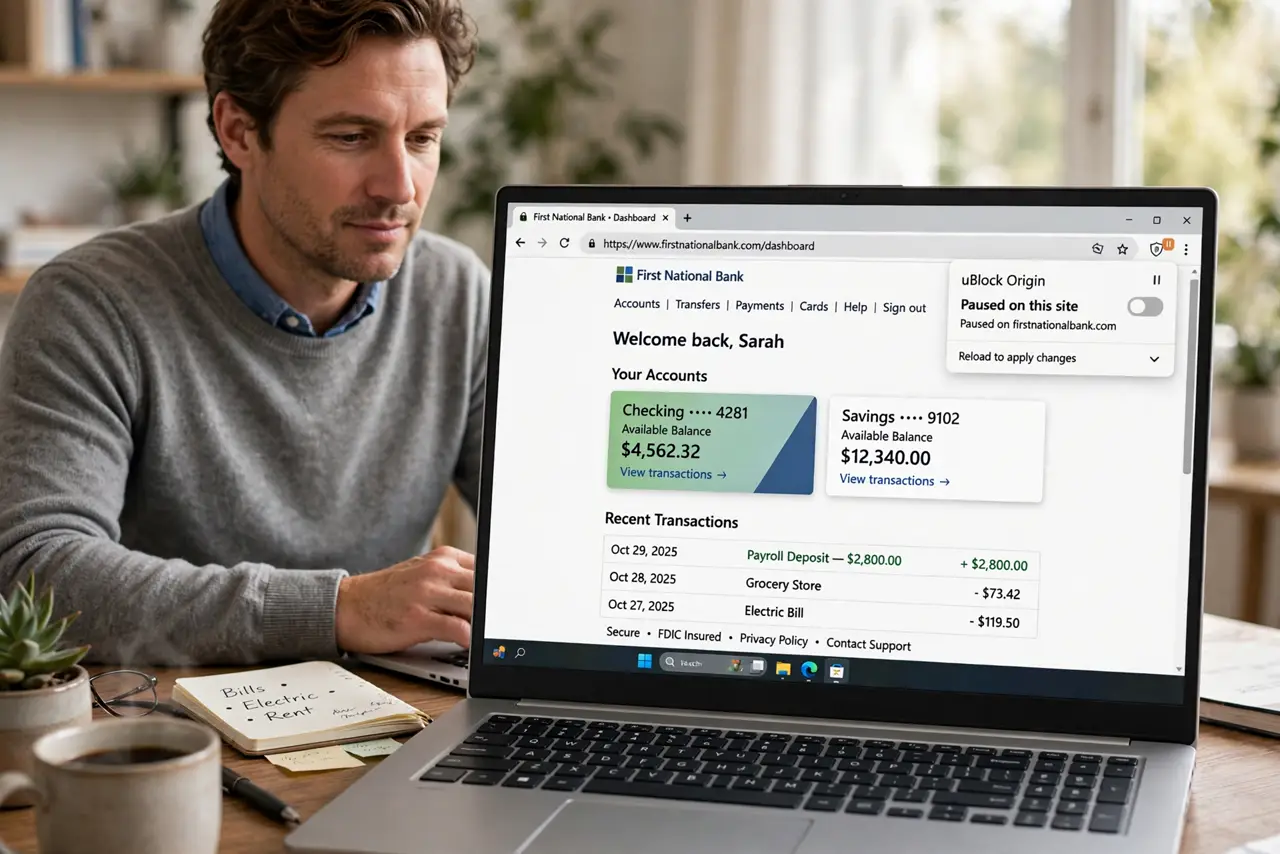
Quick fix: pause or disable the ad blocker for the bank site only, reload the page, and complete your task. When you are done, re-enable the blocker, and confirm it is active again before general browsing. Finish the task, then switch protection back on.
Follow these steps
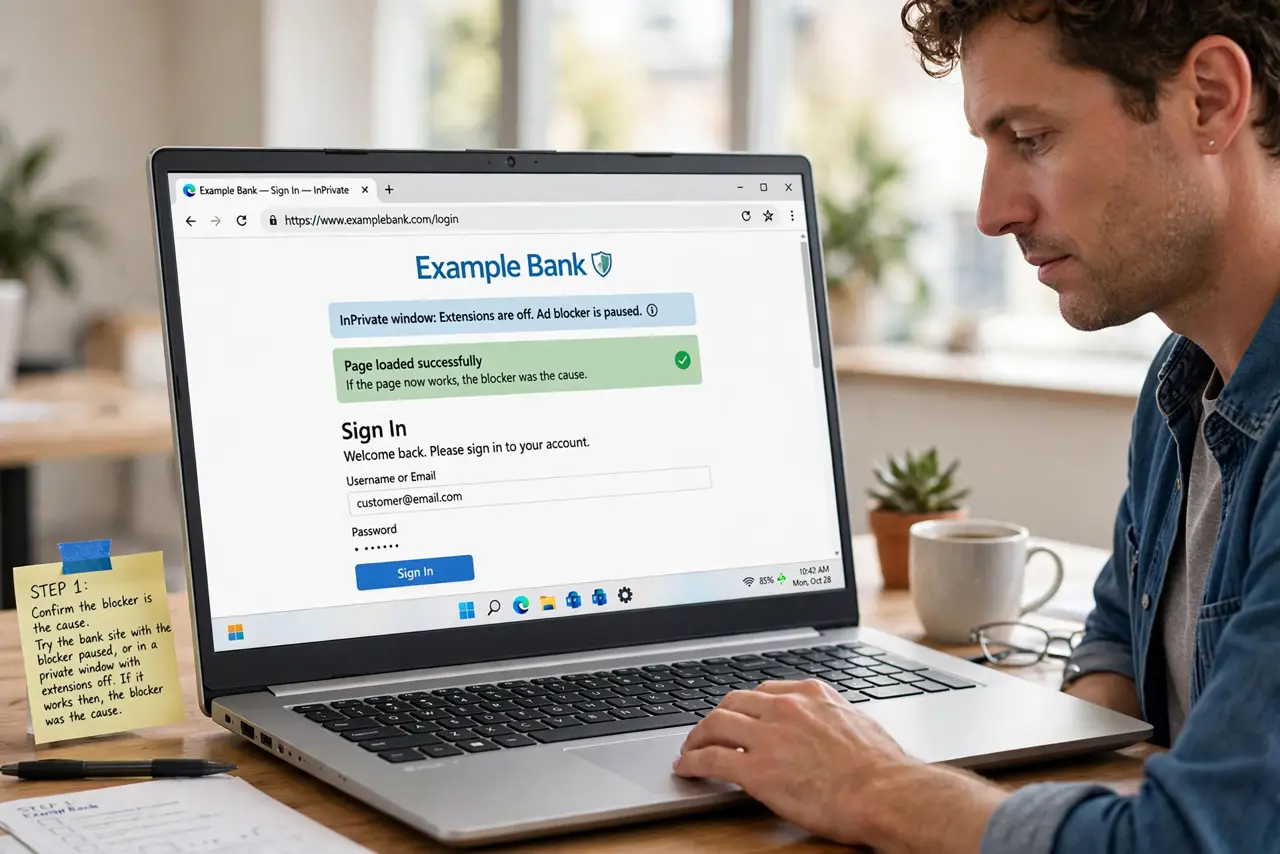
- Confirm the blocker is the cause. Try the bank site with the blocker paused, or in a private window with extensions off. If it works then, the blocker was the cause.
- Pause it for that site only. Use the blocker menu to pause, disable, or allowlist just the bank domain. Do not turn the blocker off entirely for all sites.
- Reload and complete your task. Reload the bank page and sign in normally. Complete the task you came for, such as checking a balance or making a payment.
- Re-enable the blocker afterwards. When you leave the bank site, turn the blocker back on. A site exception should be temporary, not a permanent hole in your protection.
- Check the site address first. Before pausing anything, confirm the bank address is genuine, typed by you or bookmarked. Pausing protection on a fake bank page would be dangerous.
- Report the breakage if offered. If the blocker offers a report broken site option, use it. Developers use those reports to fix compatibility without you needing a permanent exception.
What NOT to do
- Do not remove the ad blocker entirely because one trusted site breaks. A site exception solves the problem without losing protection elsewhere.
- Do not pause the blocker on a bank page reached from a message link. Verify the address first, through a bookmark or typed address.
- Do not leave the exception on forever out of forgetfulness. Re-enable the blocker when you leave the site.
- Do not disable all extensions to fix a bank site. Pause only the blocker, so other protections stay active.
Frequently asked questions
Is it safe to pause for a real bank site?
Yes, if you verified the address yourself. The bank site itself is trusted, and the pause lasts only while you are there.
What if the site still fails with the blocker paused?
Clear the site cookies, try a different browser, or contact the bank support through a known number. Another extension or setting may be involved.
Can I keep a permanent exception for my bank?
You can, but a temporary pause is safer. Permanent exceptions accumulate, and each one is a site where protection no longer applies.