Opt Out of Ad Personalization? How To
Ads follow you around because Google and others build an ad profile from your activity. You cannot turn off ads entirely, but you can stop them from being personalized. This guide shows the opt-outs that matter.
TL;DR / Quick Fix
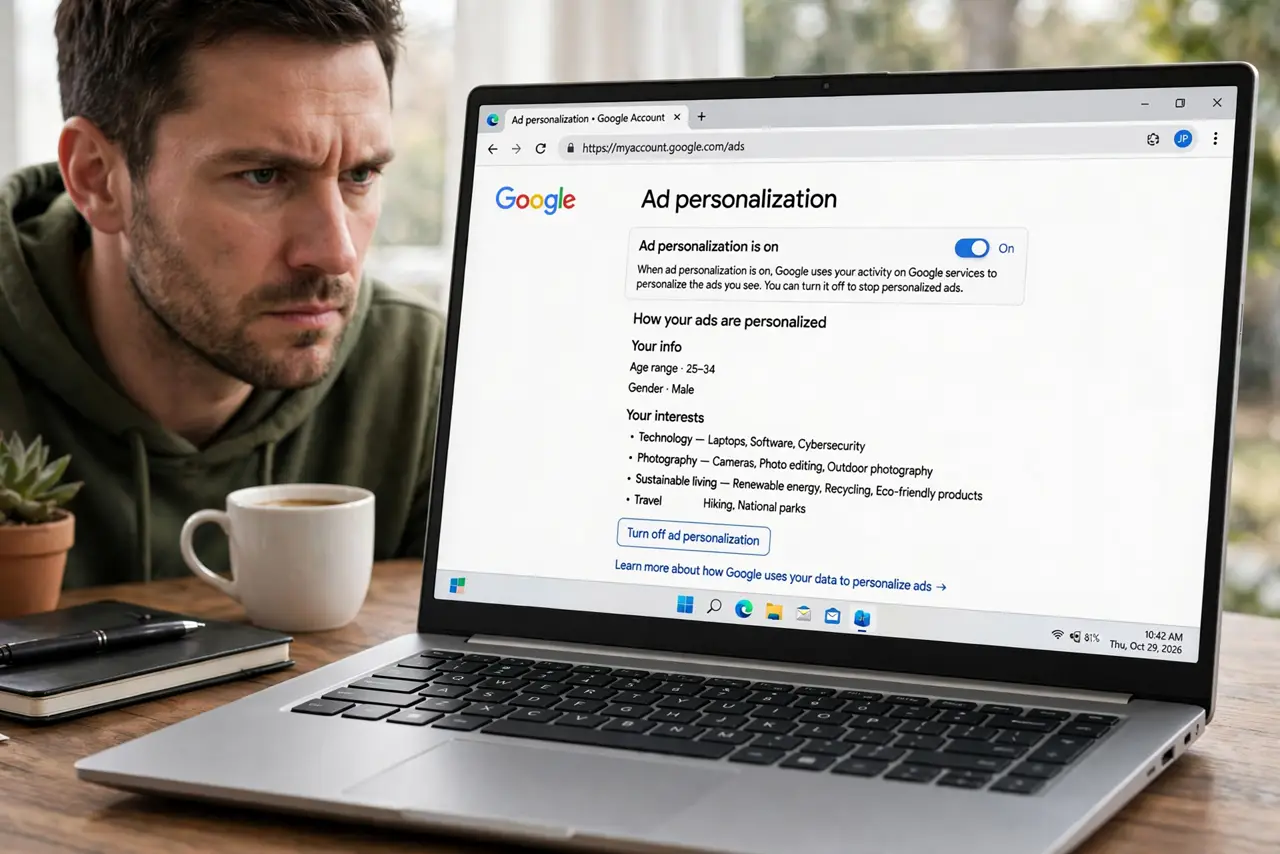
Quick fix: in your Google Account's Ad personalization settings, turn off personalized ads — you'll still see ads, just generic ones. Do the same in your phone's privacy settings for app ads. It takes two minutes and immediately shrinks the profile advertisers see.
Follow these steps
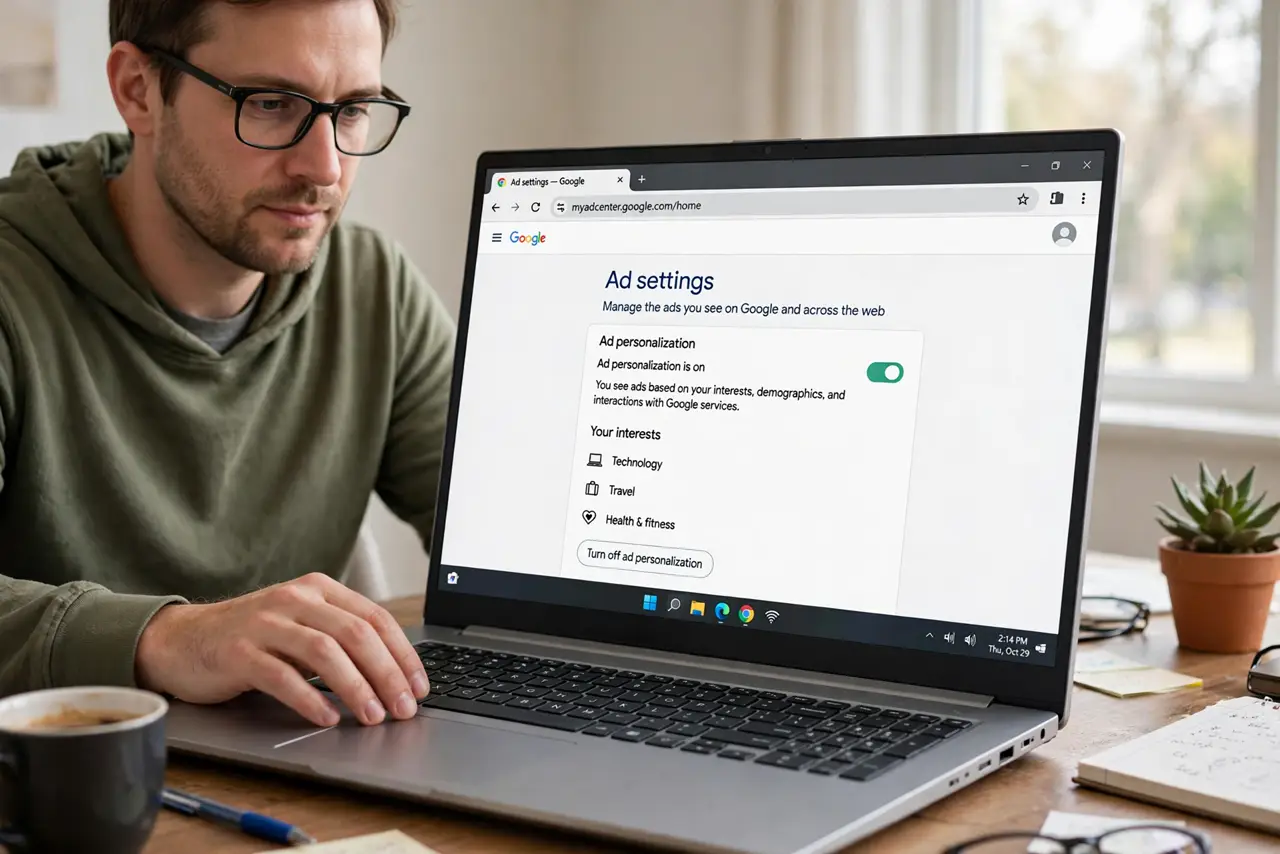
- Open Google's ad settings. In your Google Account, go to Data and privacy, then Ad personalization. This is the master switch for Google's ad profile.
- Turn off ad personalization. Toggle it off. Google will show generic ads instead of ones based on your activity — fewer creepy coincidences.
- Check 'Why this ad' while you are at it. Next time a targeted ad appears, open its menu to see why you are seeing it. It reveals which interest or visit triggered it.
- Opt out on your phone too. On iPhone, go to Privacy & Security, Apple Advertising, and turn off Personalized Ads. On Android, delete or reset the advertising ID in Settings, Privacy, Ads.
- Use industry opt-out pages. Visit the NAI and DAA opt-out pages in your browser to opt out of dozens of ad networks at once. It is tedious but one-time.
- Expect generic ads, not zero ads. Opting out changes targeting, not volume. If you want fewer ads overall, a content blocker is the next step.
What NOT to do
- Do not expect ads to disappear. Opt-outs stop personalization; the ad slots remain and fill with generic ads.
- Do not do this only in one browser. Ad profiles live in your Google account and phone settings, so set the opt-out at the account level.
- Do not forget apps have their own switches. Phone-level ad settings are separate from Google's web settings.
- Do not pay for a 'remove all ads' service you found in an ad. Ironic and usually a scam — use a reputable content blocker instead.
Frequently asked questions
Will I still see ads after opting out?
Yes, just generic ones not based on your activity. The number of ads stays roughly the same.
Does this stop all tracking?
No. It stops ad personalization by participating networks, but sites still collect analytics and functional data.
Do I need to redo this on a new phone?
Phone-level settings yes; Google account-level opt-outs carry over when you sign in.