Clone Apps for Two Accounts
Two WhatsApp accounts — one personal, one for the side business — and one phone. Logging in and out all day is madness; what you want is the app twice. Many Android phones can clone apps natively, giving each account its own icon and notifications. (Separating work from personal more strictly is a work profile job.)
TL;DR / Quick Fix
Quick fix: on Samsung and many Android phones, search Settings for Dual Messenger or App Cloner and enable it for your messaging app — a second icon appears for the other account. Both run side by side with separate notifications. iPhones lack this; use the app's built-in account switcher instead.
Follow these steps
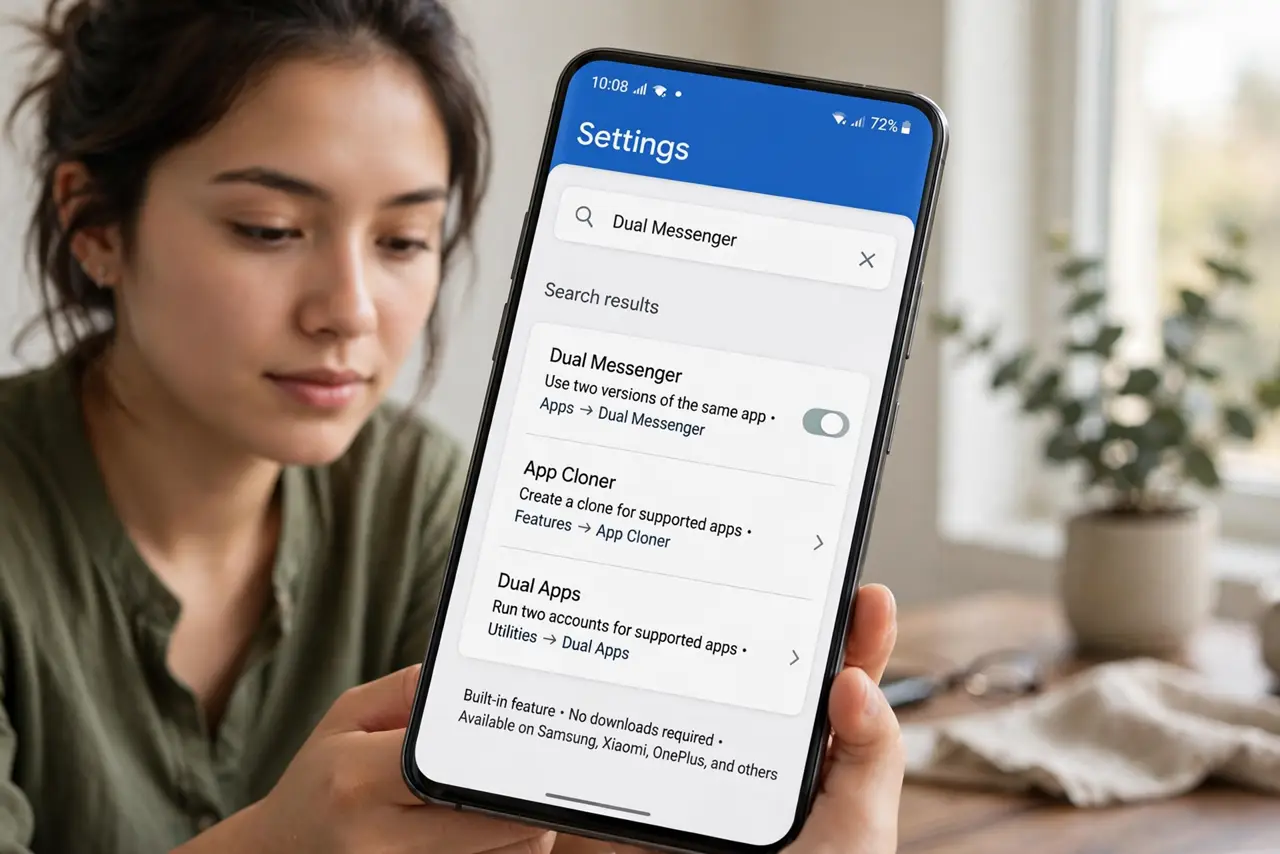
- Check for built-in cloning. Open Settings and search for “Dual Messenger,” “App Cloner,” or “Dual Apps.” Samsung, Xiaomi, OnePlus, and others include it — no downloads needed.
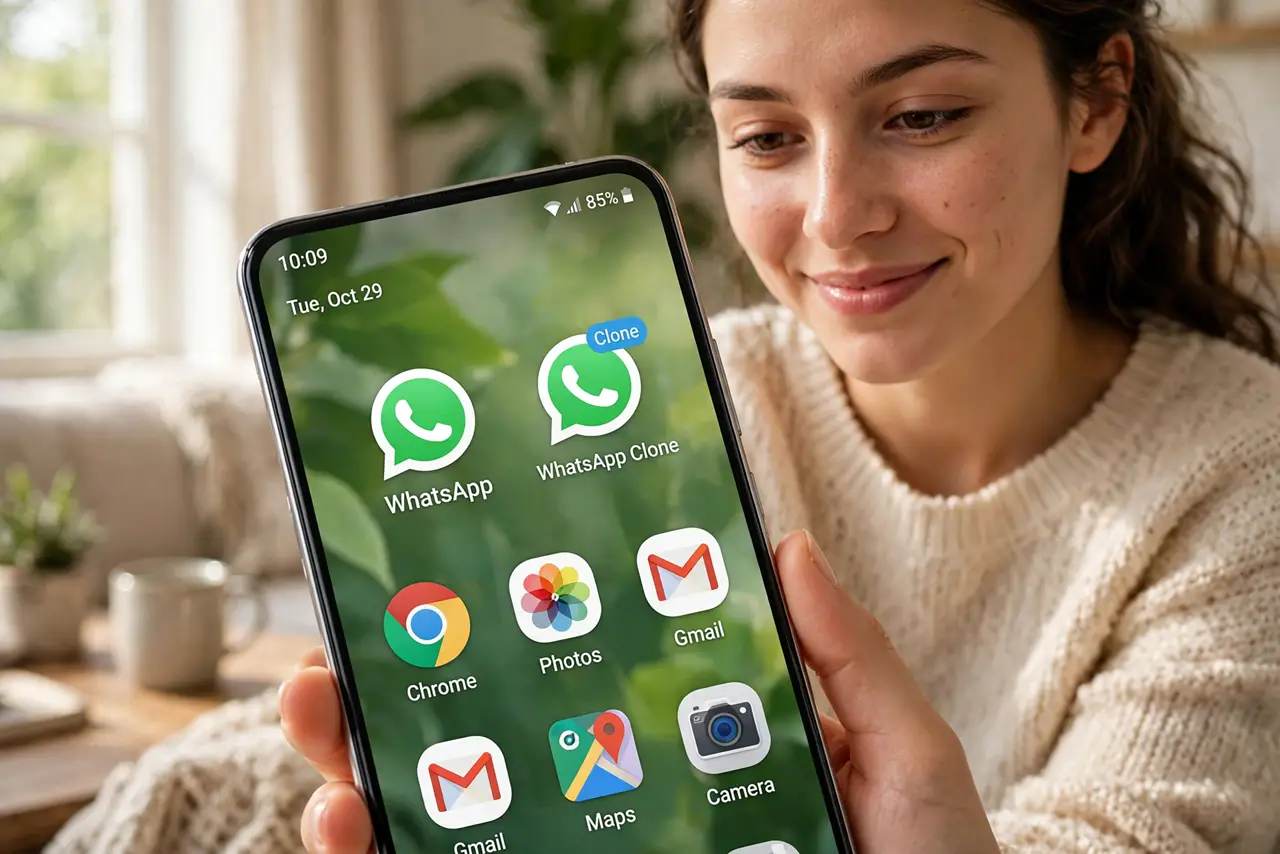
- Enable it for the app you need. Toggle cloning on for WhatsApp, Messenger, or your social app. A second icon appears on the home screen, usually with a small badge marking it as the clone.
- Log in with the second account. Open the cloned icon and sign in with the other account. The two copies keep completely separate chats, contacts, and data.
- Manage notifications separately. Each copy notifies independently, so set distinct sounds if you want to know which account pinged without looking.
- Watch battery and storage. Two copies of a chat app mean roughly double the background activity. It is modest, but on an old phone you will feel it — see app standby to tame background drain.
- Know the iPhone situation. iOS has no system app cloning. Use the app's own multi-account switcher (many business apps have one) or the web version for the second account.
What NOT to do
- Do not download shady third-party cloners full of ads. The built-in feature is safer and will not harvest your logins.
- Do not clone banking apps casually. Some banks detect cloned environments and lock the account — check before you try.
- Do not forget which icon is which. Name or position them deliberately; sending a personal message from the business account is a classic.
- Do not clone apps that forbid it. A few apps ban duplicate clients — read the terms for anything account-sensitive.
Frequently asked questions
Can I clone any app?
Most messaging and social apps, yes. Banking, payment, and some games often refuse or misbehave in clones.
Do both copies use the same phone number?
No — for WhatsApp each copy needs its own number. That is the whole point: two accounts, two numbers, one phone.
Will cloning drain my battery?
Somewhat — two background apps instead of one. The battery guides help when every percent counts.