Translate as You Type
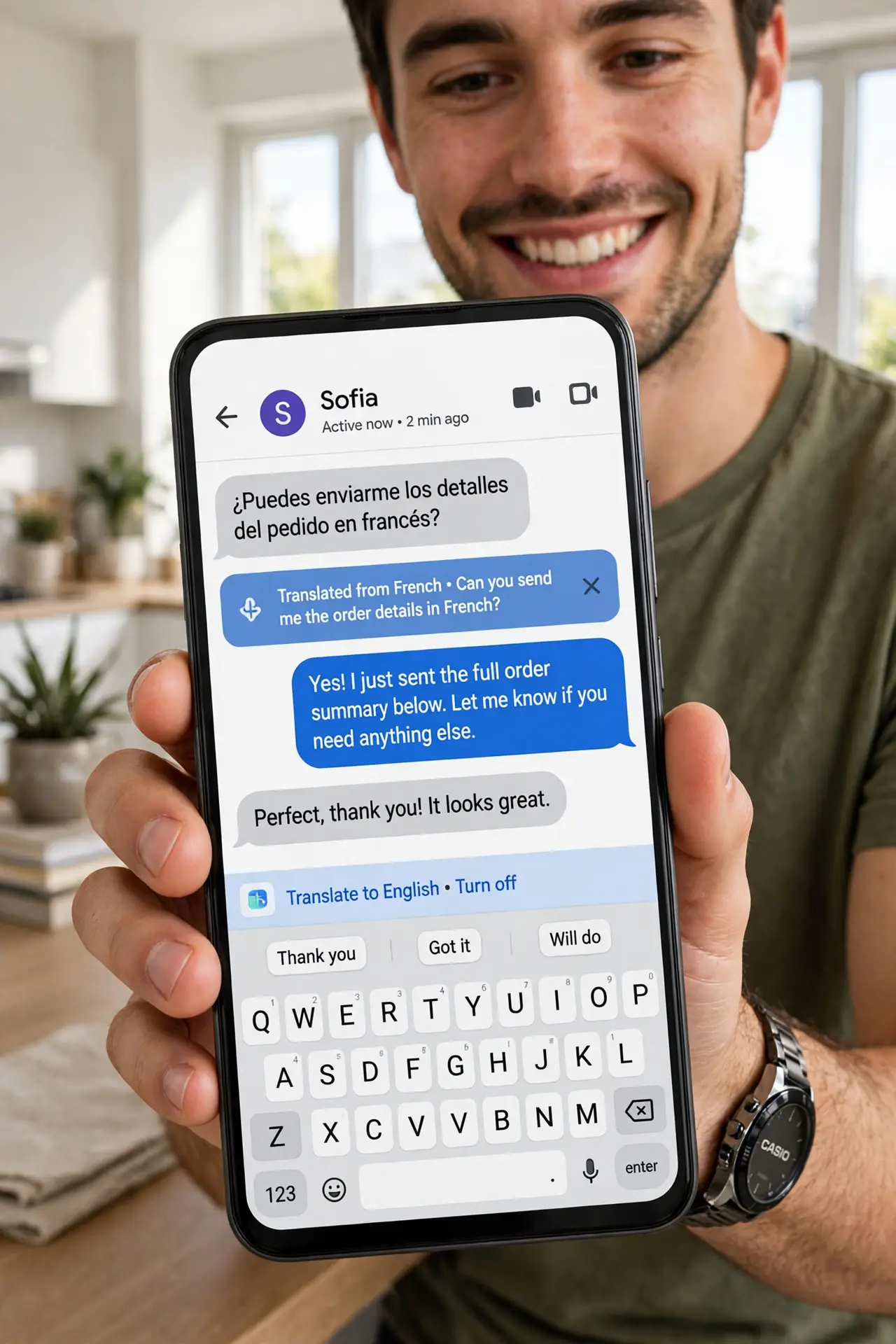
You are chatting with someone in another language and switching to a translate app every message kills the flow. Gboard can translate as you type — you write in your language, they receive theirs, right inside the chat. Here is how to set it up once and use it everywhere.
TL;DR / Quick Fix
Quick fix: in Gboard, tap the translate icon, pick your language and theirs, then type normally — your words arrive translated. It works in any chat app. Download offline language packs so it works without a data connection, and double-check sensitive messages before sending.
Follow these steps
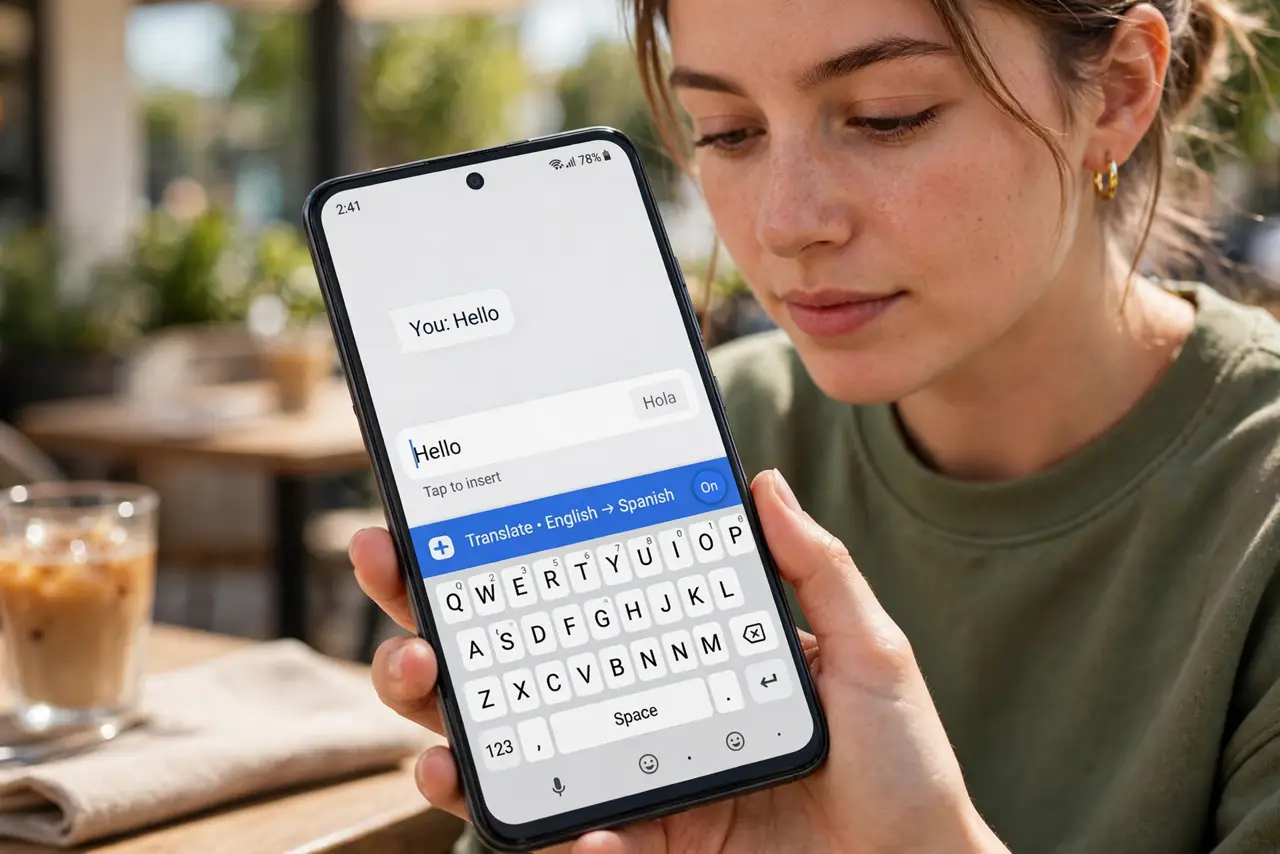
- Open the translate bar in Gboard. Tap the Gboard menu (the four-squares icon), then Translate. If you do not see it, enable it in Gboard settings under the translate option.
- Pick both languages. Set the left side to the language you type and the right side to the one they read. Gboard remembers the pair for next time.
- Type normally and watch it convert. As you type, the translation appears in the text field — what you send is the translated version, in any app.
- Download offline packs for travel. In the translate settings, download the languages you need. Offline translation saves you abroad when data is expensive or absent.
- Keep sentences simple. Short, plain sentences translate most accurately. Slang, jokes, and long clauses are where mistranslations hide.
- Double-check anything important. For addresses, times, and money, read the translation back before sending. A wrong number in another language is still a wrong number.
What NOT to do
- Do not use it for legal or medical wording. Machine translation is good for chat, not for contracts or prescriptions.
- Do not assume the other person sees your original. They get only the translation — keep it clean and simple.
- Do not translate passwords or codes. Type those exactly as given, never through translation.
- Do not forget to switch the language pair back. Yesterday's Spanish chat becomes today's confusing auto-translate.
Frequently asked questions
Is Gboard translation free?
Yes — built into Gboard, free to use, with optional offline packs.
Which languages does it support?
Dozens, covering the most-spoken languages. Check the language list in Gboard's translate settings for yours.
Can it translate a whole document?
For documents, use a dedicated tool — see translating documents. Gboard is for typing, not files.