Use Incognito in Google Maps
Searching for a surprise party venue or a doctor's office you would rather keep private — Google Maps normally saves every search to your account. Incognito mode pauses that logging for the session. It is quick to toggle, but it does not make you invisible. Here is what it actually hides, and how it compares to browser incognito.
TL;DR / Quick Fix
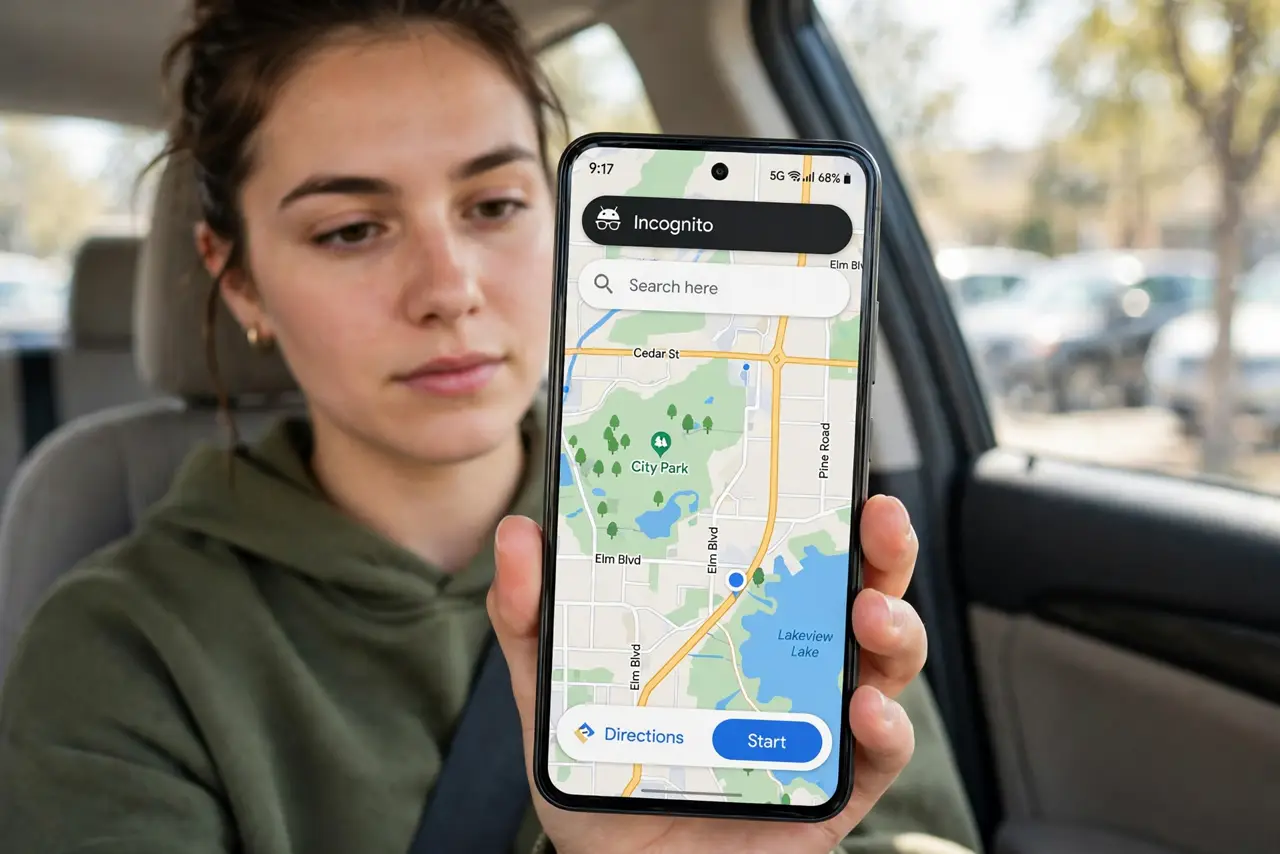
Quick fix: in Google Maps, tap your profile picture and choose Turn on Incognito mode — searches and navigation stop saving to your account while it lasts. Your location is still shared with Google in real time for navigation. Turn it off the same way when you want history back.
Follow these steps
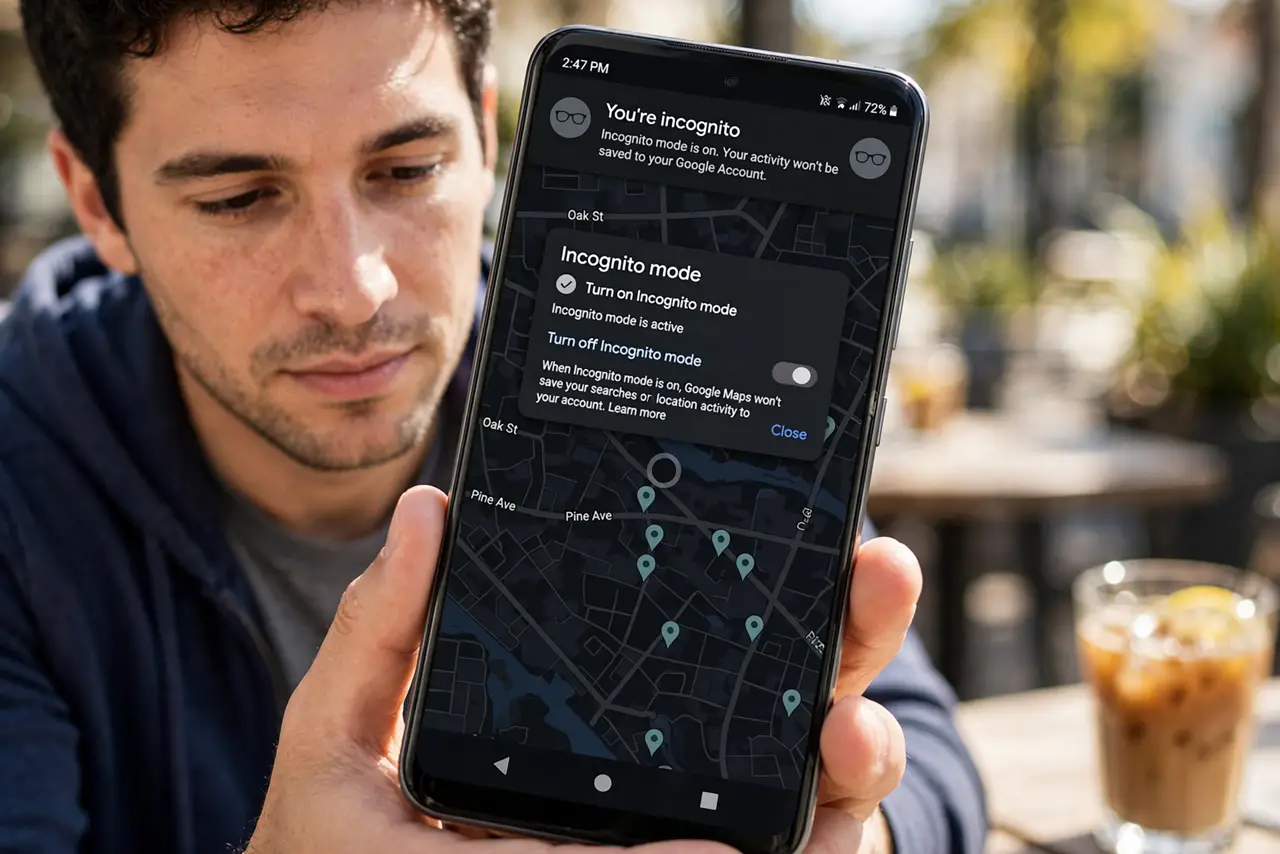
- Turn on Incognito mode. Tap your profile picture in Google Maps and choose 'Turn on Incognito mode'. The map turns dark-themed and a hat-and-glasses icon confirms it is active.
- Search and navigate normally. Directions, search, and place details all work the same. The difference is behind the scenes: nothing saves to your search history or timeline.
- Know what still gets shared. Google still receives your real-time location to provide navigation — incognito stops account logging, not location transmission. Your carrier and local network see the traffic too.
- Check what it does not hide. It does not make you anonymous, and shared devices, screenshots, or someone watching your screen still see everything.
- Turn it off when done. Tap the incognito icon and choose 'Turn off Incognito mode'. Your normal history resumes — anything you want saved afterward saves again.
- Use it for shared or borrowed phones. The best use case: navigating on someone else's phone without polluting their recommendations and history — or yours.
What NOT to do
- Do not assume incognito means anonymous. Google still processes your live location for navigation; it just does not attach the session to your account history.
- Do not forget to turn it off. Staying in incognito means your genuinely useful history — saved commutes, frequent places — stops building.
- Do not confuse Maps incognito with browser incognito. They are separate toggles with separate scopes — one does not enable the other.
- Do not rely on it against someone with device access. On-device activity can still be visible; for a shared phone, also check your location history controls.
Frequently asked questions
Does Incognito mode hide my location from Google?
No — real-time location is still sent so navigation works. It only stops searches and trips from being saved to your Google account.
Can I save a place while incognito?
Saving is disabled in the mode — it would defeat the purpose. Turn incognito off, then save the place.
Does it work on iPhone too?
Yes — the toggle is in the same place in the iOS Google Maps app. Apple Maps has no equivalent mode; it simply stores less by design.