'No Service' After an Android Update? Fix It
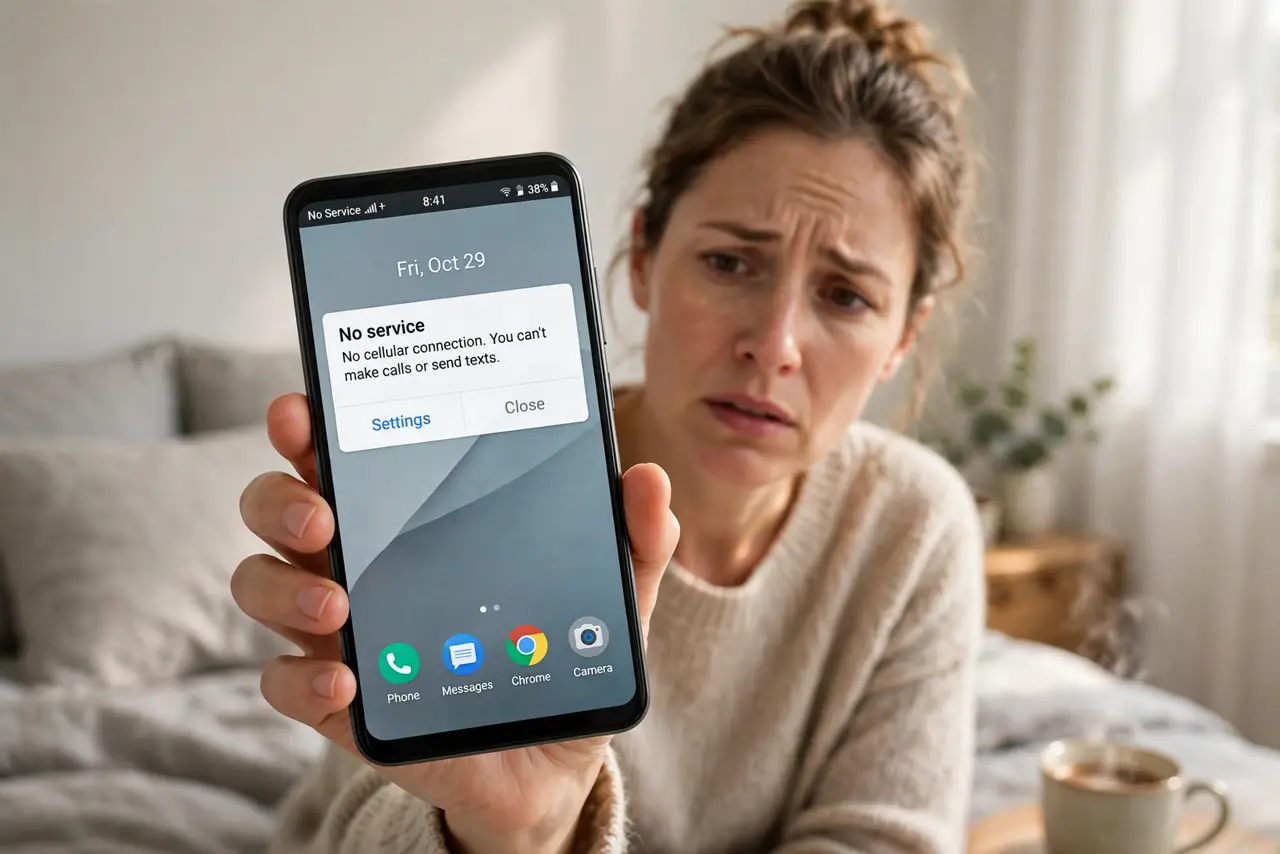
Your Android phone updated overnight and woke up with 'No Service' — no calls, no data, no signal bars. The update likely disturbed the radio settings or needs a fresh carrier handshake. This guide restores your signal, mirroring the iPhone SOS fix for the other side of the fence.
TL;DR / Quick Fix
Quick fix: toggle airplane mode on for ten seconds, then off, and restart the phone. Check that the correct network mode is selected in mobile network settings. If there's still no service, reseat the SIM and check for another system update — then contact your carrier.
Follow these steps
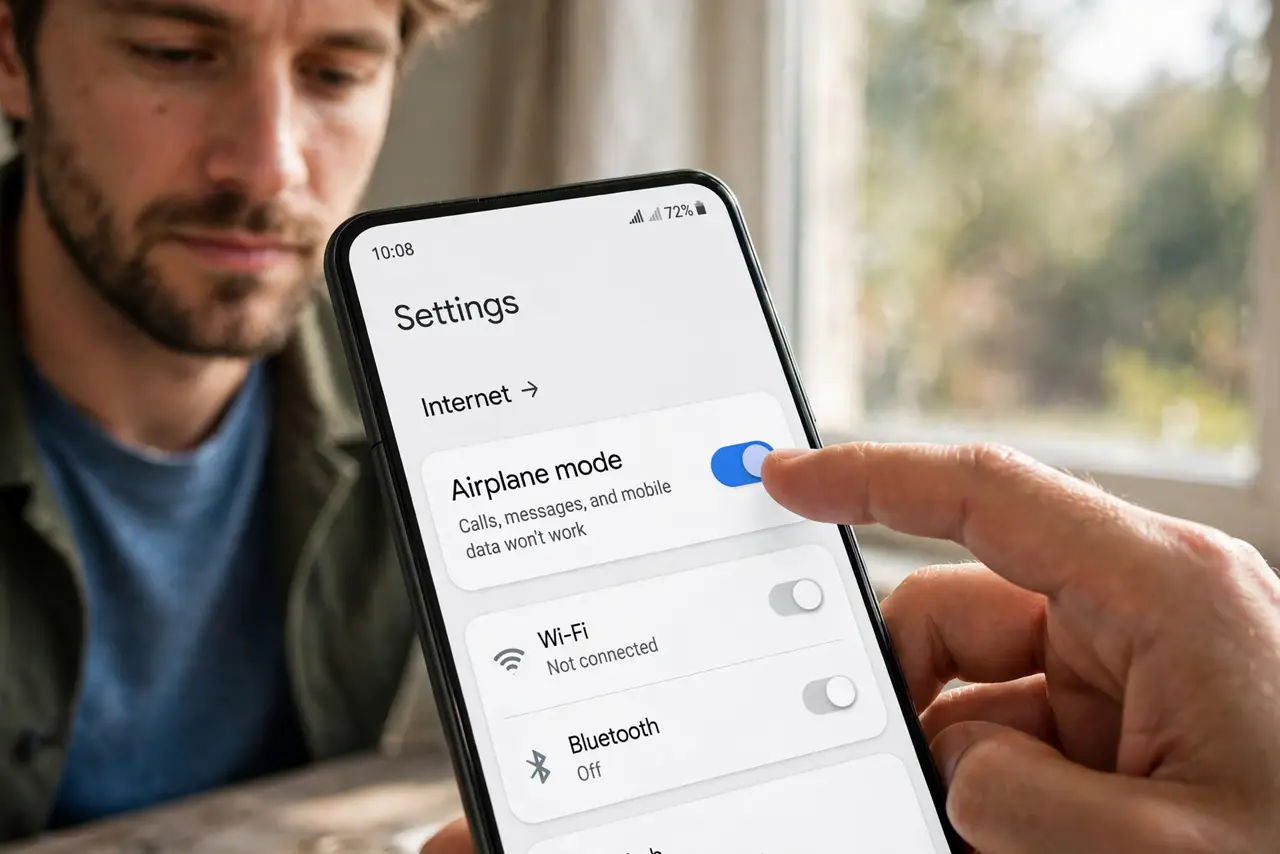
- Toggle airplane mode. Ten seconds on, then off. This is the fastest way to force a fresh registration after an update.
- Restart the phone. A full restart reloads the radio software with the update applied. Many 'No Service' states clear right here.
- Check the preferred network mode. In mobile network settings, make sure the network mode includes your carrier's technology (5G/4G/3G auto). Updates sometimes leave it on an incompatible mode.
- Verify the carrier is selected. Check that network selection is automatic, or manually pick your carrier. An update can leave the phone camped on a forbidden network.
- Reseat the SIM card. Power off, remove and reinsert the SIM, then power on. A slightly unseated SIM plus new radio software is a classic no-service combo.
- Check for another update, then call the carrier. Install any follow-up update, then contact the carrier. They can verify provisioning and re-push your line's activation.
What NOT to do
- Do not factory-reset immediately. Registration glitches resolve with far less drastic steps in most cases.
- Do not assume the update destroyed the phone. 'No Service' after an update is a handshake problem, not hardware damage.
- Do not fiddle with APN settings unless the carrier tells you to. Wrong APNs break data without fixing voice.
- Do not ignore a damaged SIM. If reseating does not help and the SIM is old, ask the carrier for a free replacement.
Frequently asked questions
Why do I have no service after an update?
The update rewrote the radio software and the phone failed to re-register, or a setting like network mode landed on an incompatible value.
Will my data come back too?
Yes — once registration succeeds, calls and data return together. They share the same registration.
How long should I wait before calling the carrier?
Try the local steps first — about ten minutes. If airplane toggling, restart, and SIM reseat all fail, it is carrier time.