Lock a Lost Phone Remotely
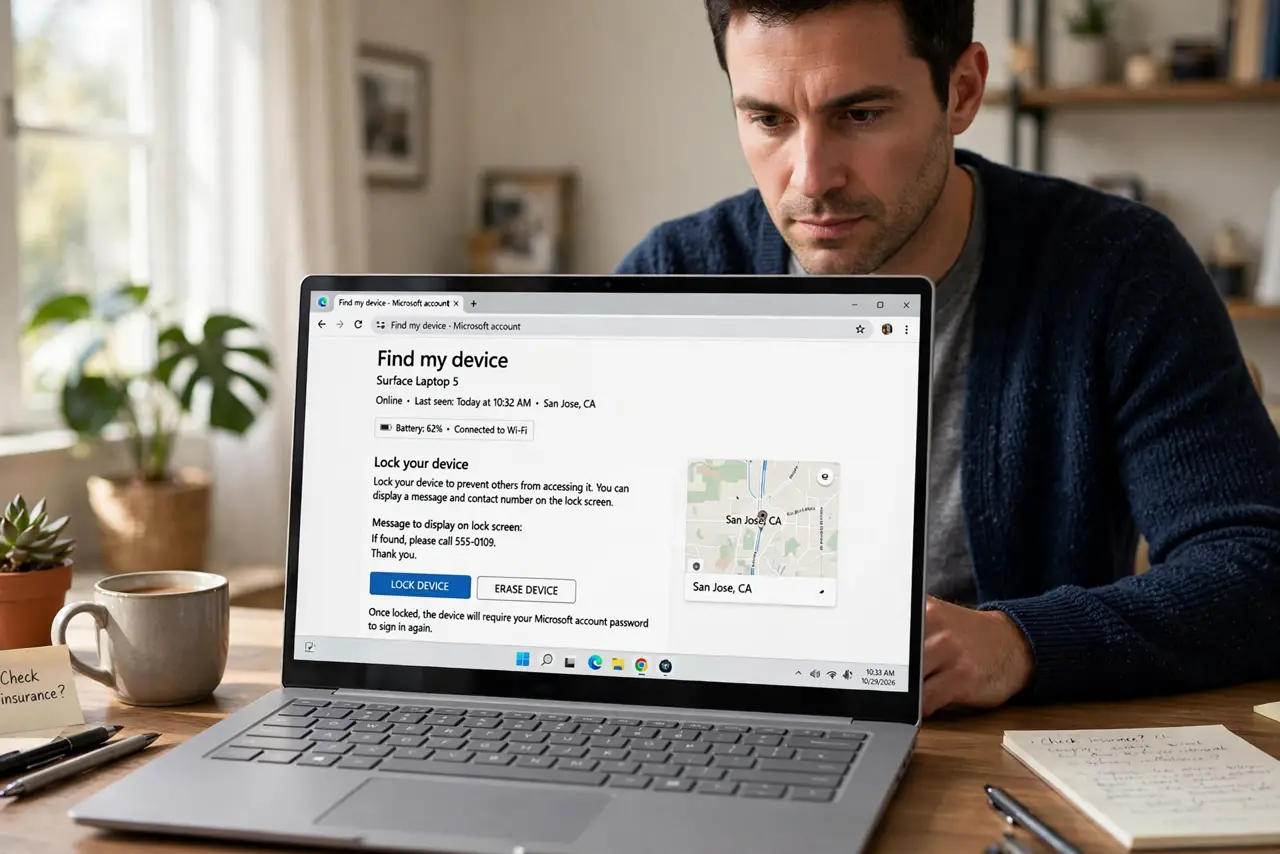
Your phone is missing and you are not sure it was locked — every minute it sits unlocked somewhere is a minute someone can read your messages and open your apps. Remote lock lets you secure it from any browser in seconds. Here is how to set it up before you need it, and how to fire it when you do.
TL;DR / Quick Fix
Quick fix: Android's remote lock locks a lost phone from any browser — set it up in Settings, Google, Personal safety, Theft protection. When the phone goes missing, open the remote lock page, verify by phone number, then lock it. iPhones use Lost Mode in Find My.
Follow these steps
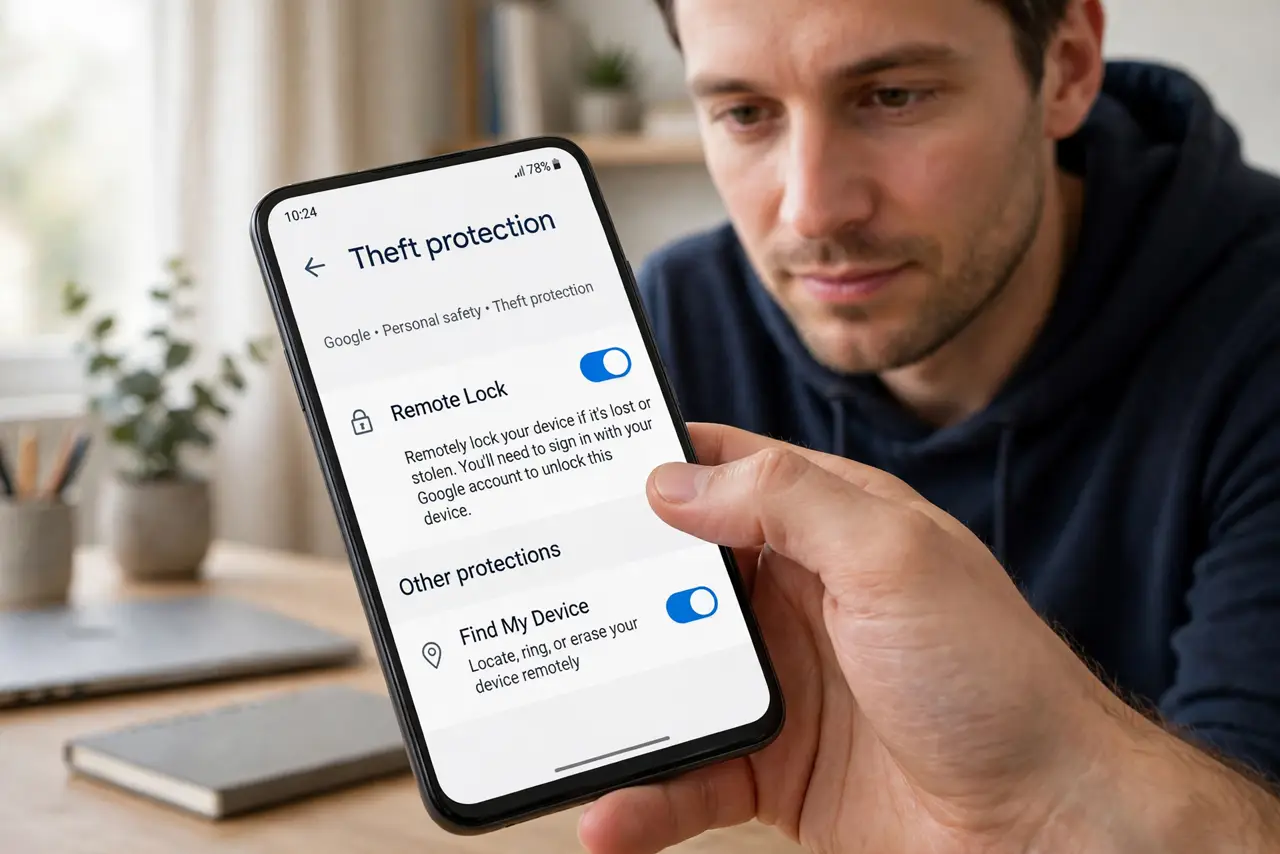
- Enable remote lock before you need it. Go to Settings, Google, Personal safety, Theft protection, and turn on Remote Lock. Setup takes a minute and cannot be done after the phone is gone — do it today.
- Learn the lock trigger now. Remote lock asks you to verify with your phone number on a web page, then locks the device immediately. Walk through the steps once while calm so panic does not slow you down later.
- Use it the moment the phone is missing. Do not wait to retrace steps first — lock it, then search. An unlocked lost phone is an emergency; a locked one is an inconvenience.
- Pair it with theft detection. Theft Detection Lock auto-locks on a snatch; remote lock covers the phone-left-behind case. Together they close both loss scenarios.
- Know what remote lock does and does not do. It locks the screen instantly — messages, apps, and data go behind your PIN. It does not wipe the phone; for that, Find My Device's erase option is the separate, final step.
- After recovery, review your security. A found phone deserves a settings audit: change important passwords, check for unfamiliar logins, and review your 2FA recovery options while the scare is fresh.
What to avoid
- Do not wait until the phone is lost to set this up. Remote lock must be enabled beforehand — post-loss setup is impossible.
- Do not erase the phone as a first step. Lock first, try to locate second, erase only if recovery looks hopeless — erasing kills tracking.
- Do not forget your Google account credentials. Remote lock flows through your account — a forgotten password at crisis time is a disaster.
- Do not assume locking stops a determined thief. It buys time and protects data; report the loss to your carrier too, to block the SIM.
Frequently asked questions
Can I lock the phone if it is offline?
The lock command queues and applies when the phone reconnects. Offline device lock may already have secured it — check the theft protection settings.
Does remote lock work on iPhone?
iPhones use Lost Mode in Find My instead — same idea, Apple-flavored. Enable Find My before you need it, same rule.
Will I lose my data if I remote lock?
No — locking only secures the screen. Your data stays intact; only the erase option deletes, and that is a separate deliberate step.