Voice Assistant Privacy? Check
Siri, Google Assistant, Alexa — every voice assistant learns from your recordings, and every one of them lets you limit that learning. The settings have different names but the same shape. This guide gives you the universal checklist, plus where each assistant hides its switches.
TL;DR / Quick Fix
Every major voice assistant stores recordings and may use them for product improvement. Open your assistant's privacy settings, review and delete voice history, set auto-delete, and opt out of human review and ad personalization. Voice commands keep working — only the stored data and its secondary uses shrink.
Follow these steps
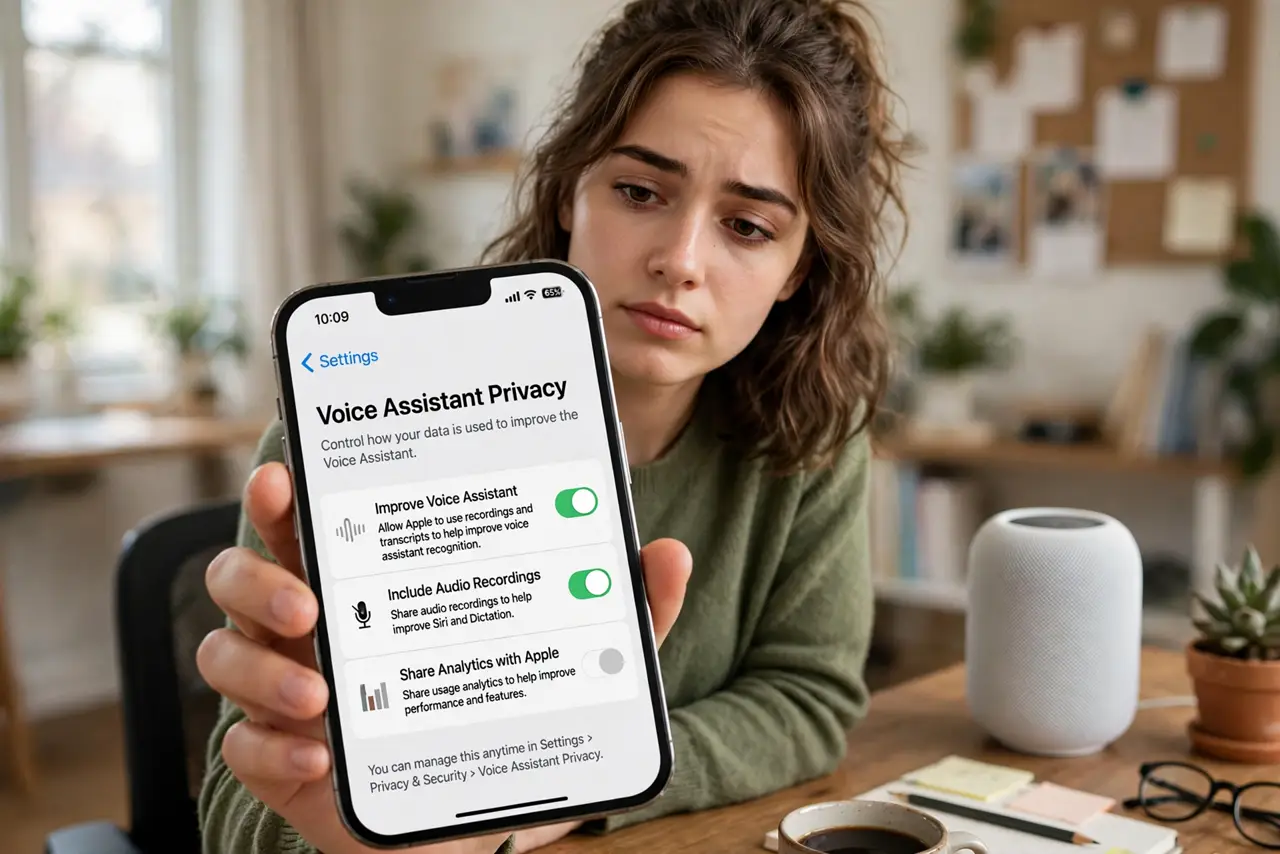
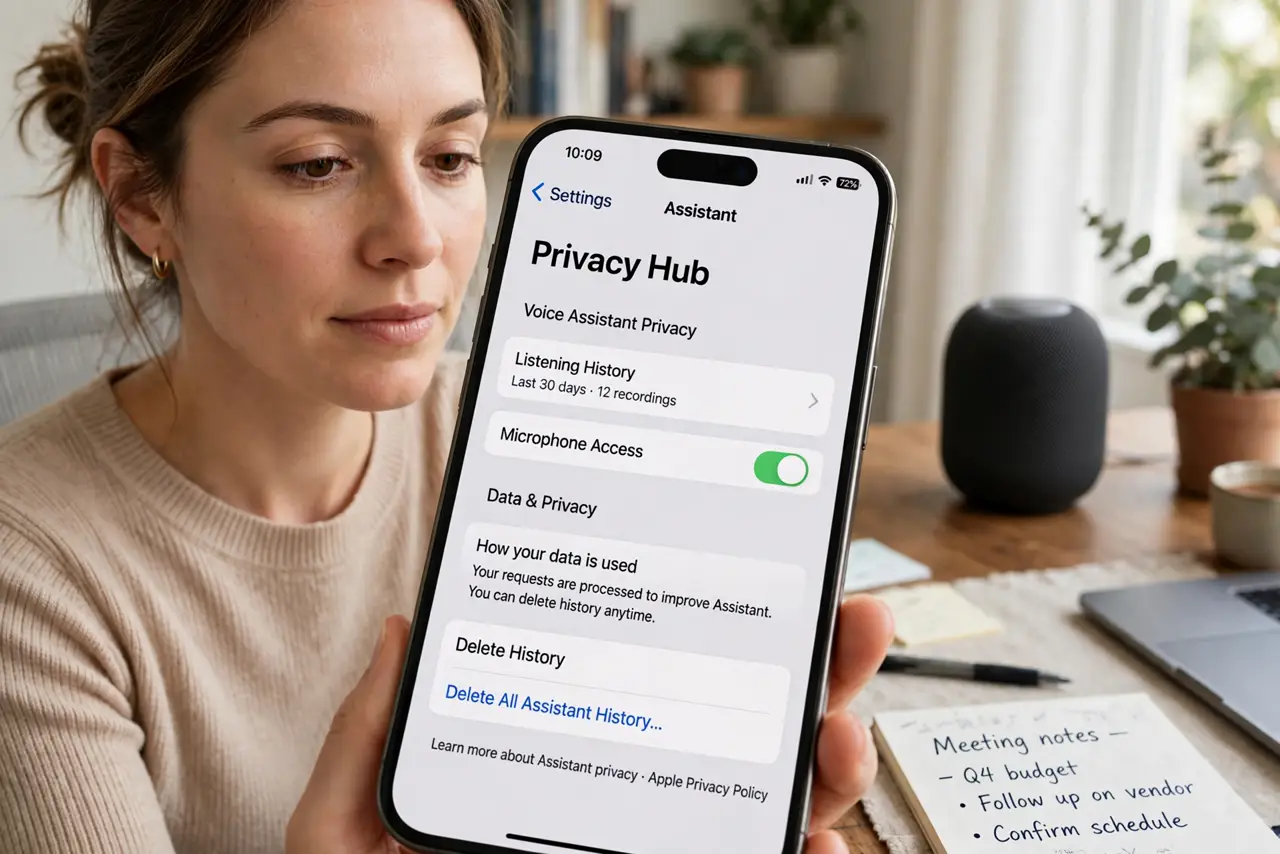
- Find your assistant's privacy hub. Alexa app > Alexa Privacy; Google Home app > privacy settings; iPhone > Settings > Siri. One hub per assistant holds nearly everything.
- Review what is stored. Listen to a sample of your history. Surprise at what is kept is the norm, and it motivates the next steps.
- Set auto-delete. Pick the shortest retention window you are comfortable with. Shorter is strictly better for privacy.
- Opt out of improvement and human review. Every assistant has a 'help improve' toggle that feeds clips to training and review. Switch it off everywhere.
- Limit ad personalization tied to voice data. Voice history can feed ad profiles. Apply the general ad personalization opt-out on the same account.
- Use the mute button habitually. No software toggle beats a physical mic disconnect. Mute during anything you would not want transcribed.
What NOT to do
- Do not assume 'delete my recordings' stops future collection. Deletion is backward-looking; retention settings are forward-looking.
- Do not leave assistants listening in rooms where you discuss sensitive matters if the idea bothers you — mute is one press.
- Do not grant every skill or action broad permissions blindly. Voice-adjacent access deserves the same scrutiny as any app permission.
- Do not forget the assistant on your TV and in your car. They have separate settings from the phone — see the TV voice data guide.
Frequently asked questions
Will limiting data make the assistant dumber?
Slightly less personalized, yes — suggestions get more generic. Core commands, timers, and smart-home control are unaffected.
Are recordings really reviewed by humans?
Small sampled portions can be, unless you opt out of the improvement program. The toggle is the fix.
Does the mute button fully work?
Yes. It cuts power to the microphones at the hardware level — nothing to hear, nothing to send.