Bluetooth Speaker Multipoint Pairing, Explained
Multipoint lets one speaker stay connected to your phone and your laptop at once, switching between them as needed. When it works it feels like magic; when it does not, the speaker usually just needs its pairing memory reset.
TL;DR / Quick Fix
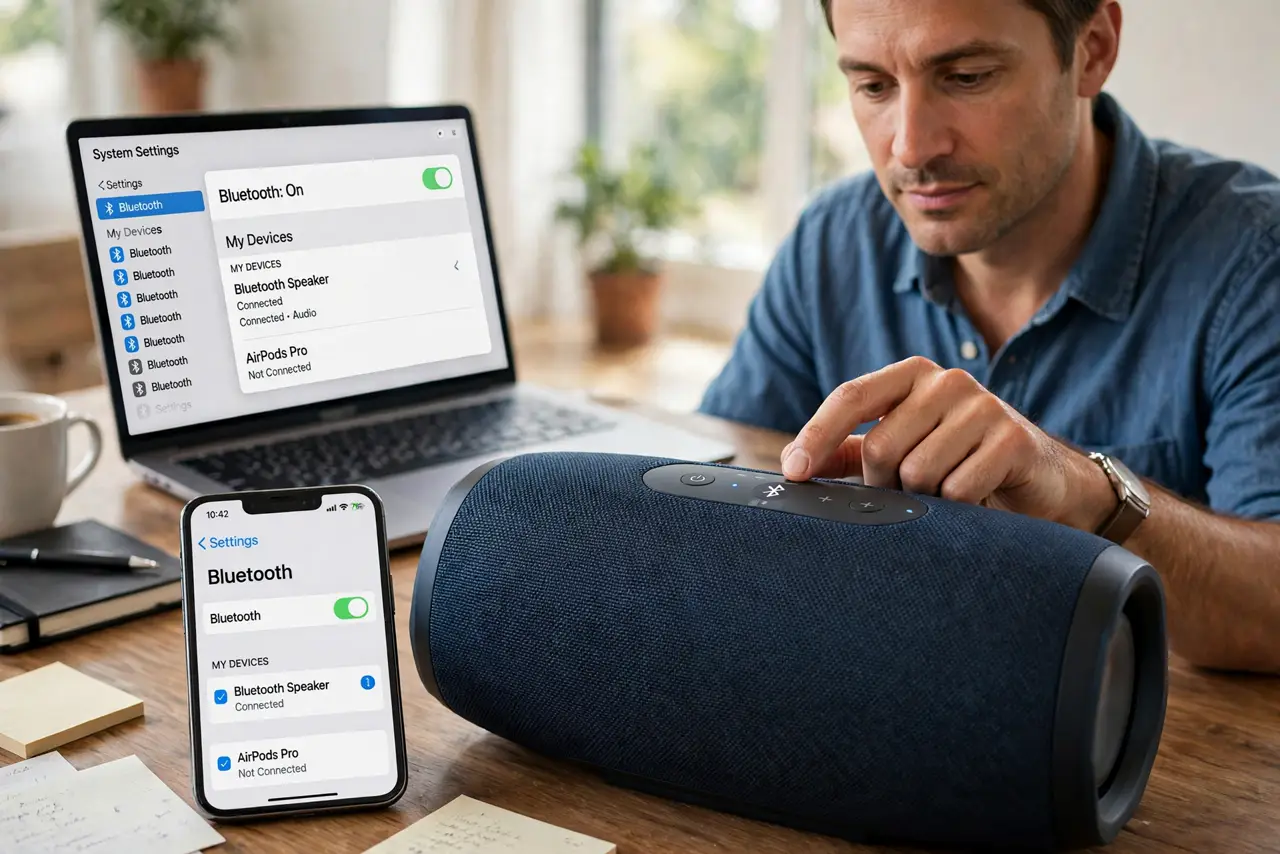
Quick fix: check that your speaker actually supports multipoint — not all do. If it does, pair the first device, then put the speaker back in pairing mode and pair the second without disconnecting the first, and clear old pairings if the speaker connects to the wrong device.
Follow these steps
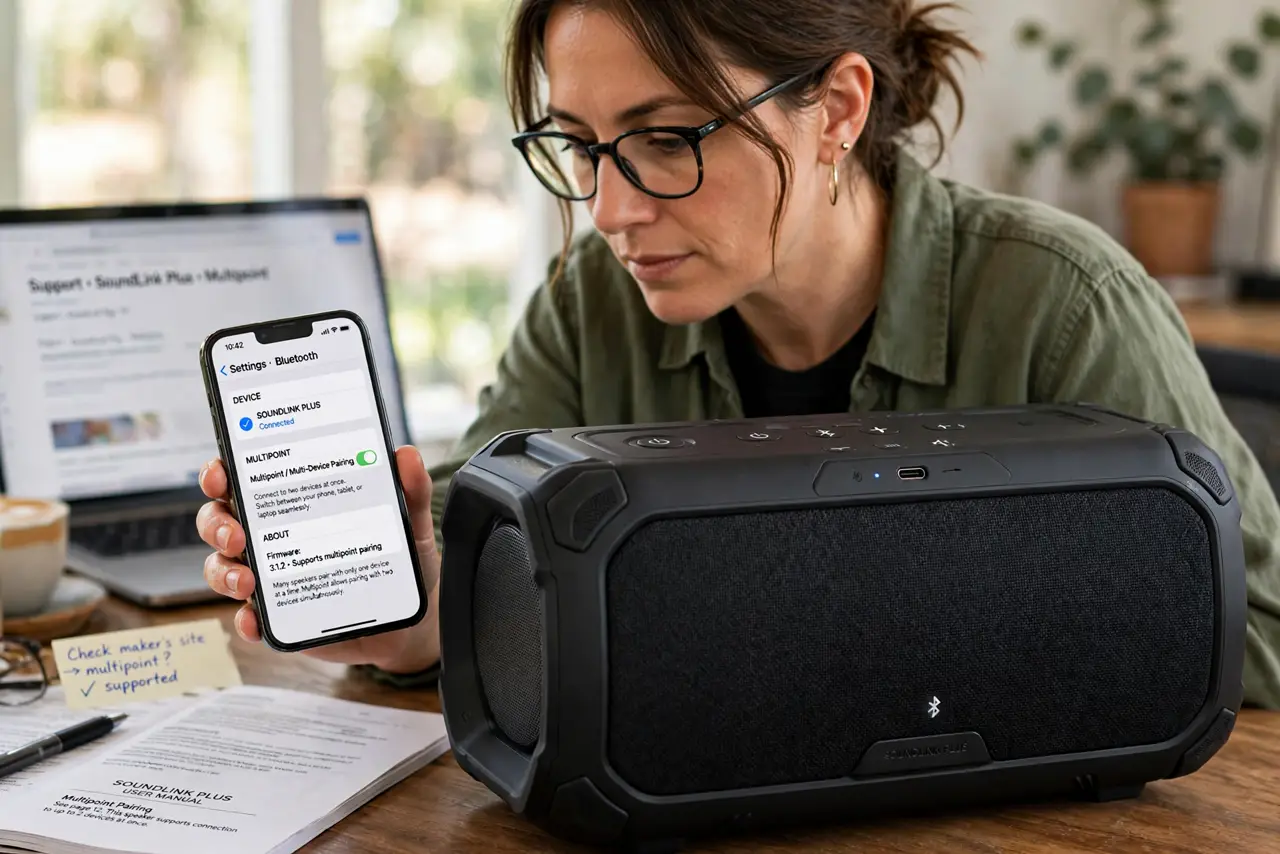
- Confirm the speaker supports multipoint. Check the manual or the maker's site for multipoint or multi-device pairing. Many speakers pair with only one device at a time, and no setting changes that.
- Pair the first device normally. Connect your phone or laptop to the speaker the usual way and confirm audio plays. The first connection must be solid before adding the second.
- Re-enter pairing mode for device two. With device one still connected, press and hold the speaker's Bluetooth button to re-enter pairing mode. Then pair the second device from its Bluetooth menu.
- Understand how switching works. The speaker plays the most recent audio source and usually pauses the other. A call on the phone typically grabs the speaker automatically, which is the main point of multipoint.
- Reset pairing memory if it misbehaves. If the speaker connects to the wrong device or drops one, clear its paired-device memory and pair both devices fresh. Stale pairings cause most multipoint weirdness.
- Rule out Bluetooth audio glitches separately. If audio stutters on one device, check that device's Bluetooth health — see the guide to Bluetooth audio glitches — before blaming multipoint. Multipoint manages connections; it does not fix a crackling link.
What NOT to do
- Do not assume every Bluetooth speaker does multipoint. Check the specs first, since single-connection speakers will drop device one when device two pairs.
- Do not pair both devices from far away. Pair each within a few feet of the speaker, then move to your normal spot.
- Do not leave ten old pairings in the speaker's memory. Clear stale pairings yearly, since a full memory confuses auto-reconnect.
- Do not expect perfect handoffs. Multipoint switches well but not instantly, so give it a second when moving from laptop video to a phone call.
Frequently asked questions
What is multipoint pairing?
A Bluetooth feature that keeps a speaker connected to two devices at once, switching audio to whichever is active.
Why does my speaker drop the first device?
Because it probably lacks multipoint. Single-connection speakers replace the old pairing with each new one.
Can multipoint play both devices at once?
No. It switches between them, playing one audio source at a time.