Google Breach Alerts
Your password leaked in a breach months ago and you never heard a thing — meanwhile it sits in criminal databases being tried against every site. Google watches for this: its password checkup and breach alerts warn you when your saved credentials appear in known leaks. Here is how to turn the watchman on and what to do when it barks.
TL;DR / Quick Fix
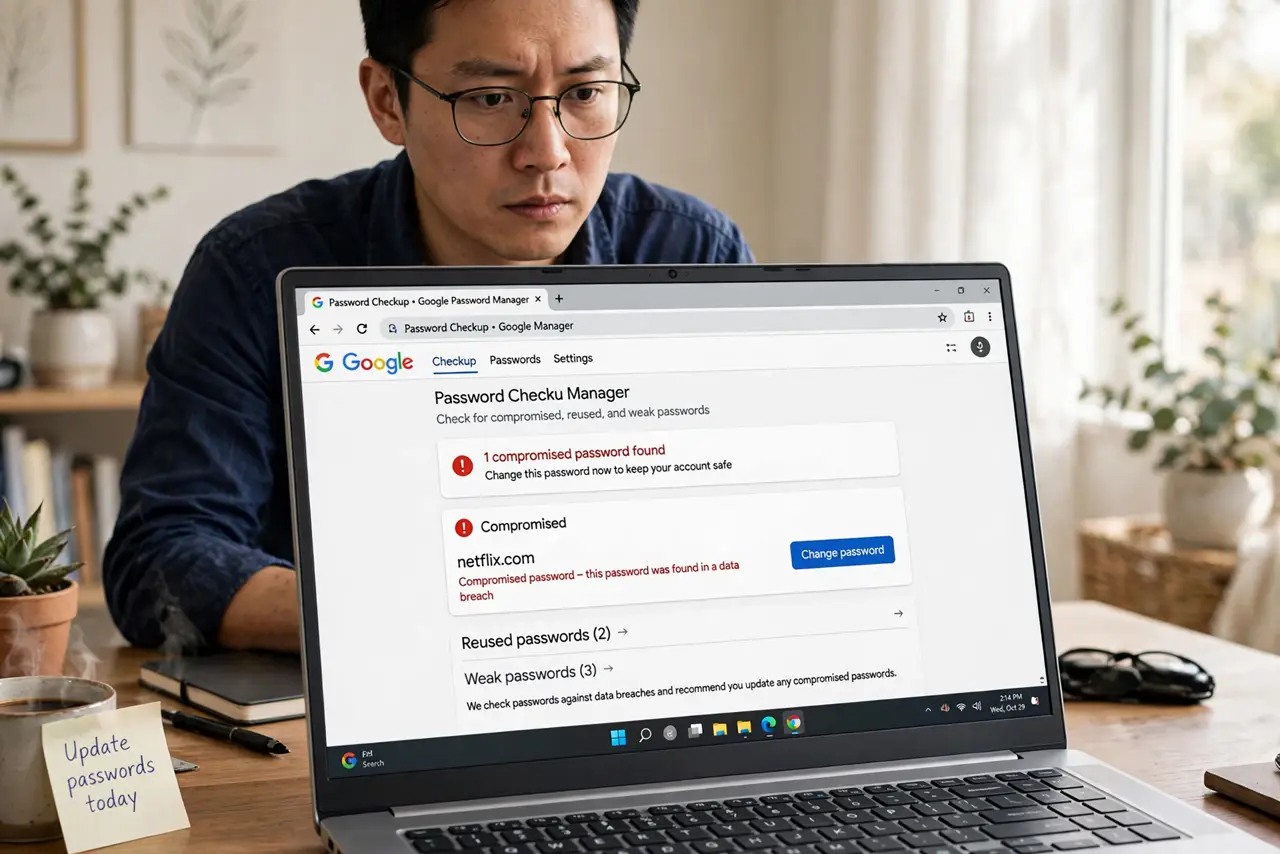
Quick fix: in Chrome, go to Settings, then Autofill and passwords, then Google Password Manager, and run Checkup. It flags reused, weak, and compromised passwords. Change every compromised one immediately, starting with email and banking. Turn on breach alerts so future leaks find you.
Follow these steps
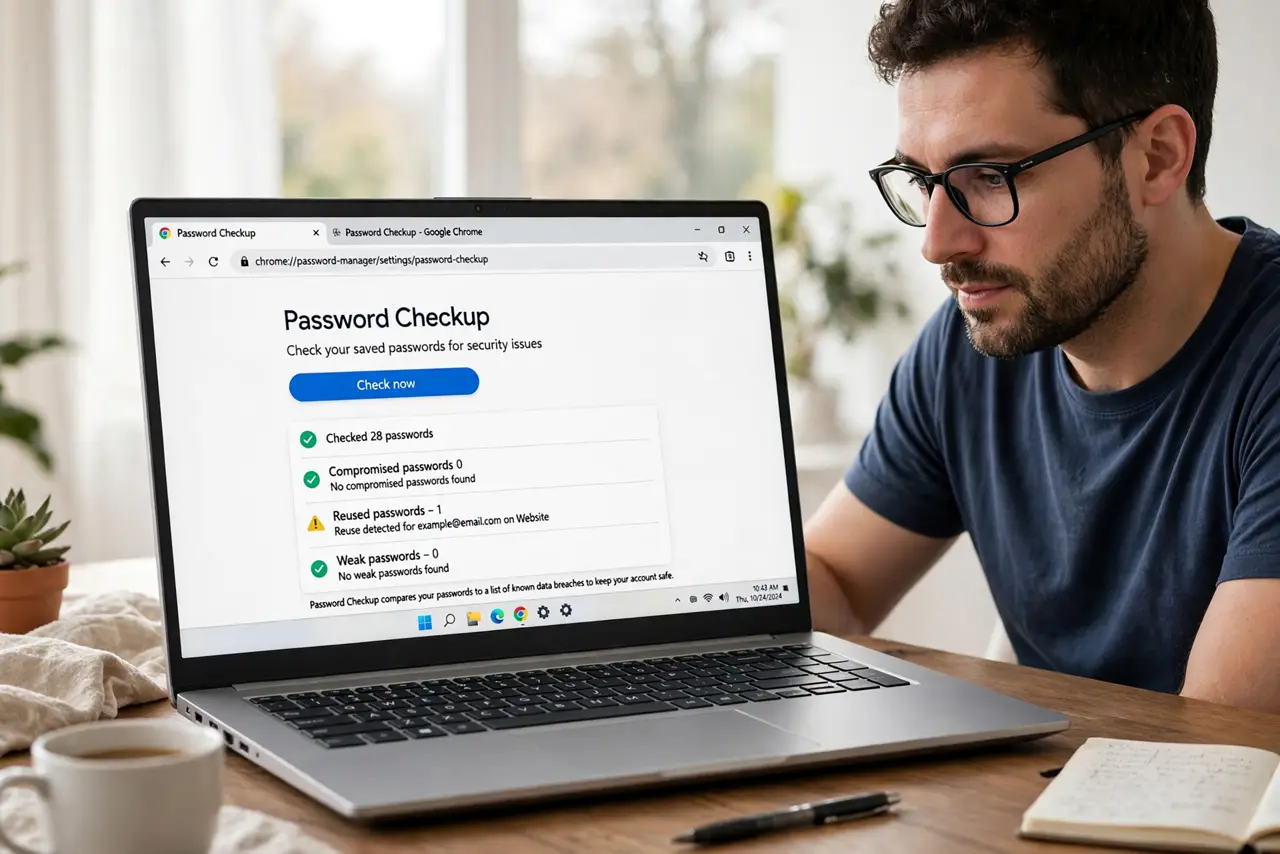
- Open Password Checkup. In Chrome settings, go to Autofill and passwords, then Google Password Manager, then Checkup. The scan compares your saved passwords against known breach databases.
- Read the results honestly. Checkup sorts issues: compromised, reused, weak. Compromised is the emergency — those passwords are in criminal hands right now. Reused is the slow burn.
- Change compromised passwords first. Start with email, banking, and the password manager itself — the keys to everything else. Use the Change password buttons Checkup provides; they jump you to each site.
- Kill the reuse. Give every important account its own unique password — a password manager generates and remembers them. Reuse means one breach becomes twenty.
- Enable breach alerts. Turn on alerts for future breaches in the Password Manager settings. Next time your credentials leak, Google tells you promptly instead of never.
- Consider passkeys where offered. For sites offering them, passkeys remove the password entirely — nothing to leak, nothing to check up on. The long-term fix for breach fatigue.
What NOT to do
- Do not ignore a compromised flag. 'Compromised' means criminals have it — change it today, not someday.
- Do not change only the flagged site. If you reused that password anywhere, every reuse is compromised too — change them all.
- Do not trust the alert alone. Checkup covers passwords Google knows; accounts outside Chrome need their own attention.
- Do not reuse the new password. A fresh password used in five places is next year's breach alert — unique per site.
Frequently asked questions
How does Google know my password leaked?
Breach databases of stolen credentials circulate publicly and privately; Google checks hashed versions of your saved passwords against them — without learning your passwords.
Is Password Checkup safe to use?
Yes — the checks use privacy-preserving cryptography. Google does not see your actual passwords during the check.
I do not save passwords in Chrome. Then what?
Use a password manager with its own breach monitoring, or check your key addresses at a breach-notification service manually.