Cable Management for a Desk Without Drilling
A tidy desk does not require a drill. With adhesive cable trays, velcro ties, and a little planning, you can hide the tangle under your desk and keep every cable reachable — all without putting a single hole in the furniture.

TL;DR / Quick Fix
Quick fix: unplug everything, group cables by where they go, and mount an adhesive cable tray under the desk. Route power bricks into the tray, bundle each group with velcro ties, label both ends, then plug back in and check that every device still works.
Follow these steps
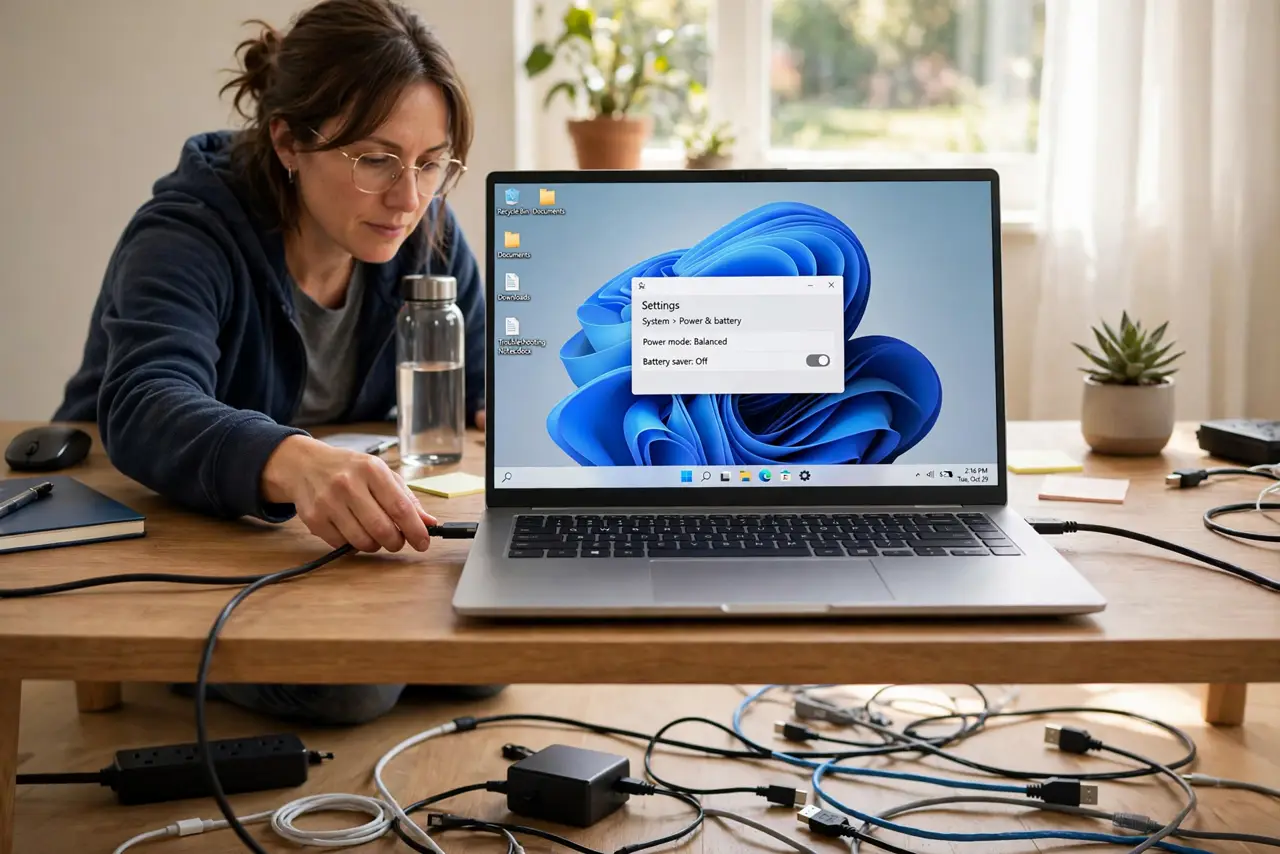
- Unplug and lay out every cable. Power down and unplug everything, then lay the cables out on the floor. Seeing the whole mess at once beats trying to tidy one plugged-in cable at a time.
- Group cables by destination. Sort cables into groups: monitor, computer, chargers, and peripherals. Each group becomes one tidy bundle instead of four cables wandering separately.
- Mount an adhesive cable tray. Stick an under-desk cable tray or adhesive hooks under the desktop near the back edge. Adhesive mounts hold well on smooth surfaces and leave no holes when removed carefully.
- Put power bricks in the tray first. Power bricks are the heaviest, ugliest pieces, so they go in the tray first. If a powered USB hub sits on your desk, mount its brick in the tray too and route one cable up.
- Bundle each group with velcro ties. Wrap each cable group with reusable velcro ties, leaving a little slack at both ends. Slack lets you unplug a device later without cutting the whole bundle apart.
- Label both ends, then test everything. Label each cable at both ends with a tag or tape flag, plug everything back in, and test each device. A labeled bundle saves the next unplug-and-move from becoming a guessing game.
What NOT to do
- Do not use zip ties for bundles you may change. Zip ties must be cut to release a cable, while velcro ties reopen in seconds.
- Do not run power cables and data cables in one tight bundle without slack. A little separation and slack keeps plugs from straining and makes future changes easier.
- Do not stick adhesive mounts on rough or dusty surfaces without cleaning first. Wipe the surface with a damp cloth and let it dry, or the mount will peel off in weeks.
- Do not hide a cable you unplug daily. Keep daily-use chargers accessible on the desk, and hide only the cables that stay plugged in.
Frequently asked questions
How do I manage cables without drilling?
Use adhesive cable trays, adhesive hooks, and velcro ties under the desk, plus a cable box for the power strip.
Will adhesive mounts damage my desk?
Good adhesive mounts remove cleanly from smooth surfaces with slow peeling and a little heat, though cheap ones can leave residue.
Should power and data cables be separated?
A little separation is nice but not critical at a desk. Keep runs tidy with slack, and avoid sharp bends in any cable.