Decline a Meeting Without Notifying Everyone
You need to decline a meeting, but you do not want to ping the organizer or the whole guest list. Most calendars let you decline quietly — the option is just easy to miss.
TL;DR / Quick Fix
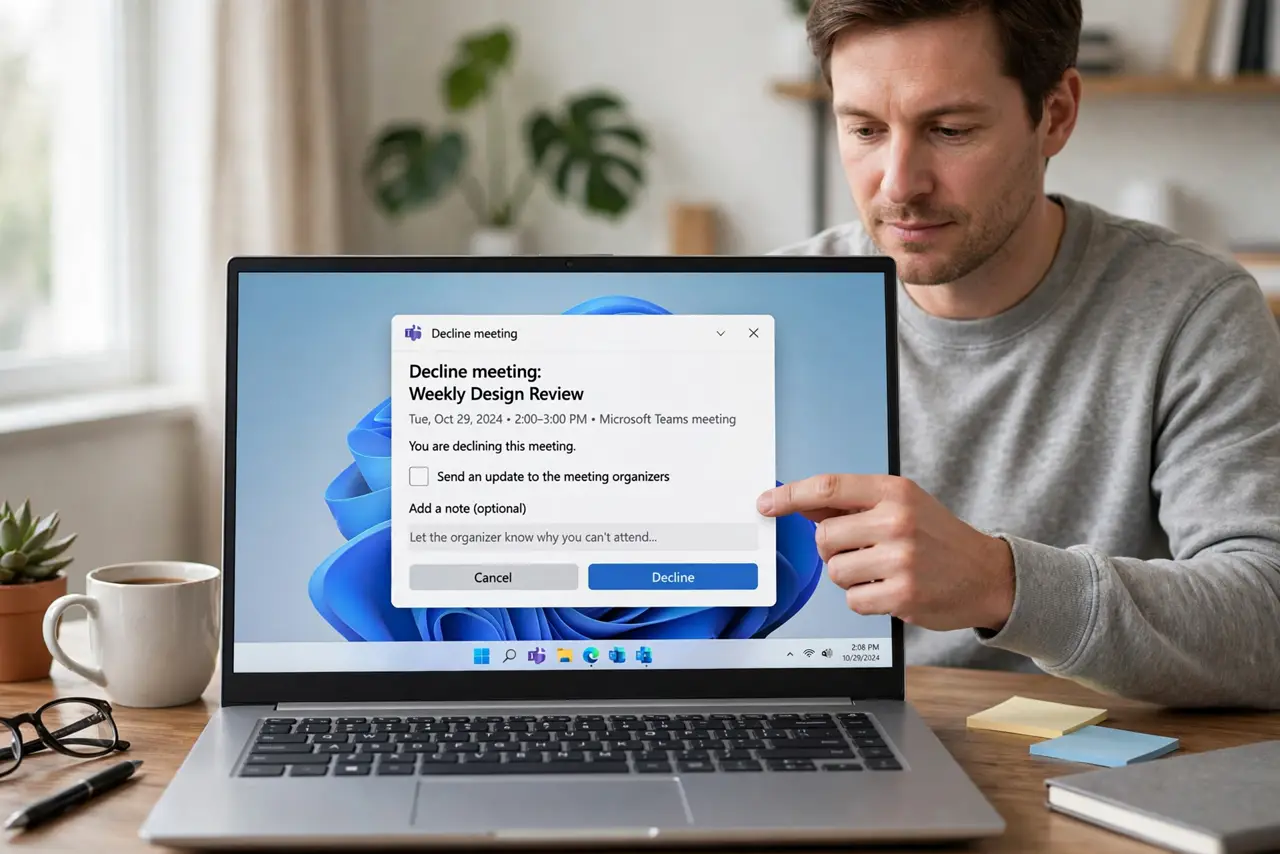
Quick fix: open the invite and decline it, then uncheck the send update or notify option before confirming. Then send the organizer a short private note instead, so they hear it from you directly so the organizer hears it from you directly.
Follow these steps
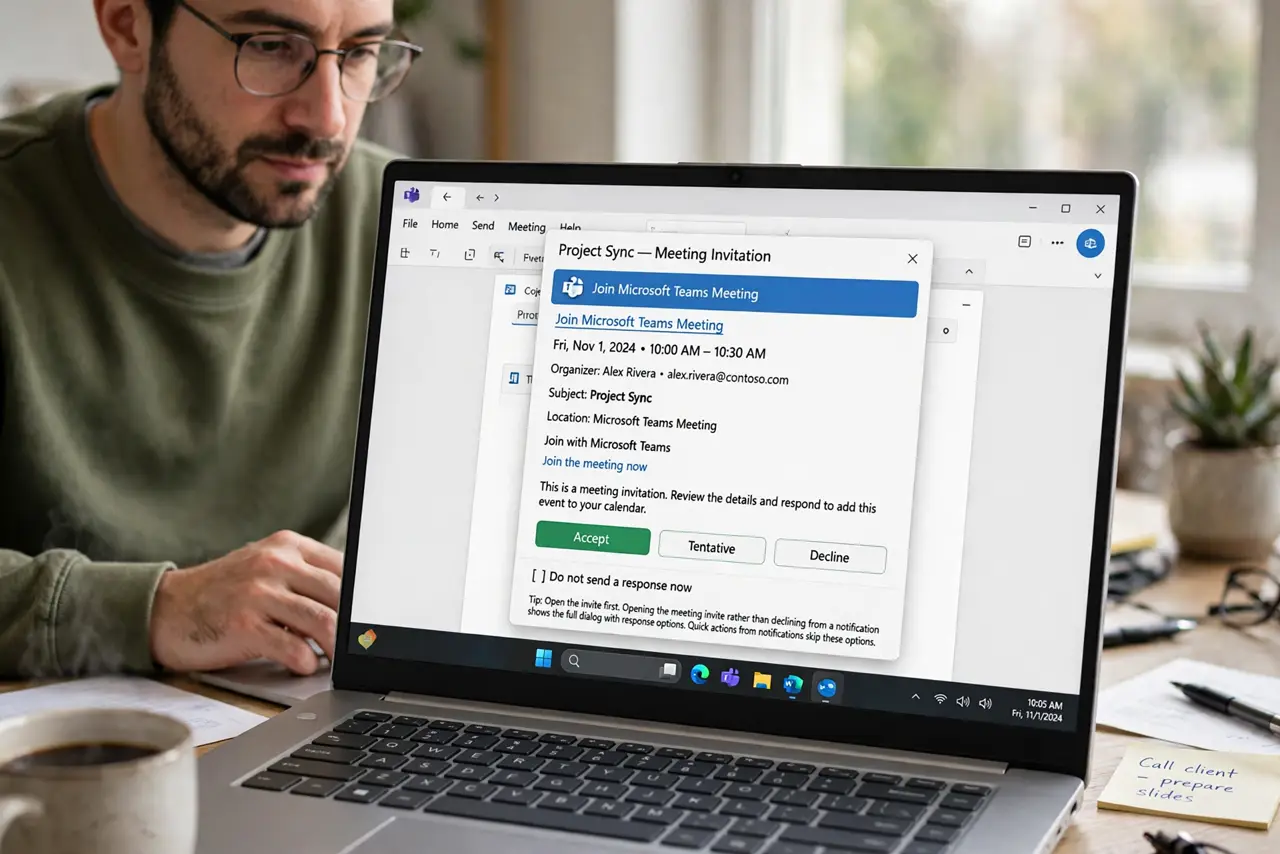
- Open the invite first. Open the meeting invite rather than declining from a notification. The full dialog holds the notification option that quick actions skip.
- Find the send update checkbox. Look for a checkbox like send updates or notify guests in the decline dialog. Unchecking it is what makes the decline quiet.
- Decline without sending updates. Confirm the decline with the box unchecked. Your status changes, but no email goes to the guest list.
- Tell the organizer privately. Send the organizer a short message yourself. A quiet decline plus a personal note is polite, while silence alone can look rude.
- Check the event after declining. Reopen the event and confirm your status shows declined. A glance now prevents a surprise later.
- Use this sparingly. Reserve quiet declines for sensitive cases. Declining loudly is the norm, and overusing the quiet option confuses organizers.
What NOT to do
- Do not decline quietly and say nothing. The organizer still needs to know, so a private note replaces the notification you skipped.
- Do not use quiet decline to dodge every meeting. Patterns of silent declines erode trust faster than honest noes.
- Do not assume unchecked means silent everywhere. Some apps still notify, so test the behavior once before relying on it.
- Do not decline from a phone notification blindly. Quick actions often send the update by default, so open the full invite instead.
Frequently asked questions
Can I decline without notifying the organizer?
In most calendars yes, by unchecking the send update option in the decline dialog before confirming.
Is a quiet decline rude?
Only if you say nothing. Pair it with a short private note to the organizer, and it reads as considerate.
What if the checkbox is missing?
Some apps always notify. In that case, decline normally and follow with a brief apology note.