Shared Calendar Not Updating? Fix It
A shared calendar stops updating when the share permission changed, sync paused, or the calendar is hidden on your device. Check visibility first, because a hidden calendar looks exactly like a stale one.
TL;DR / Quick Fix
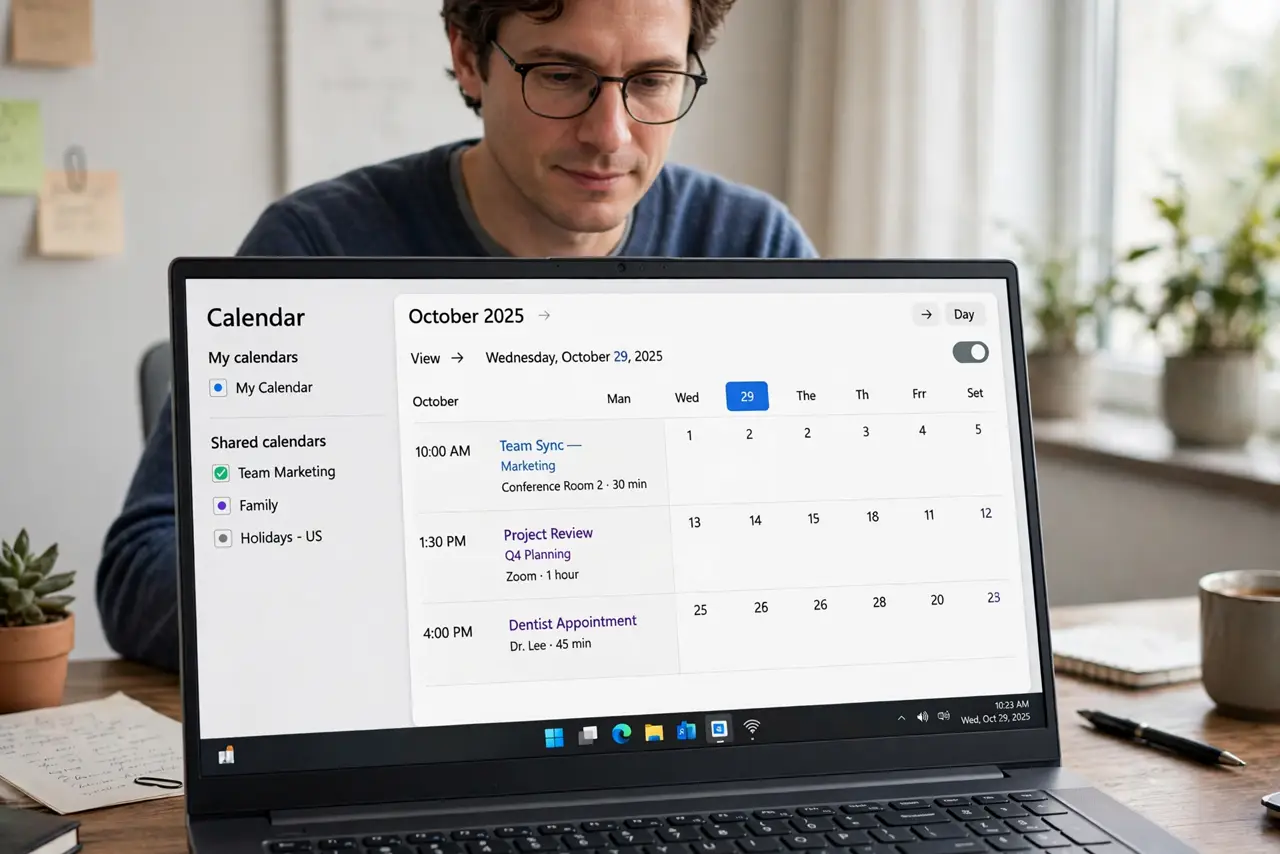
Quick fix: confirm the shared calendar is visible in your calendar list, run a manual sync, and check the owner still shares it with you. If it still stalls, remove and re-add the shared calendar once. Last, test with a new event to confirm it.
Follow these steps
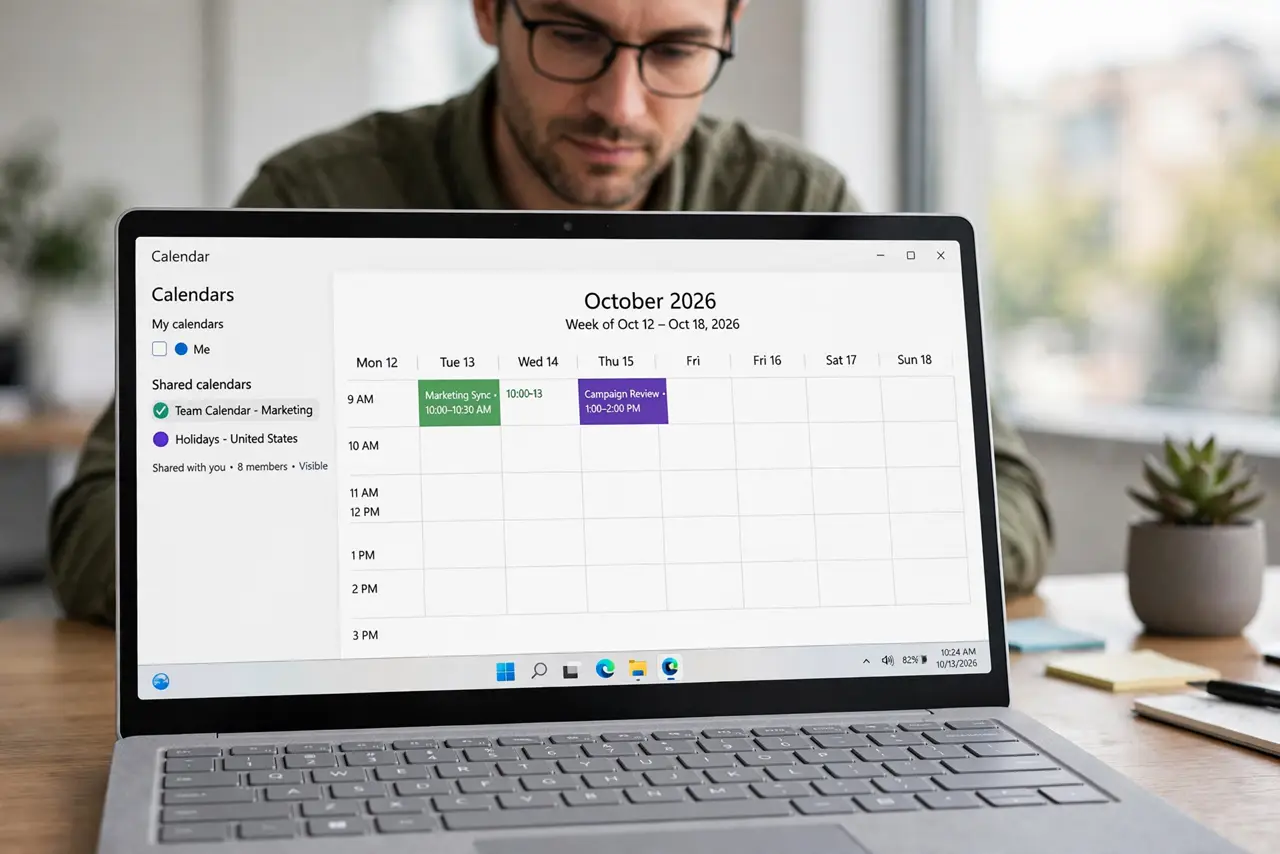
- Confirm the shared calendar is visible. Open the calendar list and check the shared calendar is checked and visible. A hidden calendar shows no new events, even when sync works.
- Run a manual sync. Pull to refresh or use the sync option, then wait a minute. A manual sync forces an update that automatic sync may have delayed.
- Check the owner's sharing permission. Ask the owner to confirm the calendar is still shared with your address and that permission allows viewing. A removed share stops updates silently.
- Check you are in the right account. Confirm the calendar app is signed in to the account that received the share. A share sent to a work address will not update a personal account.
- Remove and re-add the shared calendar. If updates still stall, remove the shared calendar and accept the share again. A fresh share often restores a broken sync link.
- Test with a new event. Ask the owner to add a test event, then check it appears. A test event proves updates work again before a real meeting depends on it.
What NOT to do
- Do not create your own copy of the shared events. A copy will not update when the owner changes the original.
- Do not keep refreshing for hours. If a manual sync and a visibility check fail, the share itself needs attention.
- Do not share your own account password to see someone else's calendar. A proper share is the safe route.
- Do not assume the calendar is empty. A hidden or unshared calendar looks empty, but the events may still exist.
Frequently asked questions
Why did a shared calendar stop updating?
The share may have changed, sync may have paused, or the calendar may be hidden on your device.
Will re-adding the calendar delete events?
No. Re-adding restores the shared view. The owner's events stay on the owner's calendar.
How often should shared calendars sync?
Usually within minutes. A delay longer than an hour suggests a share or sync problem.