Import an ICS File? How To
Someone emails you a calendar file — a conference schedule, a school term, a fixture list — with a .ics extension. That file is a bundle of calendar events you can import into your own calendar in one move, no retyping. It is a one-time copy, not a live subscription. Here is how to import an ICS file cleanly.
TL;DR / Quick Fix
Quick fix: an ICS file is a calendar file you import to add its events at once. In your calendar app choose Import, select the .ics file, and pick the receiving calendar. Duplicates happen if you import twice — delete the batch and re-import once if needed.
Follow these steps
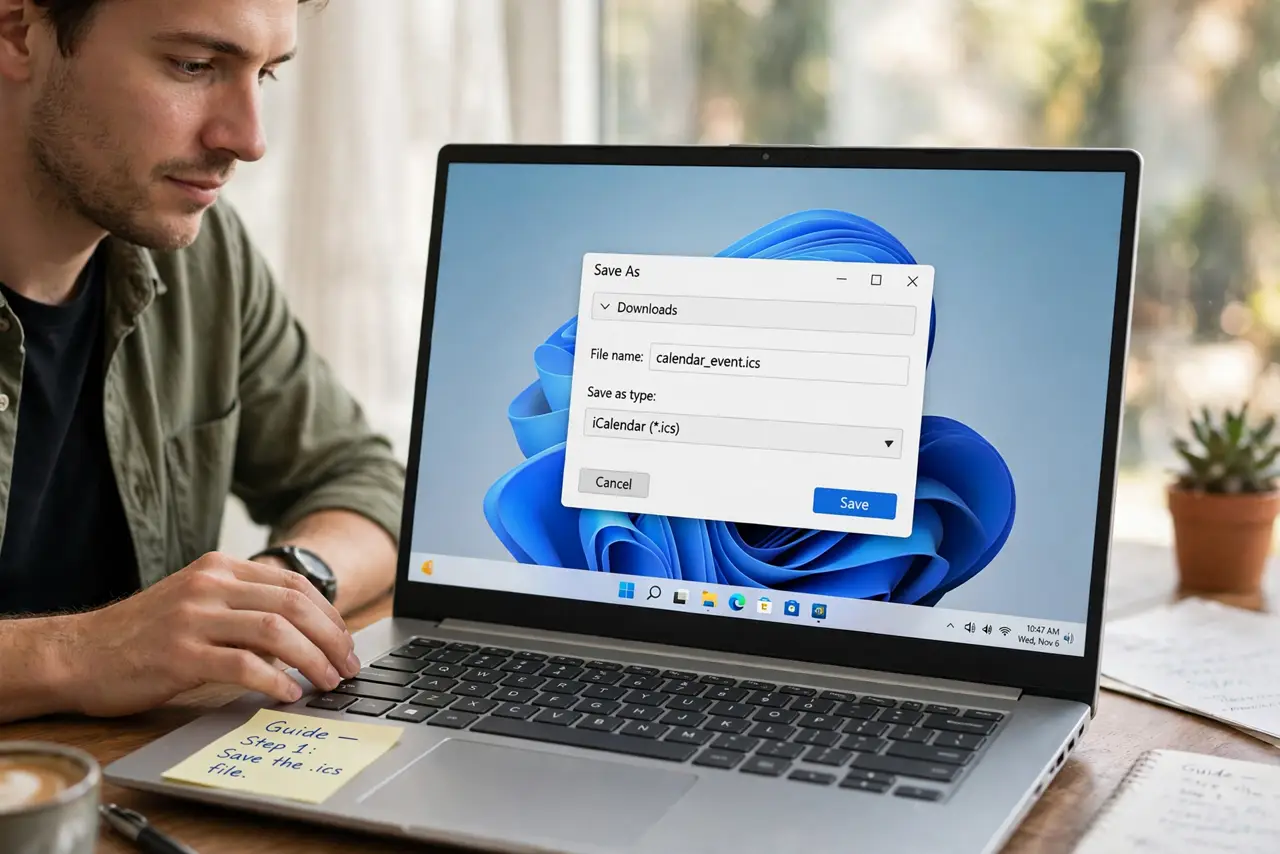
- Save the .ics file. Download the attachment or file to a place you can find — Downloads folder is fine for a one-time import.
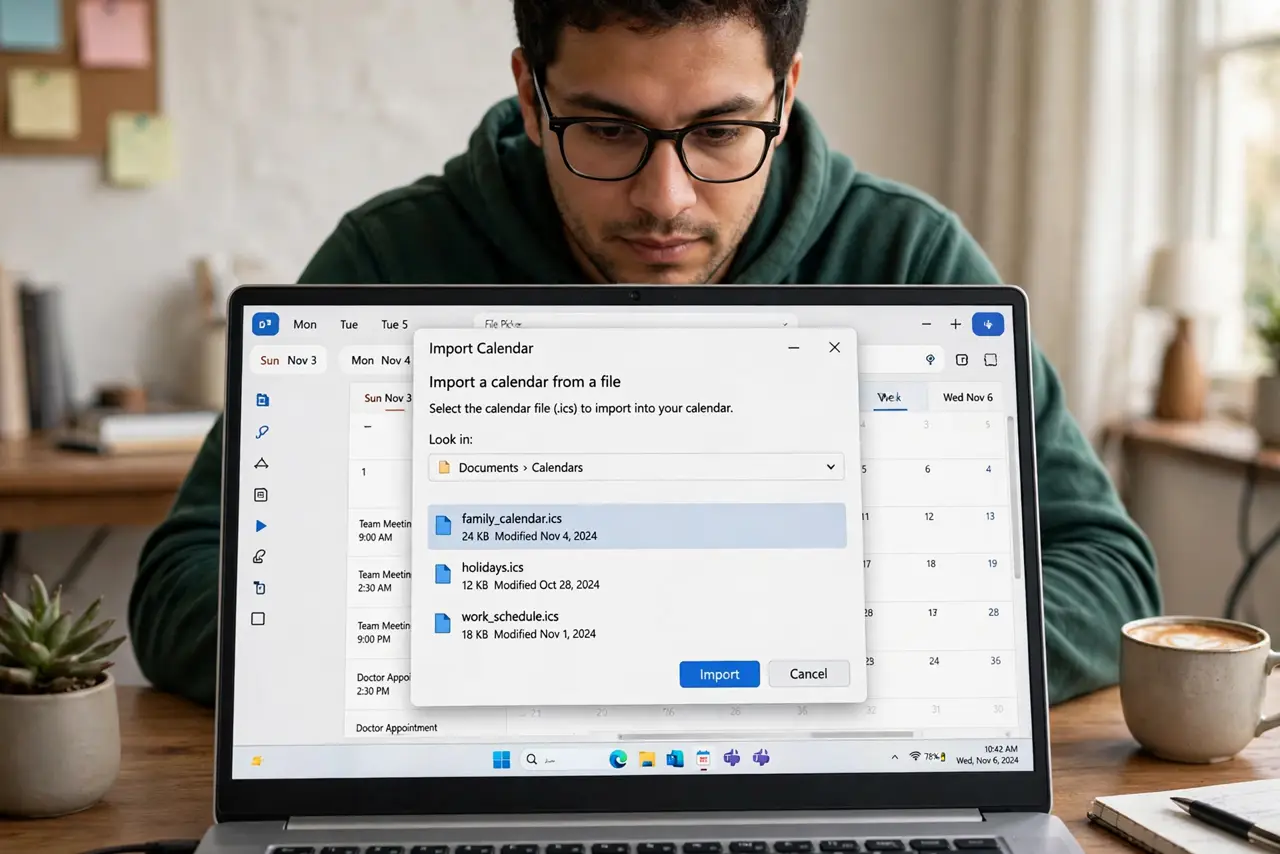
- Open your calendar's Import option. In your calendar app settings, choose Import (not Subscribe — that is the live feed option).
- Select the file and the target calendar. Pick the .ics file, then choose which of your calendars receives the events. A dedicated new calendar keeps imports tidy.
- Review what arrived. Check that the events landed with correct dates and times. Time zone quirks are the most common import surprise — see wrong time zone if times look off.
- Delete and re-import if you double-imported. Imported twice by accident? Delete the duplicated events (or the whole import calendar) and import once more, carefully.
- Know it is a snapshot. Imported events will not update if the source changes. For living schedules, subscribe by URL instead.
What NOT to do
- Do not import the same file twice 'to be sure.' Double imports mean double events and a tedious cleanup.
- Do not import into your main calendar blindly. A big import pollutes your primary view — use a separate calendar you can delete wholesale.
- Do not trust imported times without checking. ICS files carry time zone data, but mismatches happen — verify the first few events.
- Do not confuse import with subscribe. Import is frozen in time; if the source schedule changes, your copy does not.
Frequently asked questions
What is an ICS file, exactly?
A standard plain-text calendar format (.ics) that holds one or more events. Every major calendar app can read it.
Can I import an ICS file on my phone?
Yes — save the file, then open it with your calendar app, or use the import option in the app's settings.
I imported and nothing appeared — why?
Usually the events went to an unchecked or hidden calendar. Make sure the target calendar is visible in your calendar list.