Calendar Invite Shows the Wrong Time? Fix It
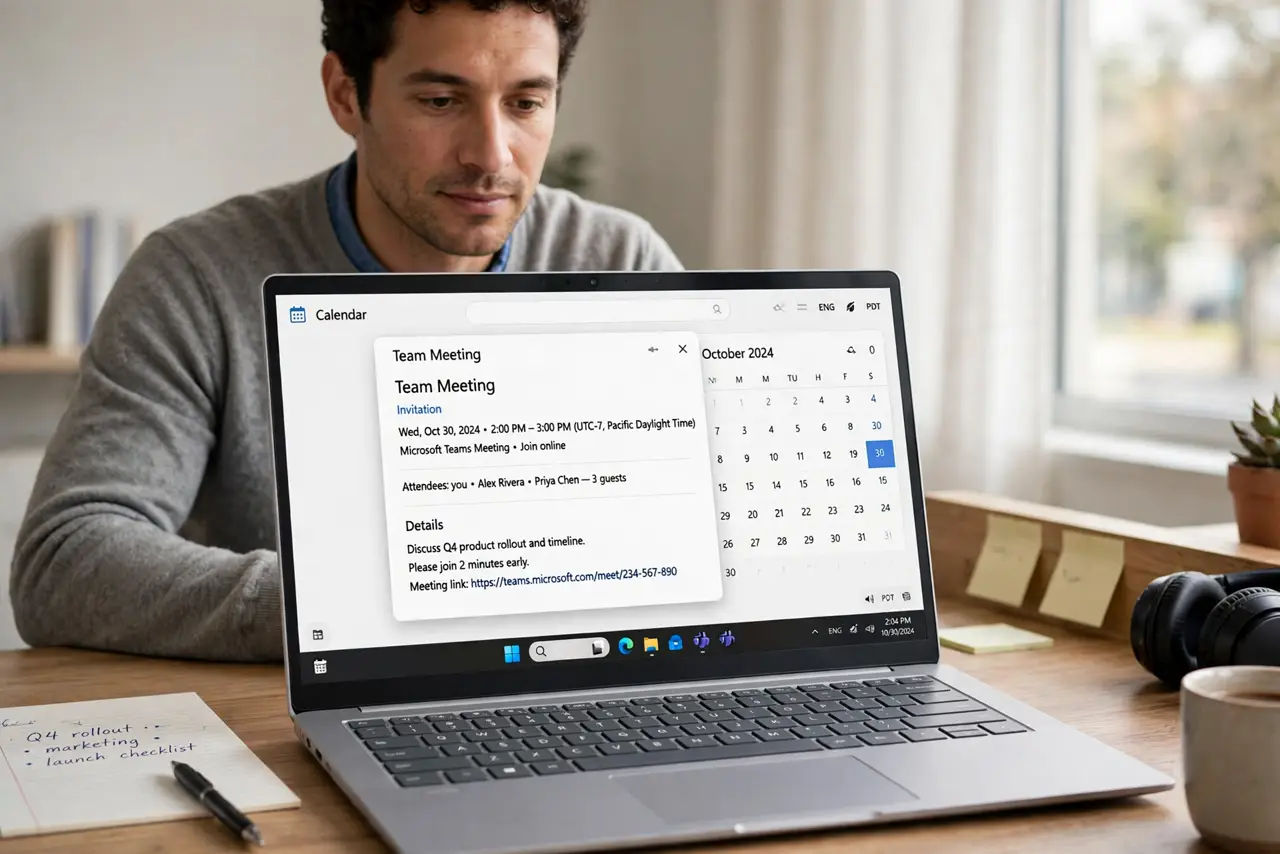
An invite shows the wrong time when the sender's zone, the invite's zone, and your device zone do not line up. Confirm the real meeting time with the sender before changing anything, so you fix the right side.
TL;DR / Quick Fix
Quick fix: read the invite details for its time zone, confirm the real meeting time with the sender in plain words, and check your device zone is automatic. Then correct or re-accept the invite with the right zone. Last, set a reminder before the meeting to confirm it.
Follow these steps
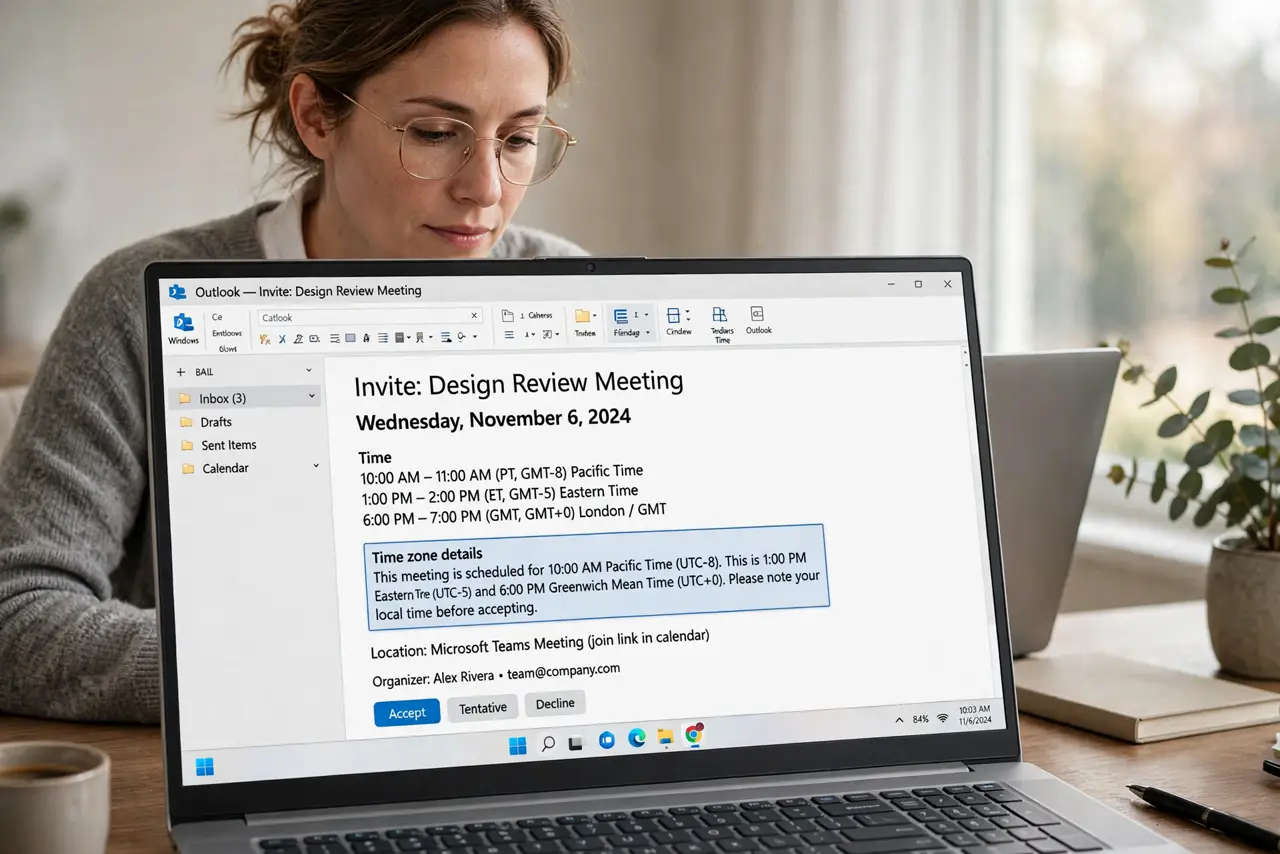
- Read the invite time zone details. Open the invite and look for the time zone shown with the time. The zone tells you whether the invite itself is wrong, or only your view of it is shifted.
- Confirm the real time with the sender. Ask the sender to confirm the meeting time in plain words, including their city. A plain-words confirmation beats guessing from a shifted invite.
- Check your device time zone. Confirm your device time zone is automatic and matches where you are. A device zone left over from travel shifts every invite you receive.
- Decline and re-accept if the invite is wrong. If the invite itself holds the wrong time, ask the sender to correct and resend it, then accept the new invite. Editing your copy alone does not fix the sender's version.
- Add the corrected time to the event notes. Write the confirmed time and city in the event notes. A note gives you a reference if the invite shifts again.
- Set a reminder before the meeting. Set a reminder an hour before the meeting. A reminder gives you time to catch a wrong time before the meeting starts.
What NOT to do
- Do not silently change the hour on a received invite. The sender's version stays wrong, and guests will still arrive at different times.
- Do not assume the invite time is your local time. Always check the zone shown on the invite.
- Do not ignore a one-hour shift. A small shift is still a missed meeting if you join an hour late.
- Do not rely on memory for cross-zone meetings. Confirm the time in writing with the sender.
Frequently asked questions
Why does an invite show a different time than the sender said?
The invite zone, the sender zone, and your device zone can disagree, shifting the displayed time.
Should I edit the invite myself?
Only your own copy. Ask the sender to correct the original, so all guests see the same time.
How do I avoid this for regular meetings?
Keep device zones automatic, and confirm the zone in the invite for any cross-zone meeting.