Calendar Not Syncing? Fix It
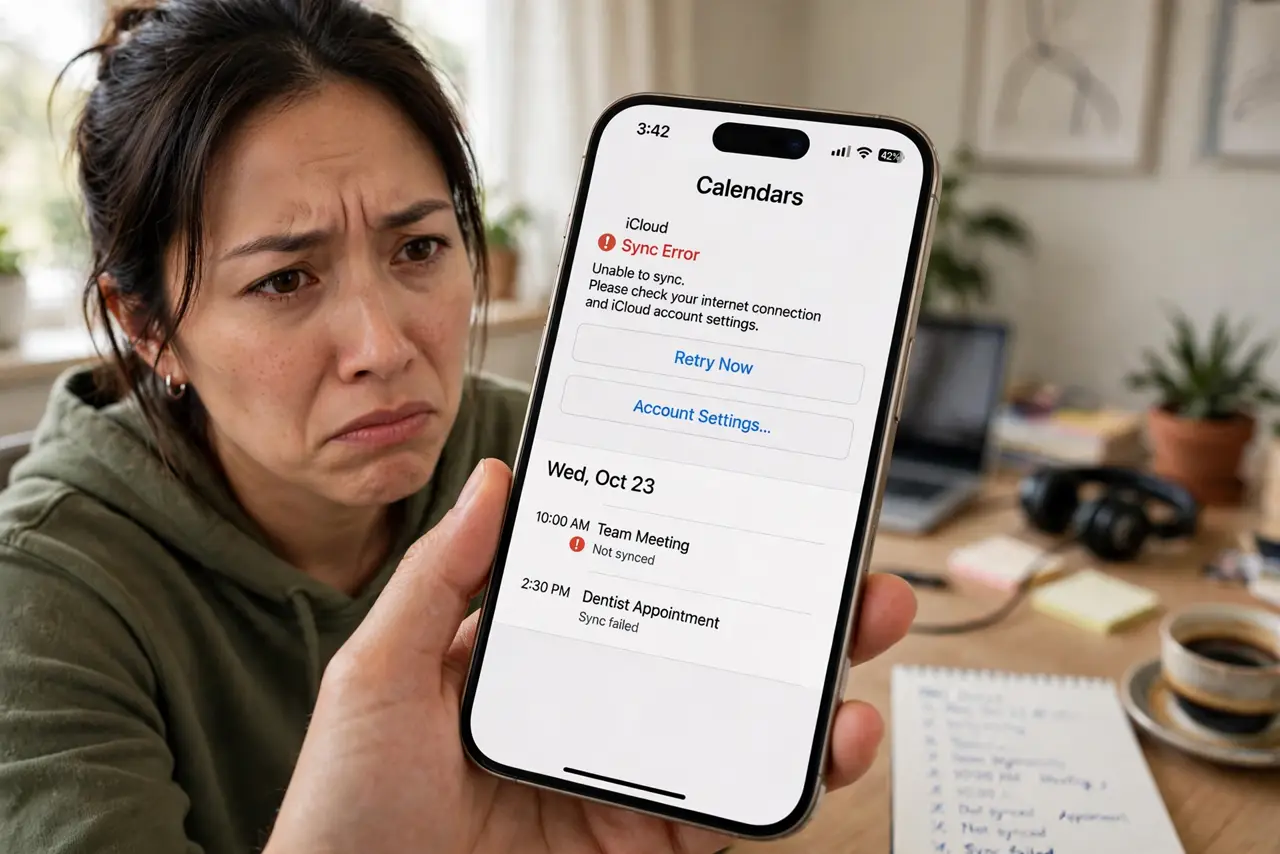
Events you add on your phone never appear on your laptop, or the other way around. Calendar sync problems are almost always settings, not broken calendars: a disabled calendar, a blocked background refresh, or an account that needs re-adding. Work this checklist before assuming anything is lost. Here is the fix order.
TL;DR / Quick Fix
Quick fix: when your calendar stops syncing, check the internet connection, then confirm the calendar is enabled and visible. On phones, verify background sync and battery optimization are not blocking the app. If events still refuse to appear, remove and re-add the account — the fresh sync usually fixes it.
Follow these steps
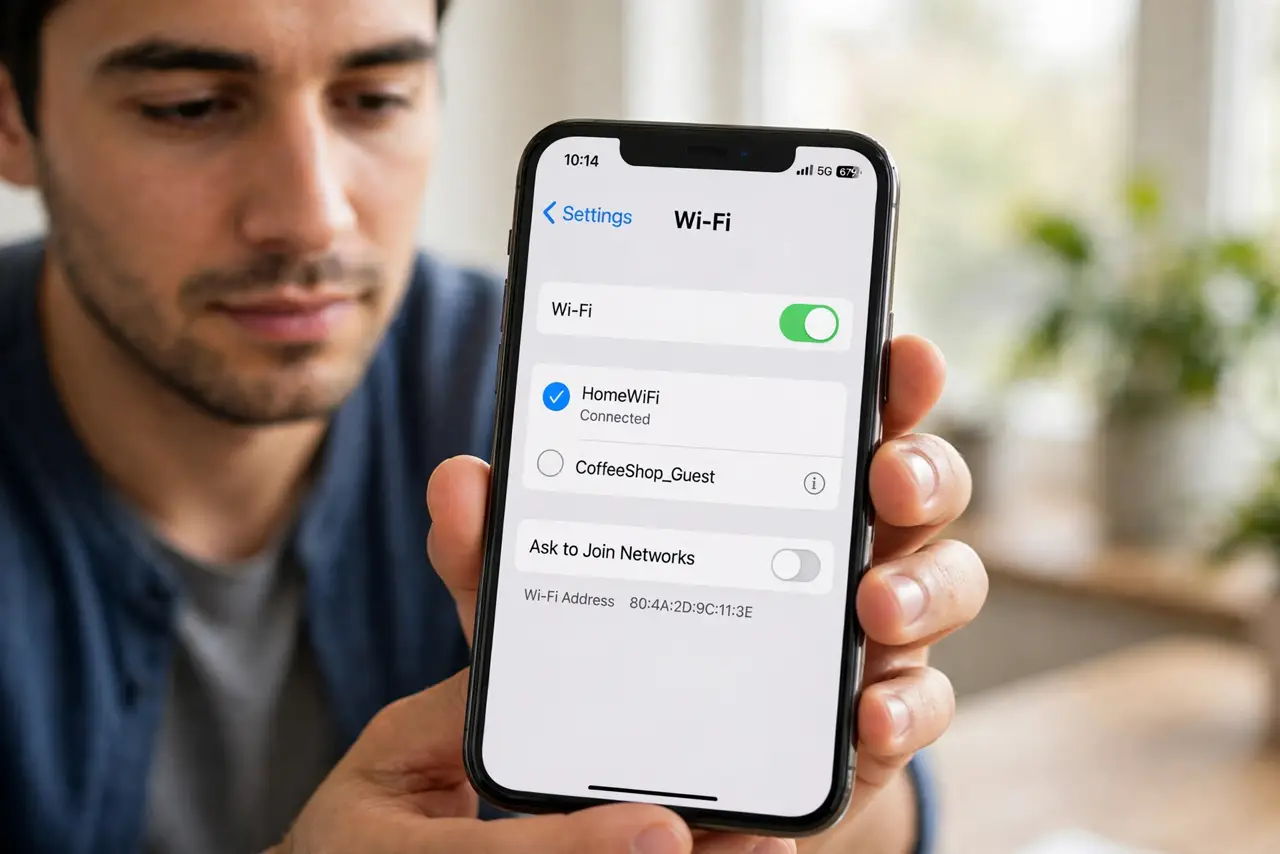
- Check the internet connection. No connection, no sync. Confirm the device is online before touching any calendar setting — it is the cause more often than people admit.
- Confirm the calendar is enabled. In the calendar app, make sure the calendar is checked and visible. A hidden calendar looks exactly like a sync failure.
- Check the account sync toggles. On phones, open the account settings and verify Calendar sync is switched on. OS updates sometimes flip it off silently.
- Allow background refresh. Battery optimization loves to kill calendar background sync. Exempt your calendar app from aggressive battery saving.
- Force a manual sync. Pull to refresh in the calendar app, or use the account's Sync Now option. If new events appear, the automatic schedule was the problem.
- Remove and re-add the account. The nuclear option that works: remove the account from the device and add it back. Everything re-syncs fresh from the server — see duplicate events after sync if doubles appear.
What NOT to do
- Do not delete and recreate events to 'force' them across. You will create duplicates everywhere once sync resumes.
- Do not factory-reset your phone over a calendar sync issue. Re-adding the account fixes it in minutes; a reset is massive overkill.
- Do not ignore the sync error notification. It usually names the cause — an expired password or a disabled toggle — read it first.
- Do not assume events are lost. Unsynced events usually sit safely on one device; they appear once sync is restored.
Frequently asked questions
My events sync one way but not the other — why?
Usually one device has the calendar set to a local/on-device calendar instead of the synced account. Move those events to the account calendar.
How long should syncing take?
Seconds on a good connection. If minutes pass with nothing, something is blocked — work the checklist above.
Will removing the account delete my events?
Events on the server stay safe. Events stored only on the device ('on my phone' calendars) can be lost — move them to the synced account first.