Calendar Sharing: View Only vs Edit, Explained
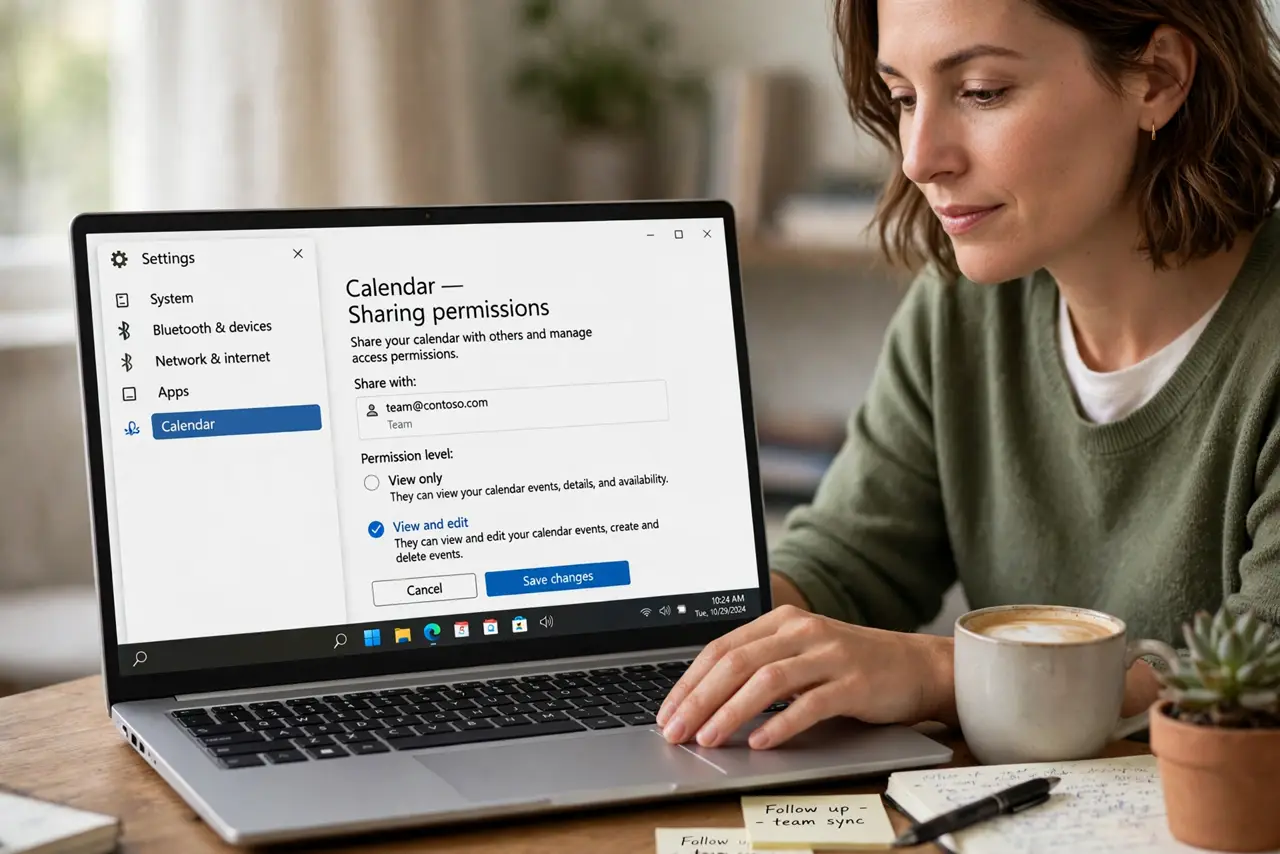
Sharing a calendar means choosing how much power the other person gets. View only lets them see your schedule, while edit lets them add, move, and delete your events.
TL;DR / Quick Fix
Quick fix: open the calendar's sharing settings and check what each person can do. Give view only to people who just need to see you, and reserve edit for an assistant or partner who truly manages your schedule and review the list twice a year.
Follow these steps
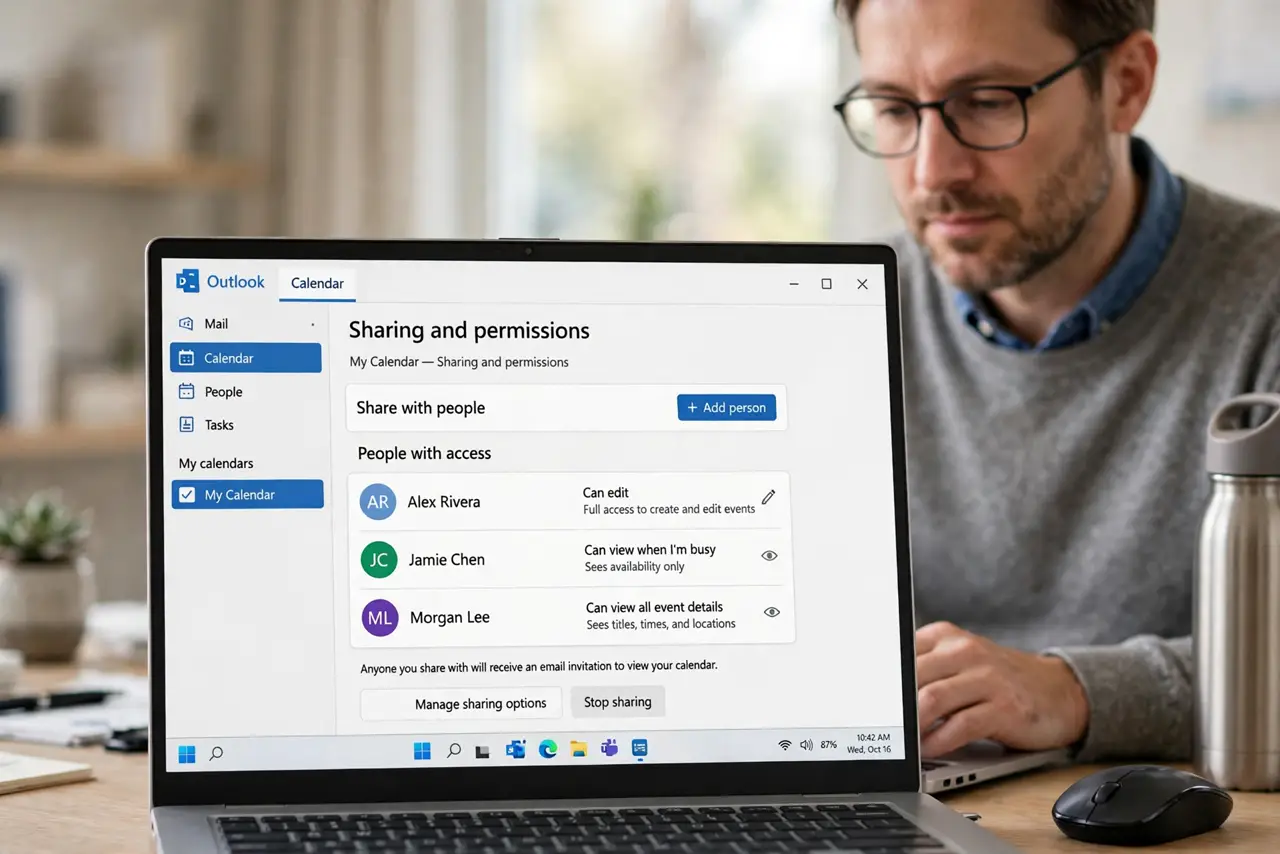
- Open the sharing settings. Find the share or permissions option for the calendar. The list there shows every person and exactly what each one can do.
- Understand view only. View only lets someone see your events and your free and busy times. They cannot add, move, or delete anything, which is right for most colleagues.
- Understand edit access. Edit lets someone create, move, and delete events on your calendar. That power suits an assistant or a partner, not a casual viewer.
- Give the lowest access that works. Start everyone on view only and upgrade only those who truly need to manage your time. Extra edit access is how events get moved by mistake.
- Review the list twice a year. Open the sharing list every few months and remove people who no longer need access. Old shares linger long after the reason ends.
- Use free-busy only for outsiders. For people outside your circle, share only free and busy times with no event details. That protects your privacy while still letting them book you.
What NOT to do
- Do not give edit access by default. View only covers most needs, and edit access lets others rearrange your life.
- Do not share full details with everyone. Free and busy times are enough for most booking, while details stay private.
- Do not forget old shares. A former colleague with edit access can still move your events months later.
- Do not confuse sharing a calendar with sending an invite. Sharing gives ongoing access, while an invite is a single event.
Frequently asked questions
What is the difference between view and edit sharing?
View only shows your schedule, while edit lets the other person add, move, and delete your events.
Who should get edit access?
Only someone who truly manages your schedule, like an assistant or a close partner.
How do I share without showing details?
Share free and busy times only, which hides event titles and details from the viewer.