Travel Messed Up Your Calendar Times? Fix It
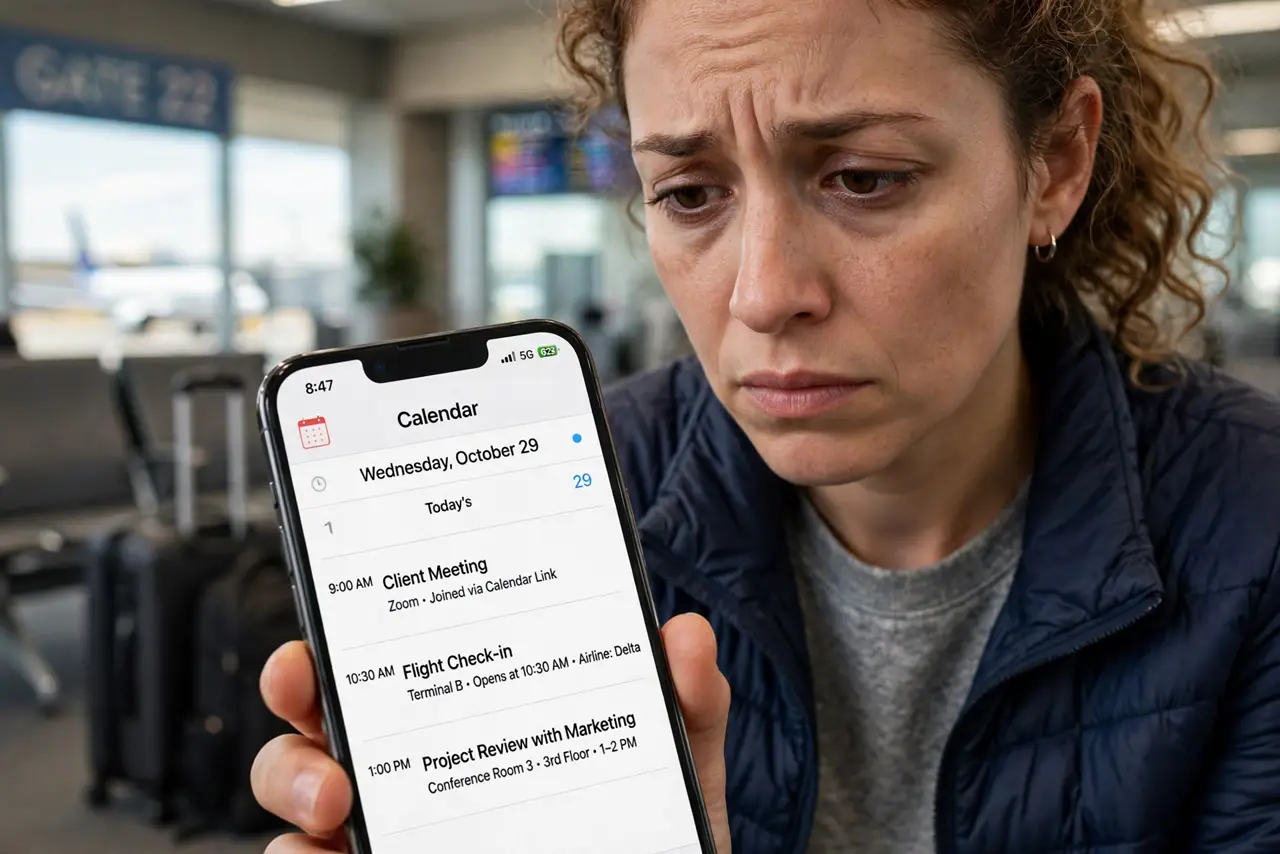
Cross a few time zones and your calendar can quietly shift every meeting to the wrong hour. The mess usually comes from events saved without a time zone or a phone that never updated its zone. This guide shows how to untangle events saved in the wrong zone and keep times stable on future trips.
TL;DR / Quick Fix
Turn on your phone's automatic time zone, then check each shifted event against its real local time and fix the zone, not just the hour. For flights and calls, put the city in the event title. After landing, confirm tomorrow's first meetings before trusting the calendar.
Follow these steps
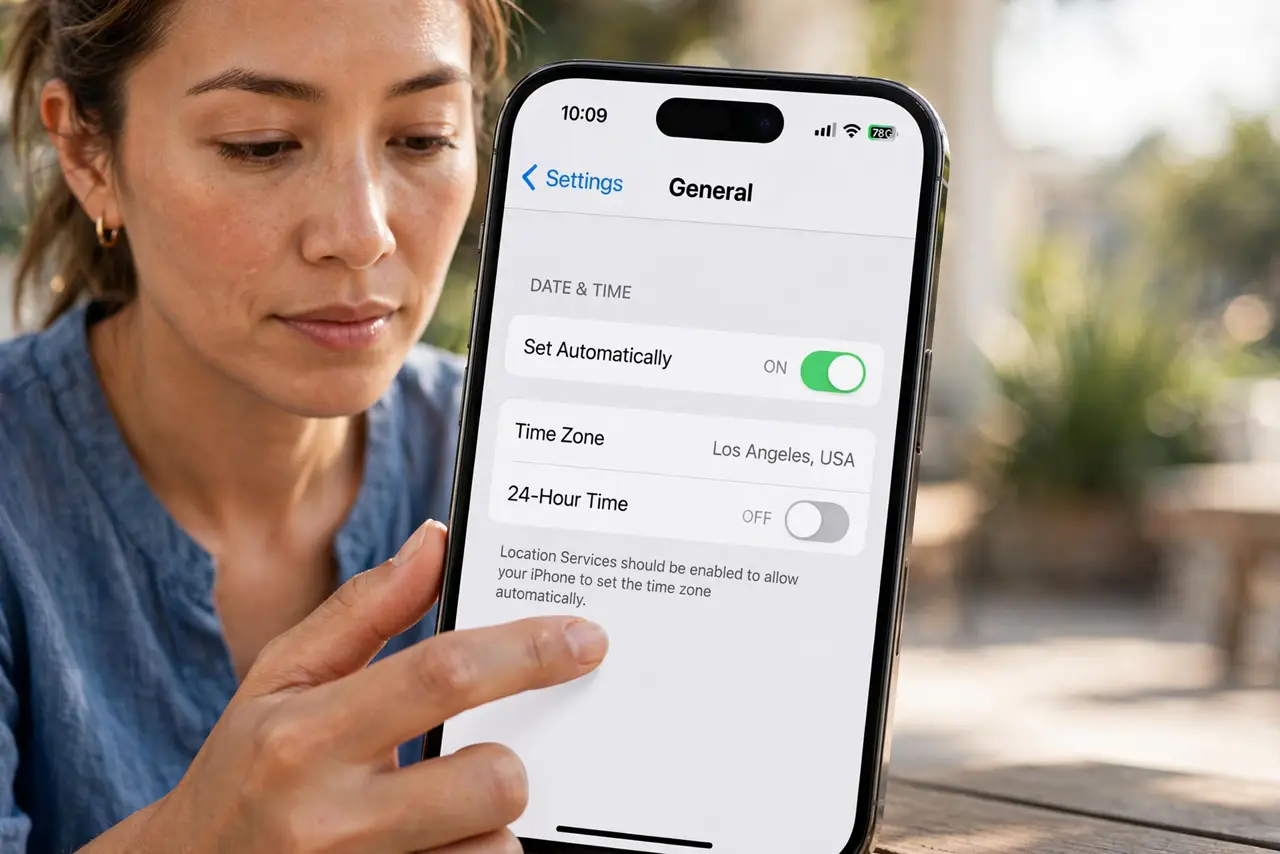
- Turn on automatic time zone. On your phone, enable automatic date, time, and time zone. A phone stuck in your home zone is the most common source of shifted events.
- Find which events actually moved. Compare a few meetings against their confirmations or the organizer's invite. Events that moved by exactly the zone difference are zone problems; events that moved randomly may be duplicates.
- Fix the time zone, not the hour. Open the broken event and change its time zone field to the correct city, keeping the intended local hour. Changing only the hour leaves the zone wrong and it will shift again.
- Label travel events with their city. Put the city in the title, like Call with Ana — 3pm Lisbon. A city label makes the intended zone obvious even if the zone field gets confused.
- Check recurring meetings separately. Recurring events store their zone differently from single events, so verify at least one future occurrence. A series that was fine at home can drift after a zone change.
- Confirm the next day after landing. Once the phone settles on the new zone, open tomorrow's first meetings and sanity-check them against reality. Do this before bed, not five minutes before the meeting.
What NOT to do
- Do not fix times by nudging the hour. If the zone field is wrong, the event will shift again the next time anything syncs.
- Do not turn off automatic time zone to freeze the times. That only hides the problem and breaks new events you create on the trip.
- Do not delete and recreate every shifted event in a panic. Fix the zone on the originals, or you will create duplicates that haunt the calendar.
- Do not trust all-day events across zones. An all-day event can start or end on the wrong calendar day when zones change, so double-check those.
Frequently asked questions
Why did all my meetings move by three hours?
Your events kept their home-zone time while the display switched zones — or the reverse. Fixing the zone field on each event restores the right hours.
Should I set events in my home zone or the local zone?
Use the zone where the event actually happens, and put the city in the title so the intent survives any display confusion.
Do flight times shift too?
Airline times are usually local to each airport already, so write both cities in the event and double-check against the booking.