Caps Lock Light Stuck On? Fix It Safely
When the Caps Lock light stays on, every letter comes out in capitals and passwords keep failing. The cause is often a stuck key, a setting, or a keyboard problem, and you can narrow it down in a few minutes.
TL;DR / Quick Fix
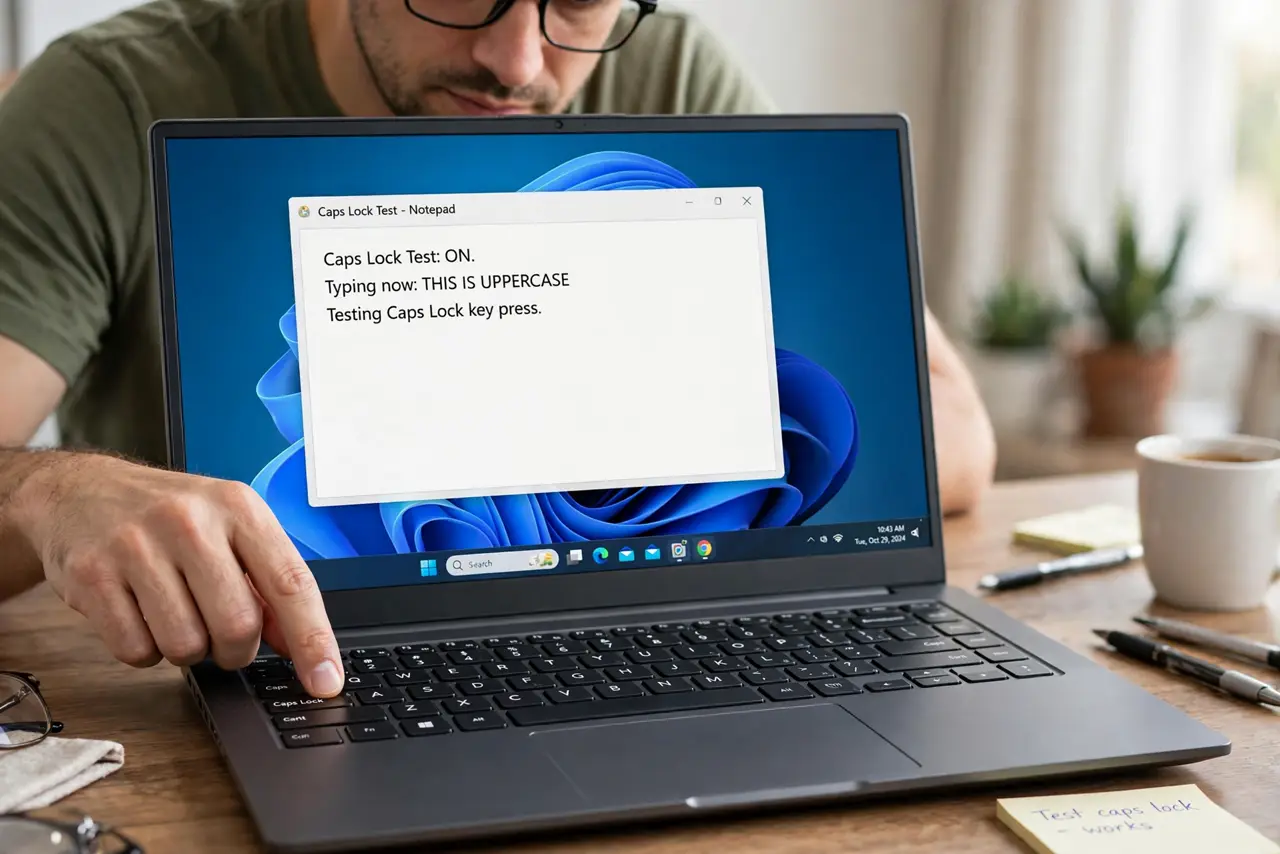
Quick fix: tap Caps Lock once and watch the light, then type a test sentence to see if letters are still capital. If the light stays on, unplug the keyboard or restart once, then check the on-screen keyboard to see whether the key itself is stuck.
Follow these steps
- Tap Caps Lock once and test. Tap Caps Lock once, then type a short test sentence in a blank document. If letters are now lowercase, the key was simply left on and the problem is solved.
- Check for a physically stuck key. Look at the Caps Lock key and press it a few times. If it feels jammed, tilted, or does not spring back, clean around it gently and try again before changing any setting.
- Try the on-screen keyboard. Open Settings, then Accessibility, then Keyboard, and turn on the On-screen keyboard. Press its Caps Lock key and watch whether the light and the typing change.
- Try a different keyboard if you can. If you use an external keyboard, unplug it and try the laptop keyboard, or borrow another keyboard for a minute. If the problem follows the keyboard, the keyboard itself is the cause.
- Restart once to clear a stuck state. Save your work, then restart the computer. A restart clears a temporary key state that a single tap cannot fix, and it rules out a one-time glitch.
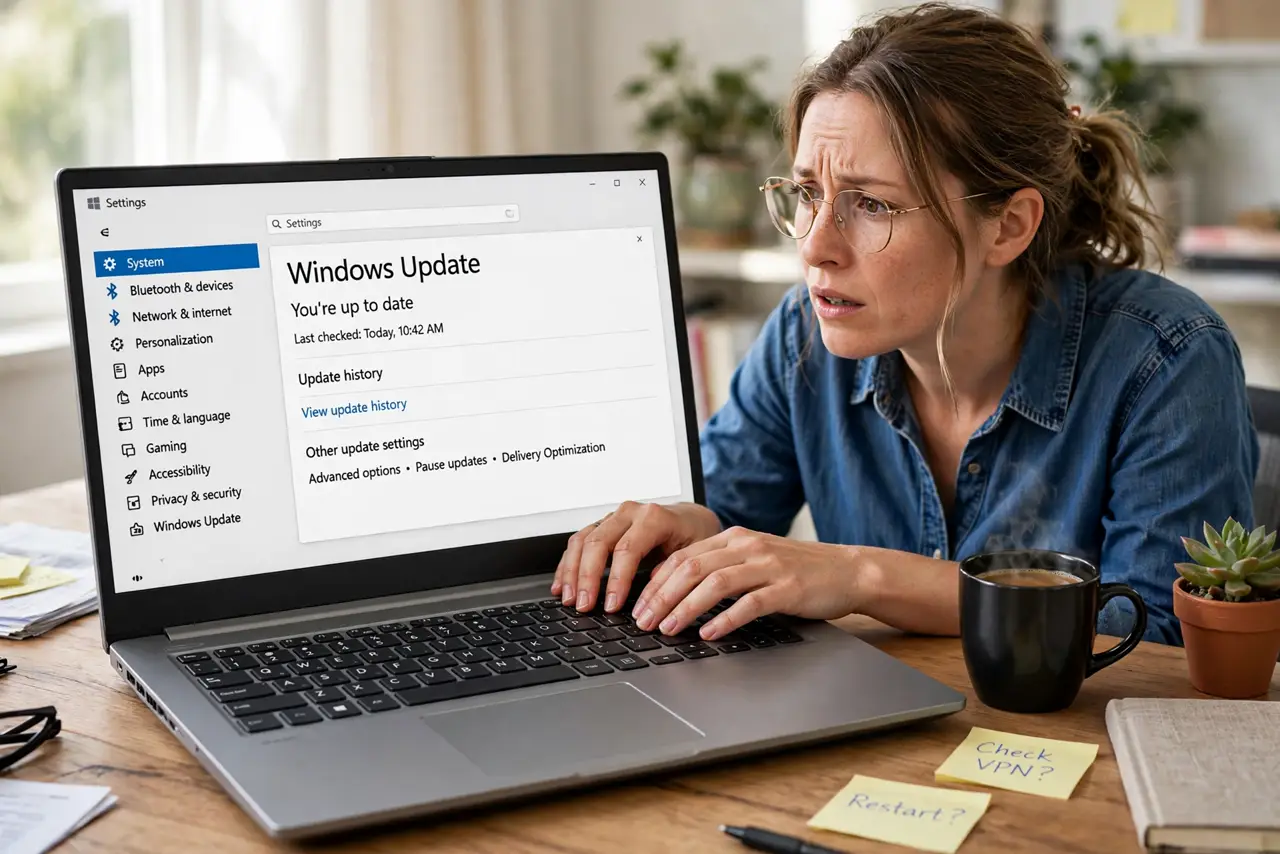
- Check Ease of Access key settings. In Settings, then Accessibility, then Keyboard, review the sticky and filter key options. Turn off anything you did not choose yourself, then test typing again.
What NOT to do
- Do not pry a laptop key off with force. Laptop keys break easily, and a broken key is a bigger repair than a stuck setting.
- Do not change keyboard language or region settings at random. A wrong layout can make typing stranger, not better, and hides the real cause.
- Do not type passwords repeatedly while Caps Lock is on. Each failed attempt can lock an account, so fix the typing first and then sign in.
- Do not pour cleaner or water on the keyboard. Liquid can damage the keyboard and the computer underneath it.
Frequently asked questions
Why is everything I type in capitals?
Caps Lock is on, so letters come out uppercase. Tap the key once and type a test sentence to confirm it switched off.
The light stays on but typing is normal. What then?
The light or the keyboard may be faulty. Try another keyboard to see whether the problem follows the keyboard or the computer.
Can a setting keep Caps Lock on?
Yes. Accessibility key options and some keyboard software can hold the state, so check those settings if tapping the key does nothing.