Set Up an Ergonomic Desk
Neck stiff by lunch, shoulders up around your ears, wrist aching by Friday — your desk is doing that to you, not your age. Ergonomics is just fitting the workspace to your body instead of the other way around. A few measured adjustments fix most desk pain without buying anything.
TL;DR / Quick Fix
Quick fix: raise your monitor so the top of the screen is at eye level, keep elbows near 90 degrees, and plant both feet flat on the floor. Most desk pain comes from hunching down to a low screen. Fix screen height first — it solves half of all complaints.
Follow these steps
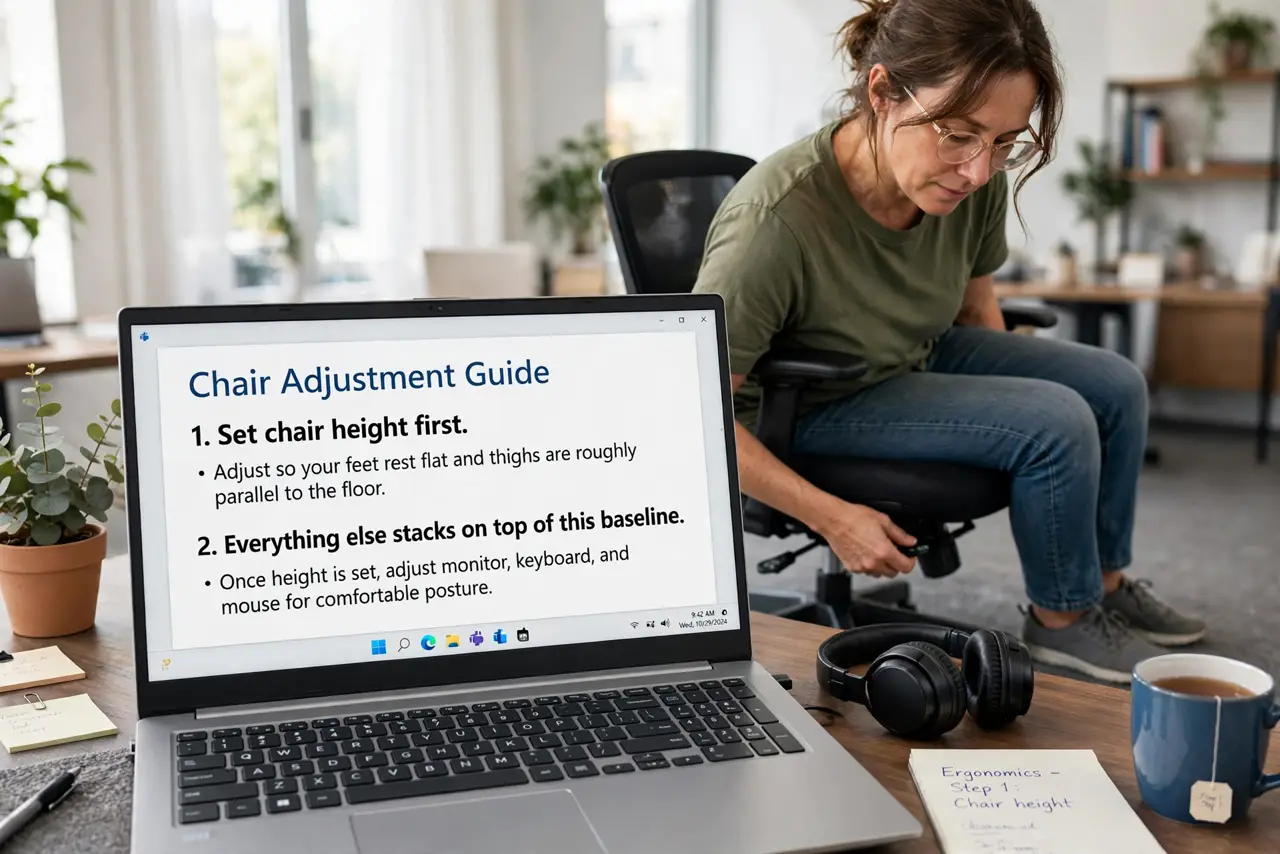
- Set chair height first. Adjust so your feet rest flat and thighs are roughly parallel to the floor. Everything else stacks on top of this baseline — see the chair adjustment guide.
- Raise the monitor to eye level. The top of the screen should sit at or just below eye level, about an arm's length away. Stack books under it if you must — a monitor arm is the proper fix.
- Position the keyboard and mouse. Elbows near 90 degrees, wrists straight and floating, mouse close to the keyboard. Reaching forward all day is what kills shoulders.
- Check your keyboard choice. If wrists hurt, an ergonomic keyboard with a split or tented design can help — but position fixes come first.
- Mind the light. Avoid glare on the screen and harsh overhead light. Screen brightness should roughly match the room.
- Build movement in. No posture survives eight frozen hours. Stand, walk, and stretch regularly — ergonomics plus movement beats perfect ergonomics alone.
What NOT to do
- Do not buy gear before fixing basics. A 300-dollar chair cannot fix a monitor sitting six inches too low.
- Do not crane your neck down to a laptop. Laptops are the worst ergonomic offenders — raise the screen and add an external keyboard.
- Do not perch on the chair's edge. Sit back so the backrest actually supports you.
- Do not ignore pain that persists. Weeks of aching despite fixes deserves a professional, not another gadget.
Frequently asked questions
What is the single most important adjustment?
Monitor height. A low screen drags your whole spine into a hunch — raising it fixes neck, shoulder, and upper-back pain at once.
Are standing desks more ergonomic?
They add movement, which helps, but a badly set-up standing desk hurts just like a bad sitting one. Setup matters more than sitting versus standing.
Do wrist rests help?
They help during pauses, not while typing — resting wrists on them mid-typing bends the wrist upward. Float while typing, rest during breaks.