Speakers Hum? It's Probably a Ground Loop
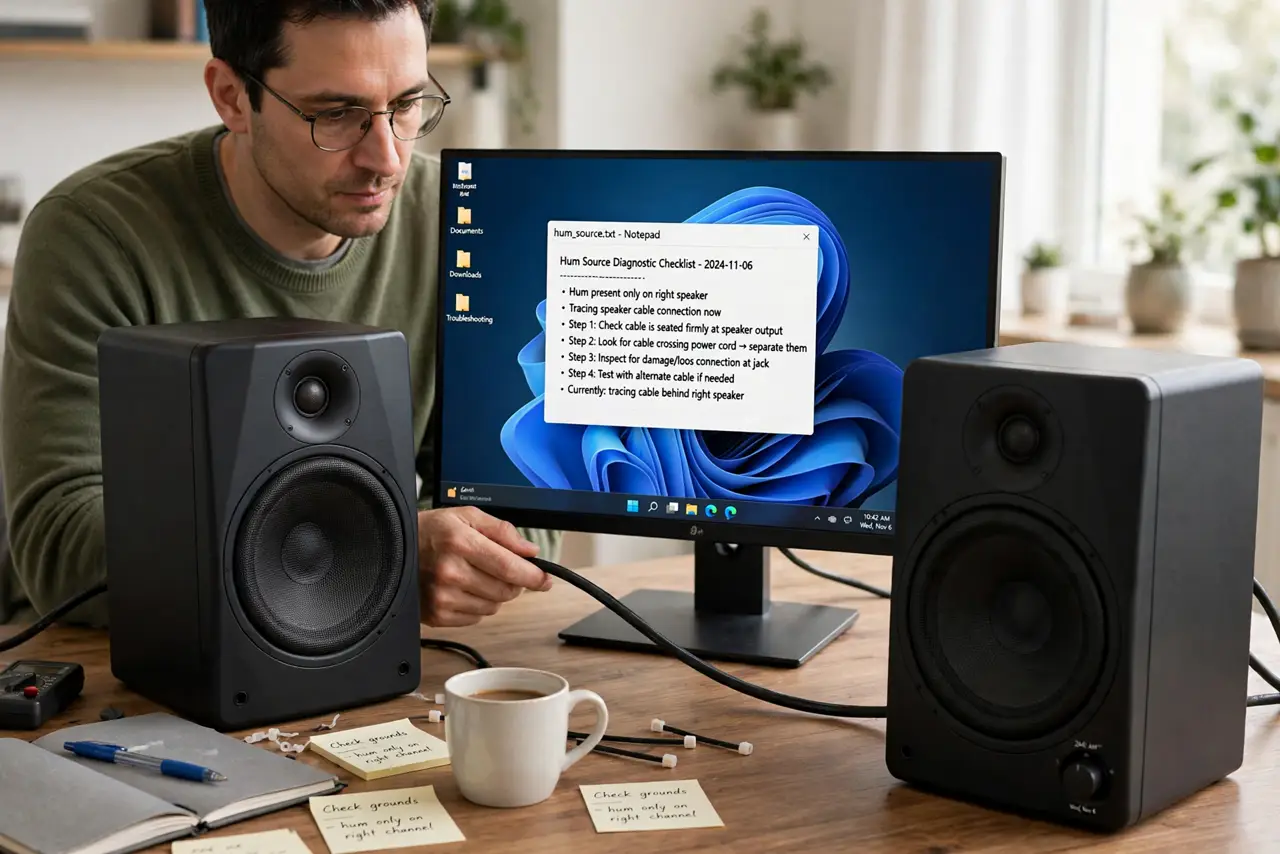
Your desk speakers hum or buzz constantly, even with nothing playing — and the hum changes when you touch the cables. That is the signature of a ground loop: two devices grounded at different points, with the difference humming through your audio. This guide breaks the loop.
TL;DR / Quick Fix
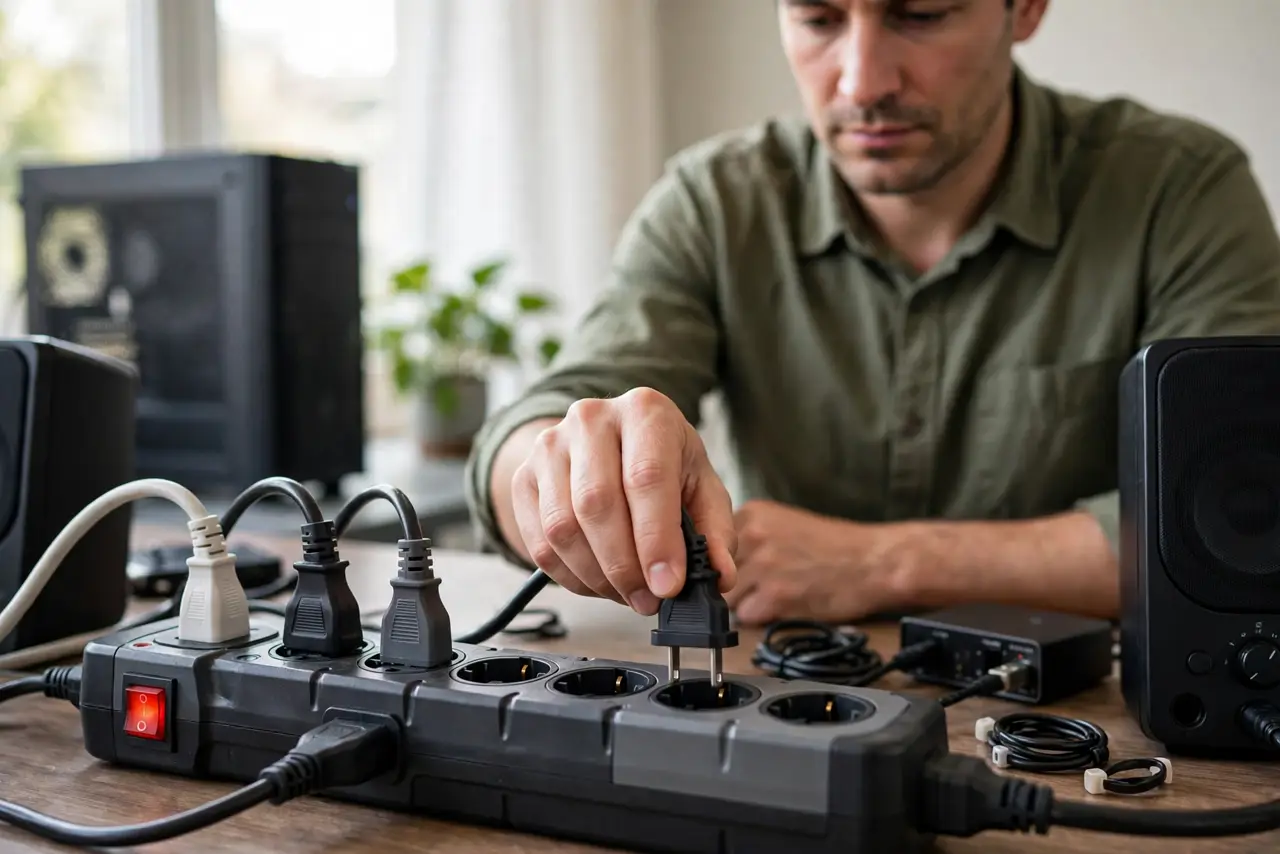
Quick fix: plug the speakers and the computer into the same power strip — a shared ground silences the hum instantly. Then unplug inputs one at a time to find the loop's path. If the hum persists on one shared strip, a ground-loop isolator on the audio cable ends it.
Follow these steps
- Share one power strip. Plug the computer, speakers, and related gear into a single power strip. One common ground point eliminates the voltage difference that hums.
- Unplug inputs one at a time. Disconnect each audio input in turn. When the hum stops, you have found the loop's path — the last-removed cable is the culprit.
- Separate power and audio cables. Route audio cables away from power bricks and adapters. Induced hum from a parallel power cable mimics a ground loop.
- Try a different audio cable. A damaged or unshielded cable picks up hum eagerly. Swap in a shielded cable and keep runs as short as practical.
- Add a ground-loop isolator. A small isolator on the audio line breaks the loop electrically while passing the sound. It is the standard fix when rewiring is impractical.
- Test the speakers elsewhere. Plug the speakers into a phone on battery power. Silence there confirms the loop is in the desk setup, not the speakers — the same isolation test as crackling speakers.
What NOT to do
- Do not remove the ground pin to stop hum. Lifting safety grounds to fix audio is dangerous — never defeat grounding for silence.
- Do not crank the volume to drown the hum. Louder hum plus louder audio helps nothing and risks the speakers.
- Do not assume the speakers are broken. Constant hum that changes with cabling is a loop problem, not a speaker problem.
- Do not coil excess audio cable tightly. Coiled cable acts as an antenna for hum — route slack loosely instead.
Frequently asked questions
What is a ground loop?
Two devices grounded at different electrical points develop a small voltage difference, which the audio path amplifies as a constant hum.
Why does touching the cable change the hum?
Your body becomes part of the ground path, altering the loop. It is the classic tell that the hum is a ground loop.
Will a ground loop damage my speakers?
No, but it is annoying and it masks real audio problems. Fix the loop rather than living with it.