Discord? Plain Basics
Discord started as gamers' voice chat and grew into community headquarters for everything from study groups to open-source projects. It organizes conversation into servers (communities), channels (topics), and voice rooms you can drop in and out of. If group chats feel chaotic, Discord's structure is the antidote -- once you learn the geography.
TL;DR / Quick Fix
Quick fix: Discord organizes communities into servers, with text channels for topics and voice channels for drop-in talking. Join via invite links, mute servers you only read occasionally, and set a clear username and avatar. Start with one or two servers -- more overwhelms fast.
Follow these steps
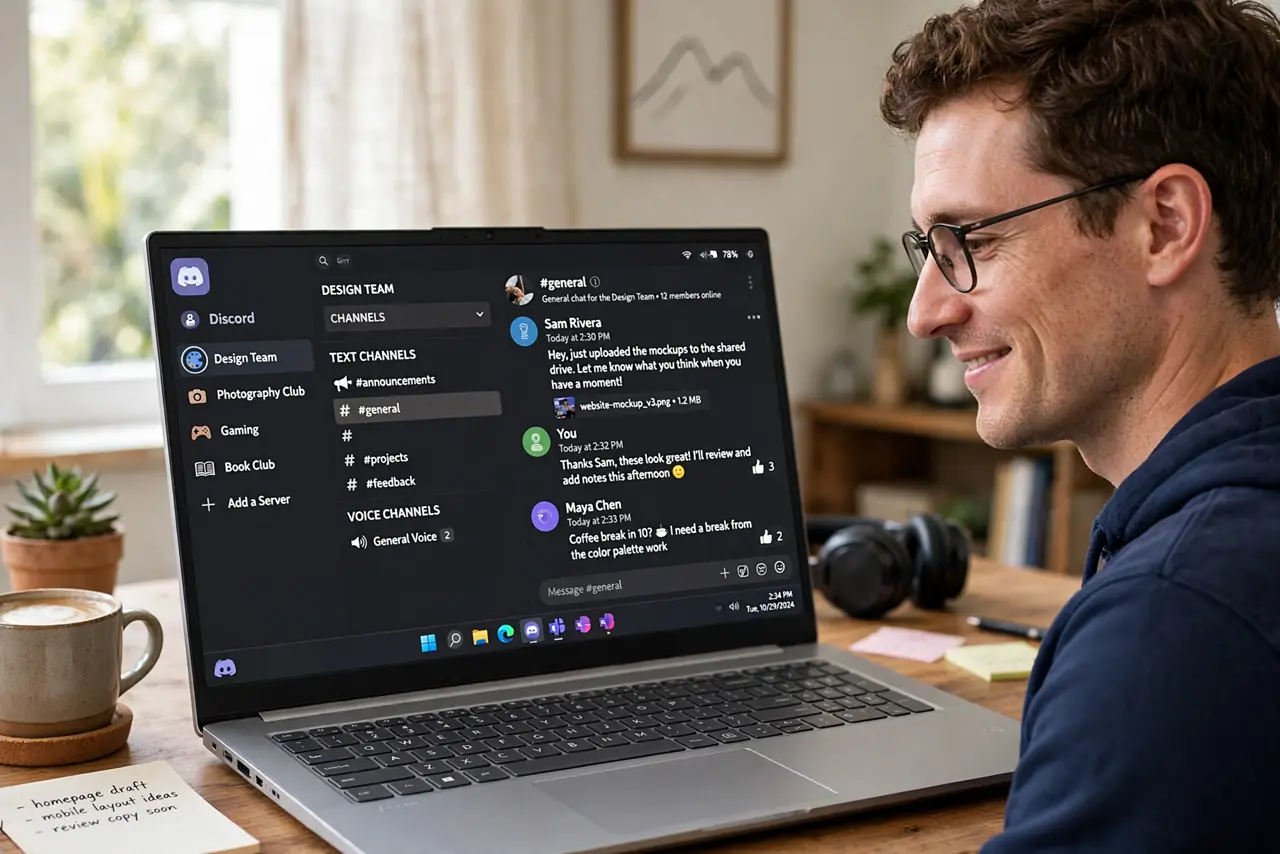
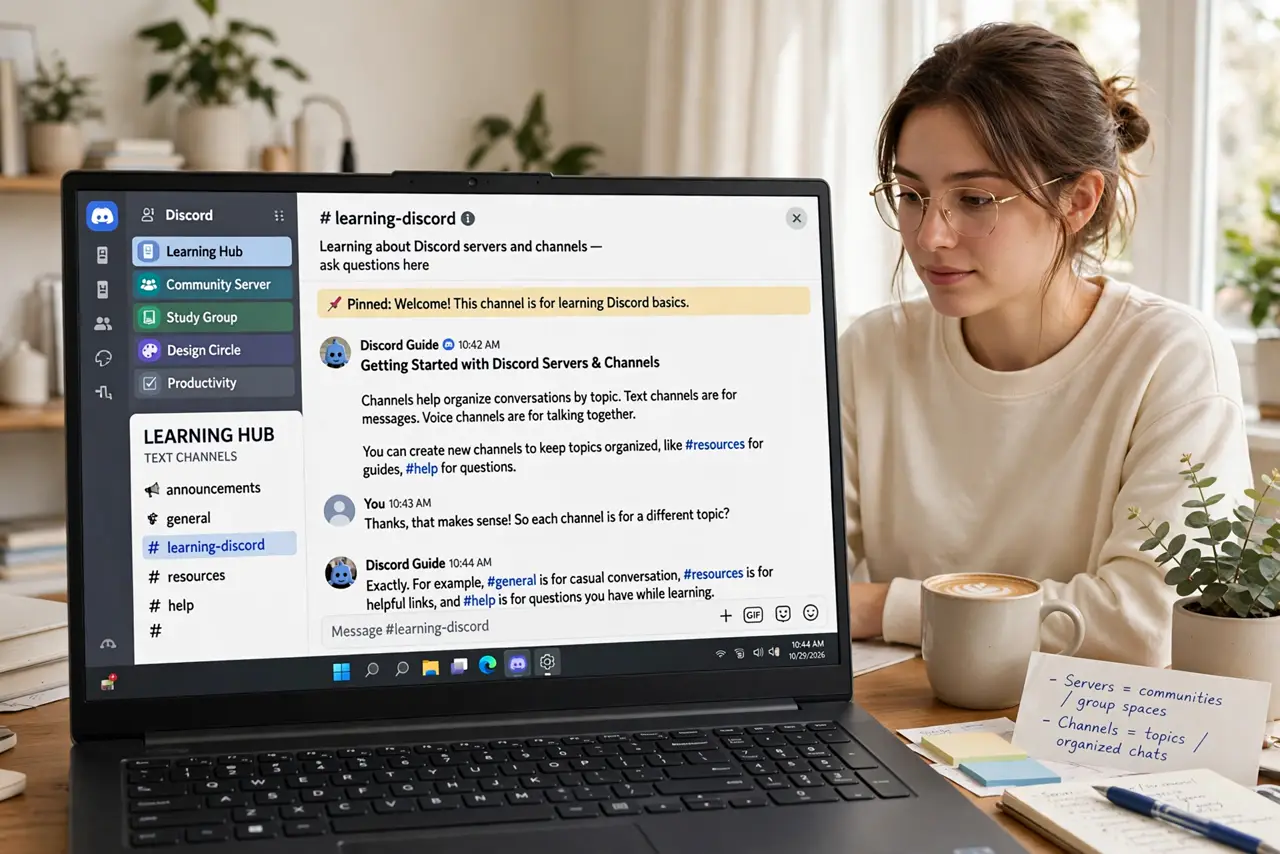
- Understand servers and channels. A server is a community -- a game, a class, a hobby group. Inside, text channels hold topic conversations and voice channels hold live talking. The structure mirrors real communities, not one giant chat.
- Join with invite links. Servers are joined via invite links, not search -- someone sends you a link, you click, you are in. Public communities list their invites on their websites; private ones share them directly.
- Mute aggressively from day one. Every server defaults to notifying -- ten servers means constant pings. Mute servers you read casually and keep notifications only for mentions and your most important communities.
- Set up your profile. A recognizable username and avatar matter -- 'xX_gamer_Xx' with the default avatar gets ignored or mistaken for a bot. Servers often require avatars for full participation.
- Learn the voice channel etiquette. Voice channels are drop-in: join when you want to talk, leave when done -- no invite needed. Join muted if just listening, and use push-to-talk in noisy environments.
- Mind server rules. Every decent server pins rules -- read them before posting. Moderation on Discord is swift and often automated; a ban for rule-breaking is rarely appealed.
What NOT to do
- Do not join twenty servers on day one. Notification chaos follows -- start with two or three and grow deliberately.
- Do not post before reading the rules. Each server's culture and rules differ; the pinned rules channel is required reading.
- Do not share personal info in public servers. Big servers are full of strangers -- keep addresses, schools, and real names private.
- Do not trust every DM. Scam DMs -- fake Nitro gifts, phishing links -- are rampant; Discord staff never DM first.
Frequently asked questions
Is Discord free?
Yes -- voice, video, and text are free with generous limits. Nitro (paid) adds bigger uploads, better streaming, and cosmetic perks most people skip.
Discord vs Slack -- which?
Discord for communities and casual groups; Slack for workplaces. Discord is free-form and social; Slack is structured and professional.
Is Discord safe for kids?
With supervision -- public servers expose kids to strangers. Use private servers with known people, strict privacy settings, and regular check-ins.