Hanging Indent? How To
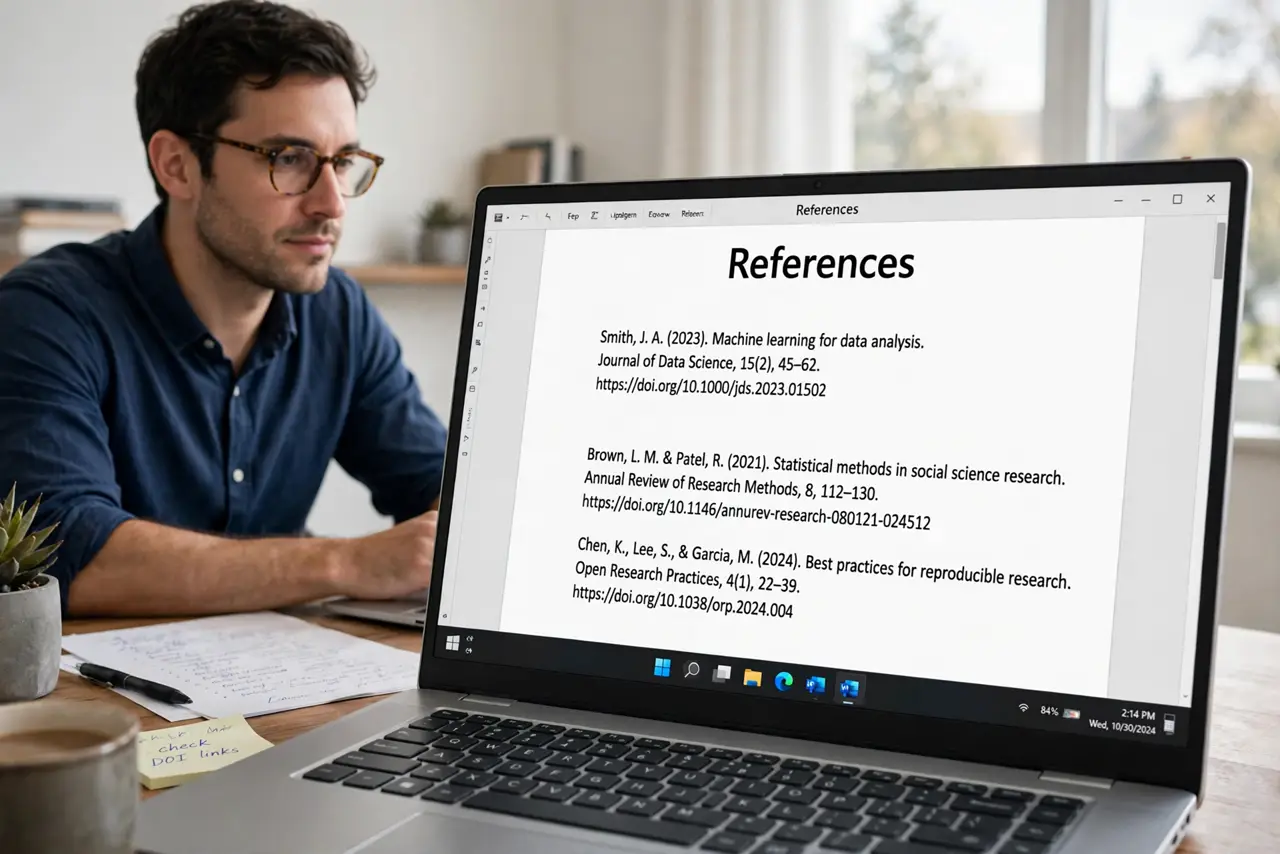
Bibliographies and reference lists need the hanging indent — first line flush left, every line after pushed in. Doing it with spaces or tabs looks right until the text reflows, and then it falls apart. Google Docs has a real hanging-indent control buried in the ruler and the paragraph settings. Here is where it lives.
TL;DR / Quick Fix
Quick fix: select your reference list, then Format, Align and indent, Indentation options. Under Special indent choose Hanging and set it to half an inch. Every paragraph's first line stays left while the rest indents. The ruler's bottom triangle does the same job by dragging.
Follow these steps
- Select the reference list. Drag across every citation. Hanging indent is a paragraph setting, so each paragraph you select gets it.
- Open Indentation options. Go to Format > Align & indent > Indentation options. This dialog holds the Special indent control.
- Choose Hanging. Under 'Special indent,' pick Hanging from the dropdown and set the size — 0.5 inch is the standard for APA and MLA styles.
- Apply and check every entry. Click Apply. Each entry's first line should sit at the margin with the rest indented — scroll the whole list, since one missed paragraph stands out.
- Use the ruler for quick tweaks. Show the ruler (View > Show ruler), then drag the bottom triangle — not the top marker — to adjust the indent visually.
- Pair it with double spacing for citations. Most citation styles want hanging indent plus double spacing. Set both before the list grows long — retrofitting a forty-source bibliography is tedious.
What NOT to do
- Do not fake it with spaces or tabs. The moment text reflows — a translation or a font change — the alignment shatters.
- Do not drag the top ruler marker. That moves only the first line — the opposite of a hanging indent.
- Do not apply it to the whole document. Body paragraphs should not hang; select only the reference list.
- Do not mix indent sizes. Pick 0.5 inch once and keep it consistent across every entry.
Frequently asked questions
What is a hanging indent?
A paragraph format where the first line starts at the left margin and all following lines are indented — the standard look for bibliographies and works-cited lists.
Why do my citations look wrong after editing?
If you faked the indent with tabs or spaces, any edit reflows the text and breaks alignment. Apply the real Hanging setting instead.
Can I set a hanging indent with the ruler?
Yes — show the ruler, select the text, and drag the bottom triangle inward. The top marker stays put, which creates the hang.